


- 1. Key Takeaways
- 2. What Are AI Agents for Customer Service?
- 3. How AI Agents for Customer Service Work
- 4. What Can an AI Customer Service Agent Automate?
- 5. Benefits of AI Agents in Customer Service
- 6. Why AI Customer Service Agent Projects Fail
- 7. Buy a Platform or Build a Custom AI Agent?
- 8. How to Deploy an AI Agent for Customer Service
- 9. How to Measure an AI Customer Service Agent
- 10. How Boomdevs Builds Custom AI Agents for Customer Service
- 11. Frequently Asked Questions
Summarize with
You’ve heard AI agents for customer service will take over your support queue. Partly true. A good agent can find an order, issue a refund, and close the ticket while your team sleeps.
But most rollouts stall long before that. The model is rarely the problem. Your data, your system access, and your handoff rules decide the outcome.
Here’s how AI agents for customer service work, what to automate first, and when building your own beats buying a platform., and when building your own beats buying a platform.
Key Takeaways
- An AI customer service agent doesn’t just reply. It reads your systems, follows your rules, and completes the request or hands it to a person.
- Start with high-volume, rule-based requests like order status, password resets, and plan changes. Keep disputes, complaints, and policy exceptions human.
- Most failures come from thin knowledge, missing system access, and no clean handoff, not from the AI model.
- A platform is enough when your stack is standard. A custom agent pays off when your workflows, data, or compliance needs are your own.
- Measure resolved requests, not deflected ones.
What Are AI Agents for Customer Service?
An AI agent for customer service is software that takes a customer’s request and finishes it. It reads the message, checks your CRM or order system, decides what your policy allows, and acts. If it can’t act safely, it passes the case to a human with the context attached.
Picture a customer typing “I was charged twice.” A chatbot links the billing FAQ. An agent finds both charges, confirms the duplicate, starts the refund, logs it in your CRM, and tells the customer when the money lands.
That difference, acting instead of answering, is the whole point. Gartner predicts agentic AI will resolve 80% of common customer service issues without human help by 2029, cutting operating costs by 30%.
AI Agent vs Chatbot: The Difference That Matters
You’ll see “AI agent” stamped on tools that are chatbots underneath. The test is simple: can it change something in your systems, or only talk about it?
Here’s how the three generations compare:
| Rule-based chatbot | AI chatbot | AI agent | |
| Understands | Keywords and menus | Free-form language | Free-form language plus account context |
| Data access | None or static FAQ | Knowledge base | CRM, billing, orders, tickets |
| Can act | No | Rarely | Yes, within set permissions |
| Handoff | Generic transfer | Transfer, often without context | Transfer with full history and reason |
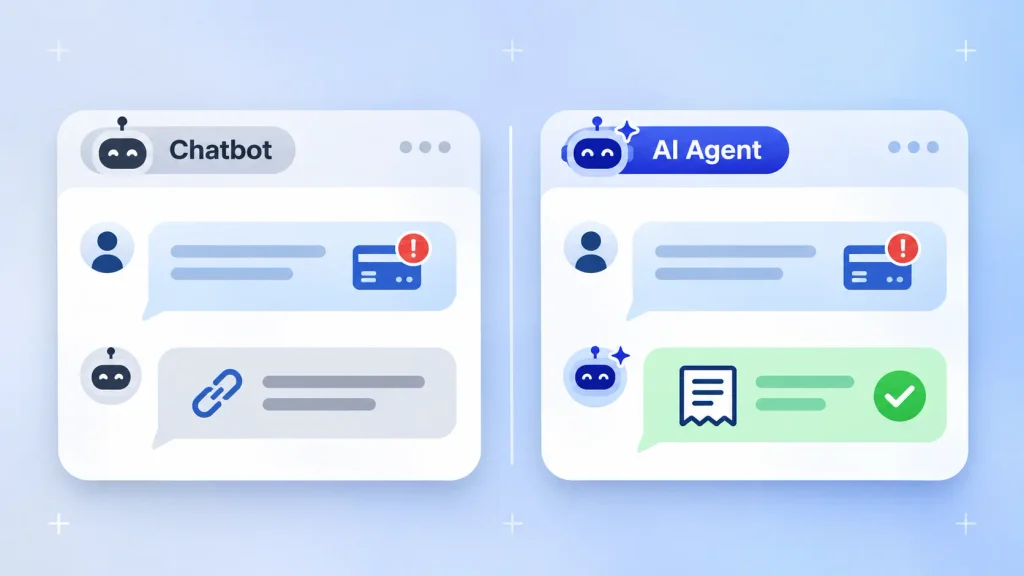
The AI agent vs chatbot choice isn’t always a win for agents, though. A chatbot still has a place for FAQ-heavy sites. If you’re weighing that route, our comparison of a custom AI chatbot vs a chatbot builder covers it, and our AI chatbot development team builds both.
Types of Customer Service AI Agents
Not all customer service AI agents face the customer. Some work behind the scenes for your team. The common types are:
- Customer-facing agents: handle chat, email, or messaging requests end to end.
- Agent assist: sit beside your human reps, pull up account data, and draft replies.
- Voice agents: answer phone calls, verify identity, and complete tasks by voice.
- Proactive agents: reach out first about a failed payment or a delayed shipment.
- Triage agents: read incoming tickets, tag them, and route them to the right queue.
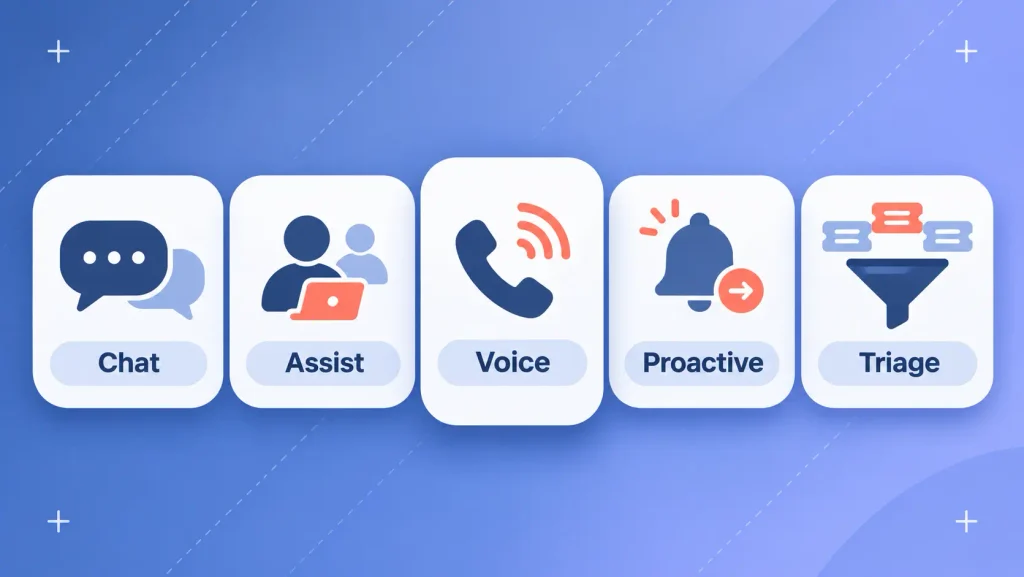
Phone-heavy teams usually start with voice agent development, since calls cost the most per contact. For the theory underneath these categories, see the main types of AI agents.
How AI Agents for Customer Service Work
Every AI customer service agent runs the same loop, whatever the platform. The quality of each step decides whether the customer gets a fix or a polite dead end.
The loop looks like this:
- Understand the request. The agent reads the message, even when it’s vague or misspelled, and works out the intent.
- Pull context. It checks who the customer is, what they bought, and what happened last time they wrote in.
- Decide within your rules. It compares the request against your policies: refund windows, plan limits, approval thresholds.
- Act or hand off. It completes the task through your systems, or routes the case to a person with a summary.
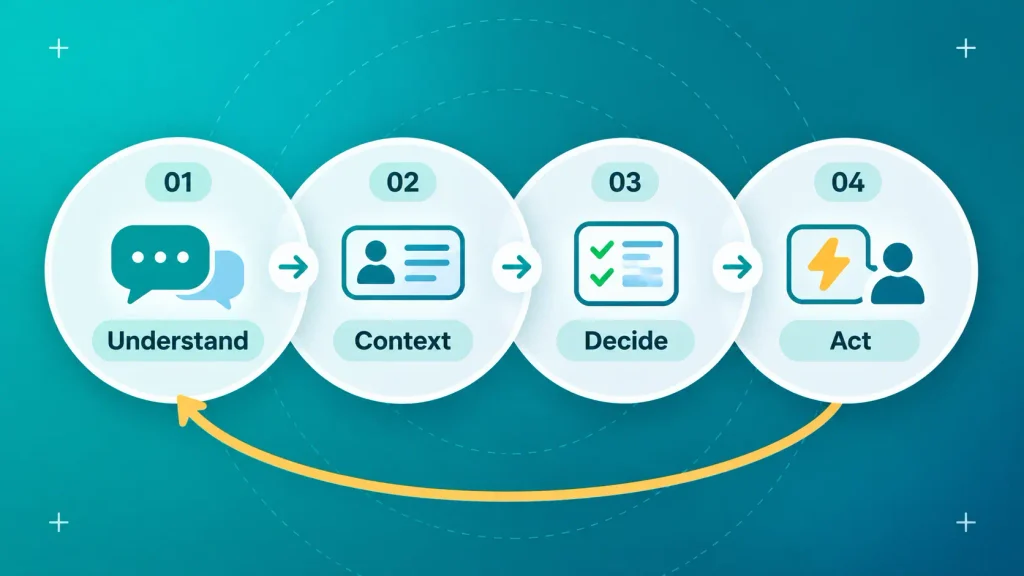
Step two is where most agents quietly fail. An agent with no access to order history can sound smart and still fix nothing.
What Can an AI Customer Service Agent Automate?
An AI customer service agent can automate any request that follows a repeatable pattern and resolves through a system action. Order lookups, password resets, plan changes, and appointment bookings fit well. Anything needing judgment or empathy fits poorly.
Requests Worth Automating First
Pick requests that are frequent, low-risk, and easy to verify. You’ll learn fast and won’t risk your reputation on edge cases.
Here’s a practical starting map:
| Request | Systems it touches | Suggested autonomy |
| Where is my order? | Order management, shipping | Full |
| Password reset or account unlock | Identity, auth | Full, after verification |
| Change or cancel a subscription | Billing, CRM | Full, with confirmation |
| Book or reschedule an appointment | Calendar, CRM | Full |
| Refund within policy | Billing, orders | With approval at first |
| Bug report or outage question | Ticketing, status page | Triage and route |
Notice refunds sit one notch lower. Money moving out of your account deserves a review gate until the numbers prove the agent gets it right. Phone requests follow the same logic, and these real voice agent use cases show where calls automate cleanly.
What Should Stay with Your Human Team
Some conversations should never start with a bot. AI agents can handle complex customer inquiries when “complex” means many steps. They struggle when it means emotion, ambiguity, or a policy exception.
Keep these with people:
- Complaints from upset or distressed customers
- Billing disputes and chargeback threats
- Requests that need a policy exception
- High-value accounts at risk of churning
- Anything with legal, medical, or safety weight
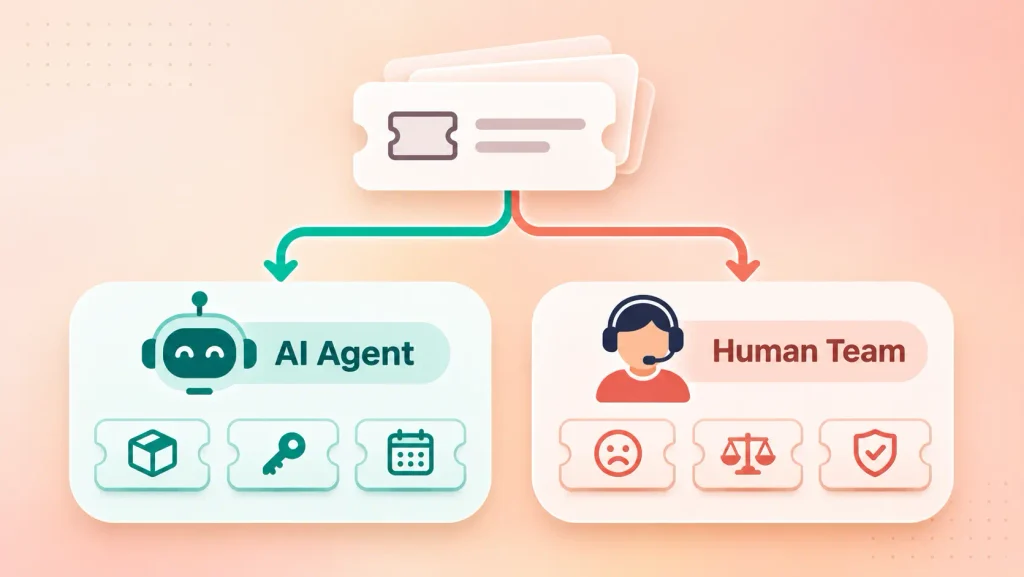
A good agent recognizes these early and routes them fast.
Benefits of AI Agents in Customer Service
The main benefit of customer service AI agents is resolution without waiting. Your customers get answers in the middle of the night, and your team stops spending hours on the same handful of questions.
What you can realistically expect:
- Round-the-clock coverage: no queue builds overnight or on weekends.
- Faster resolution: the agent acts the moment the request arrives, instead of waiting for a free rep.
- Capacity without hiring: volume can grow while headcount holds steady.
- Consistent answers: every customer gets the same policy, applied the same way.
- Better use of your people: reps spend time on the cases that actually need them.
The shift is broad, too. In a Cisco survey of nearly 8,000 business and technical decision-makers, respondents expected 68% of support interactions with technology providers to run through agentic AI by 2028.
One honest caveat: these benefits build on top of a working support operation. If you’re still deciding whether automation fits at all, start with what AI chatbots already do well for businesses.
Why AI Customer Service Agent Projects Fail
Most AI agent projects fail for business reasons, not technical ones. Gartner expects over 40% of agentic AI projects to be canceled by the end of 2027, citing rising costs, unclear value, and weak risk controls.
The same report flags “agent washing.” Gartner estimates only about 130 of the thousands of companies selling agentic AI offer the real thing.
In support specifically, the patterns repeat:
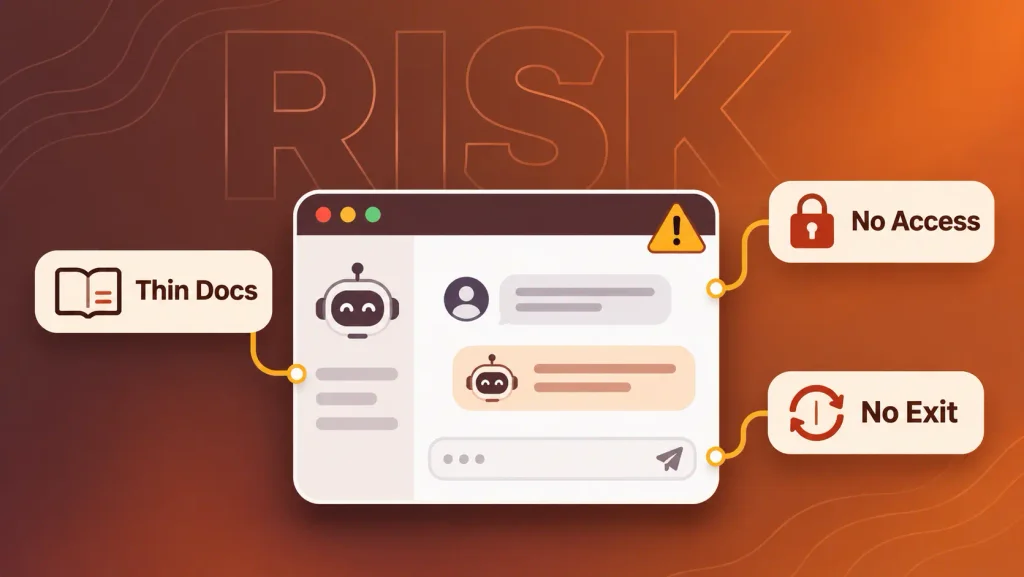
- A thin knowledge base. The agent can only be as accurate as your docs. Stale articles produce confident wrong answers.
- No write access. If the agent can read the order system but not issue a refund, it just creates a ticket for someone else.
- No clean exit. Customers stuck in a loop with no path to a human are the fastest route to a bad review.
- Chasing deflection. A conversation the bot ended isn’t a problem the bot solved. Teams that track deflection often hide failures.
- Too much autonomy too early. Letting the agent act on money or accounts before it has a track record invites expensive mistakes.
Wrong answers stated with confidence deserve special attention. We cover hallucinations and other generative AI challenges in more depth, since they hit support teams hardest.
Buy a Platform or Build a Custom AI Agent?
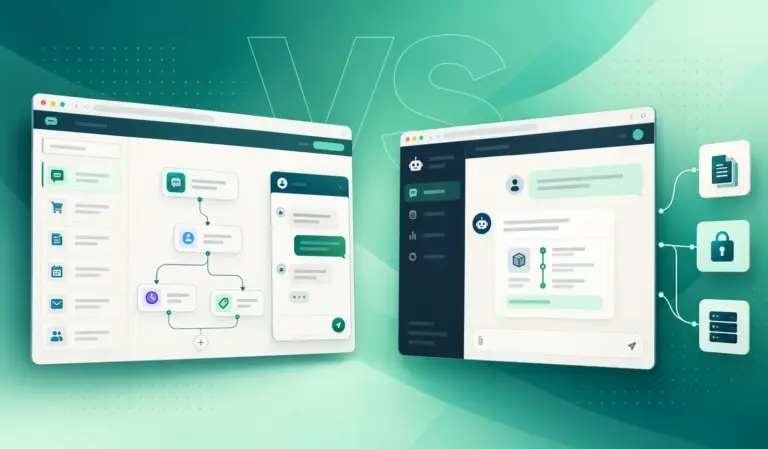
Buy a platform when your support stack is standard and your requests look like everyone else’s. Build a custom agent when your workflows, data sources, or compliance rules are specific to your business. Many teams start with one and move to the other.
In the build vs buy AI agent decision, you have three realistic paths:
| Help desk add-on | AI agent platform | Custom-built agent | |
| Best fit | Teams happy with their current help desk | Mid-size teams with standard tools | Unusual workflows, internal systems, strict compliance |
| Integration depth | Inside that help desk only | Prebuilt connectors | Any system you can reach by API |
| Data control | Held by the provider | Held by the provider | Yours, including where it runs |
| Time to launch | Fastest | Fast | Slowest upfront |
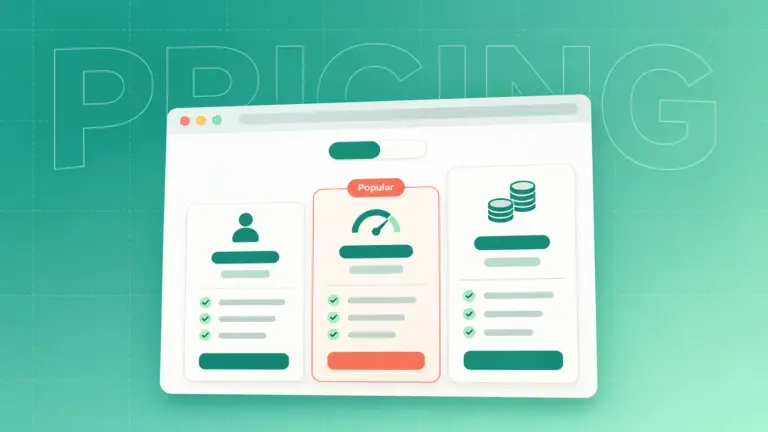
| Pricing model | Per seat plus AI add-on | Per resolution or per conversation | Build cost plus model usage |
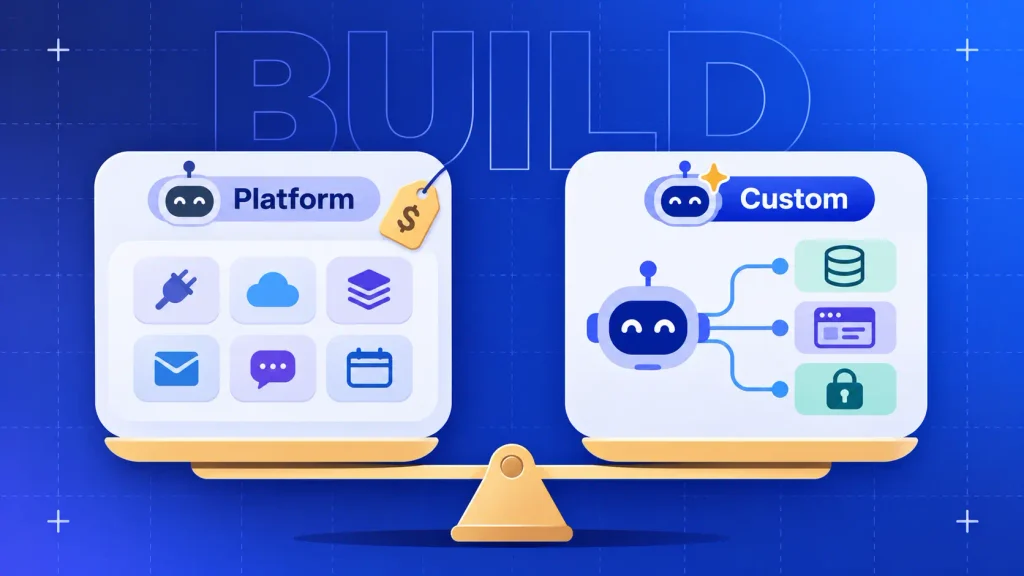
The trade-off mirrors the classic custom software vs off-the-shelf decision. You trade speed today for control later.
When a Platform Is Enough
A platform makes sense when your data lives in mainstream tools and your top requests are generic. If your help desk, CRM, and store already have connectors, you can test quickly and learn what your customers actually ask.
Lighter needs may not need an agent at all. Plenty of FAQ-driven sites do fine with no-code AI chatbot builders.
Watch the pricing model as you grow, though. Per-resolution billing looks cheap at low volume and much less so once you scale.
When a Custom Agent Pays Off
A custom agent earns its cost when off-the-shelf connectors can’t reach the systems that hold your answers. Think internal admin panels, legacy databases, or a product API only your team understands.
It also pays off when:
- Your refund, credit, or approval rules are too specific for a settings page.
- Regulations require you to control where customer data is processed.
- Per-conversation fees would outgrow a one-time build at your volume.
- The agent is part of what you sell, which makes it AI product development rather than a support tool.
If you go custom, decide who builds it. Our breakdown of in-house vs outsourced AI development covers the staffing side, and this list of AI agent development tools shows what a build stack looks like.
Still unsure which path fits? You can book a free consultation with Boomdevs and get a straight answer on whether you need a custom build at all.
How to Deploy an AI Agent for Customer Service
Deploy an AI agent the way you’d onboard a new hire: one narrow job, close supervision, then more responsibility as it earns trust. The steps below work for both platforms and custom builds.
Step 1: Audit Your Tickets and Pick One Workflow
It’s worth exporting the last few months of tickets and grouping them by request type. You’re looking for the category with the most volume and the least judgment.
That single workflow becomes your pilot. Order status and password resets are common first picks. If you’re new to the build side, our guide to building your first AI agent walks through scoping.
Step 2: Clean Up Your Knowledge and Data
Your agent will repeat whatever your docs say, including the outdated parts. You’d rather catch that before launch than after a customer does.
Before you connect anything, check that:
- Help articles for your pilot workflow are current and don’t contradict each other.
- Policies are written as clear rules, with real numbers and conditions.
- Customer records are clean enough to match a person to their orders.
This step feels slow. It’s also where most of your accuracy comes from.
Step 3: Connect Systems and Set Permissions
You’ll want to give the agent exactly what the pilot needs, and nothing more. Read access comes first. Write access comes per action, with limits.
A refund agent, for example, might issue refunds up to a set amount and route anything larger for approval. Logging every action lets you audit it later. Our piece on ethical guardrails for AI agent design covers transparency and data handling in more detail.
Step 4: Design the Human Handoff
The handoff is the moment customers judge your whole system. A clean one feels like good service. A broken one feels like being trapped.
Make sure your agent:
- Tells customers they’re talking to AI.
- Offers a human at any point, without making them argue for it.
- Passes the full conversation, account details, and the reason for escalation.
- Detects frustration and escalates early rather than retrying the same answer.
Good conversation design decides most of this, especially tone and escalation triggers.
Step 5: Pilot with a Review Gate
Run the pilot in stages, raising autonomy only as accuracy holds. This ladder works well:
- Draft mode: the agent writes replies, and a human sends them.
- Approve mode: the agent takes actions, and a human approves each one.
- Act mode: the agent acts alone, and a human reviews a sample daily.
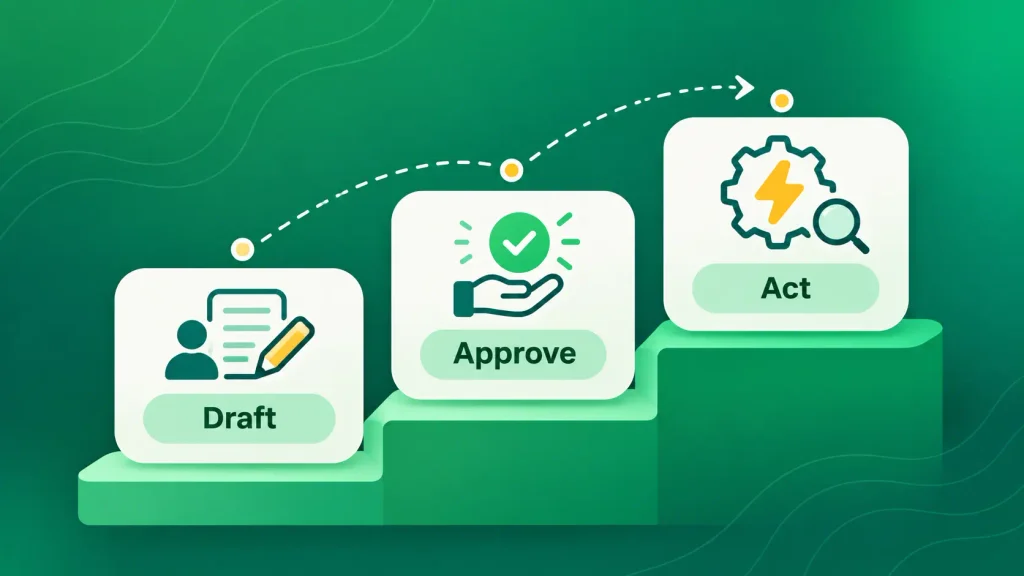
I’d move up a rung only when the numbers support it. It also helps to set your stop conditions before you start, so a weak result doesn’t get explained away.
Step 6: Measure, Then Expand
Compare the pilot against the same workflow’s numbers from before launch. If it beats the baseline, add the next workflow. If it doesn’t, fix the knowledge or permissions before blaming the model.
Expand one workflow at a time. Each new one brings new data, new edge cases, and new handoff rules.
How to Measure an AI Customer Service Agent
Measure AI agents for customer service by how many requests they fully resolve and how customers feel afterward. Volume handled is a vanity number on its own.
Track these together:
| Metric | What it tells you | Watch out for |
| Resolution rate | Requests closed with no human touch | Customers who come back within days |
| Containment rate | Conversations that never reached a human | Customers who gave up |
| Escalation rate | How often the agent hands off | A rate near zero can mean it’s not escalating when it should |
| CSAT on AI conversations | How customers rate the experience | Survey bias toward happy users |
| Cost per resolution | What each fix costs you | Hidden platform or model fees |
| Audited accuracy | Share of sampled answers that were correct | Small samples that miss rare errors |
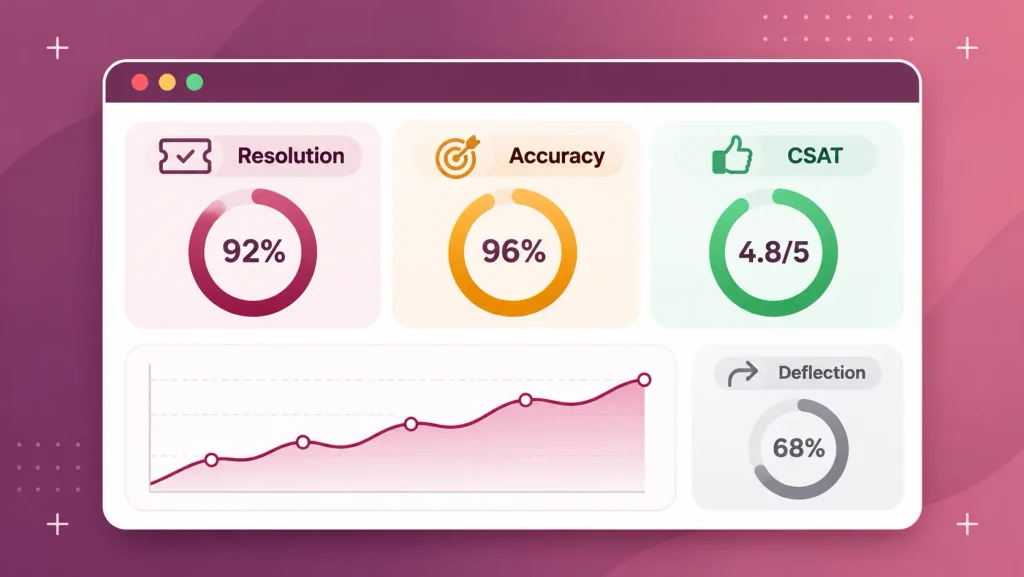
Resolution rate and audited accuracy matter most. A high containment rate with poor accuracy just moves your problem from the queue to your reviews.
How Boomdevs Builds Custom AI Agents for Customer Service
Boomdevs builds AI agents around your systems, not around a template. We start with your ticket data, pick the workflow with the clearest payoff, and connect the agent to the tools that hold the answers, including internal ones a platform can’t reach.
Every agent ships with permission limits, audit logs, and a human handoff your team designs with us. Then we pilot it in stages, using the same review gate described above.
With 3.5K+ projects delivered and Clutch Champion recognition, our team knows the gap between a demo and a production system. If you’re ready to scope one, our AI agent development services page shows how an engagement runs, and you can talk to us about the first workflow worth automating.
Frequently Asked Questions
Can AI Agents Handle Complex Customer Inquiries?
Yes, when “complex” means many steps across several systems, like checking an order, applying a policy, and issuing a credit. They’re weaker when complexity means emotion, ambiguity, or an exception to policy. Route those to people early.
Will AI Agents Replace Customer Service Reps?
Not fully. In an October 2025 Gartner survey, only 20% of service leaders had reduced staff because of AI, and Gartner predicts half of companies that cut support staff for AI will rehire by 2027. Expect your reps’ work to shift toward harder cases instead.
How Much Does an AI Customer Service Agent Cost?
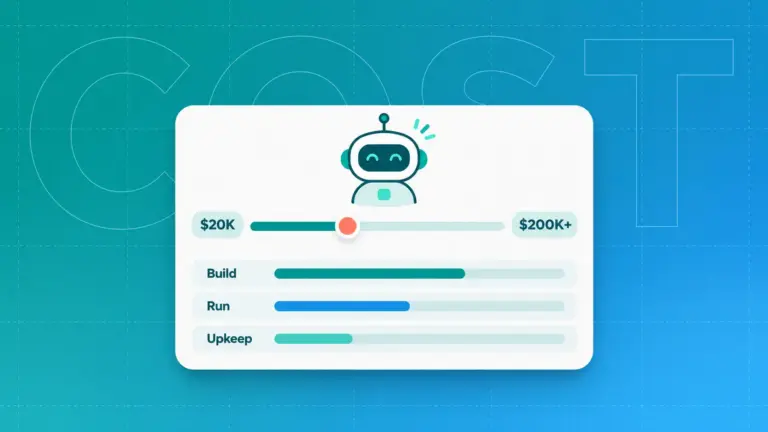
It depends on the path. Platforms usually charge per seat, per resolution, or per conversation, while custom builds carry an upfront cost plus ongoing model usage. For related ranges, see our breakdowns of chatbot build costs and what an AI voice agent costs.
How Long Does It Take to Deploy an AI Customer Service Agent?
A platform connected to a standard help desk can run a pilot quickly. A custom agent takes longer upfront because of integrations and testing. In both cases, cleaning your knowledge base often takes more time than the setup itself.
Are AI Agents Safe with Customer Data?
AI agents for customer service can be safe, if you limit access, log every action, and mask sensitive fields like card details., and mask sensitive fields like card details. Tell customers they’re talking to AI, and check where the provider processes data. Regulated industries often choose custom builds for this reason.