- 1. Key Takeaways
- 2. Custom AI Chatbot vs Chatbot Builder: Head-to-Head
- 3. When a Chatbot Builder Is the Right Call
- 4. When a Custom AI Chatbot Is Worth the Investment
- 5. The Middle Path: Extend a Builder or Go Hybrid
- 6. Total Cost of Ownership: Builder vs Custom Over 3 Years
- 7. Data, Security, and Compliance: What to Ask Before You Commit
- 8. Switching Later: What Leaving a Chatbot Builder Really Costs
- 9. Custom AI Chatbot or Chatbot Builder? A 5-Question Decision Test
- 10. How Boomdevs Builds Custom AI Chatbots
- 11. Frequently Asked Questions
- Is a custom AI chatbot better than a chatbot builder?
- How much does a custom AI chatbot cost compared to a chatbot builder?
- How long does it take to build a custom AI chatbot?
- Can I start with a chatbot builder and switch to custom later?
- Do chatbot builders use the same AI models as custom chatbots?
- Is a no-code chatbot platform secure enough for customer data?
Summarize with
You want an AI chatbot on your site, and you’ve narrowed it to two paths. One is a chatbot builder you could launch this week. The other is a custom AI chatbot built around your systems.
The custom AI chatbot vs chatbot builder question has no universal winner. It turns on what your bot must touch and how many conversations it will carry. Here’s a framework to find your side of that line.
Key Takeaways
- Pick a chatbot builder if your bot answers questions from docs you already have, your volume is modest, and you need it live in days.
- Pick a custom AI chatbot if it must take actions inside your own systems, handle regulated data, or become part of your product.
- Consider a hybrid if you sit in between: keep a builder for the chat window and add a small custom backend.
- Compare total cost of ownership over three years, not the monthly plan price. Usage fees and maintenance flip the math.
- Plan your exit before you sign. Leaving a builder later costs more than most teams expect.
Custom AI Chatbot vs Chatbot Builder: Head-to-Head
A chatbot builder rents you a finished engine that you configure. A custom AI chatbot is software you own, wired into your data and your workflows. That single difference drives every row below.
Here’s how the two compare on the criteria that actually decide the choice:
| Criteria | Chatbot Builder | Custom AI Chatbot |
| Time to launch | Days to weeks | Weeks to months |
| Upfront cost | Low | High |
| Ongoing cost shape | Subscription plus usage | Hosting, model usage, upkeep |
| Customization | Within platform limits | Whatever you design |
| Integration depth | Standard connectors | Any system you run |
| Data ownership | Platform’s terms | Fully yours |
| Who maintains it | The platform | You or your partner |
| Lock-in risk | High | Low |
Read the table top to bottom, and a pattern shows. Builders win on speed and simplicity. Custom wins wherever control matters.
What a Chatbot Builder Actually Is
Picture a hosted chat widget with an AI brain you point at your content. You upload help docs, set a tone, drag a few flows into place, and paste a script on your site.
Most of these tools are sold as a no-code chatbot platform, so your support or marketing team can run one without engineers. A pre-built chatbot goes a step further: it ships already set up for one job, like bookings or FAQs.
Either way, an off-the-shelf chatbot trades flexibility for speed. The real gap between popular AI chatbot builders is how far each one lets you bend those defaults.
What “Custom” Means in 2026
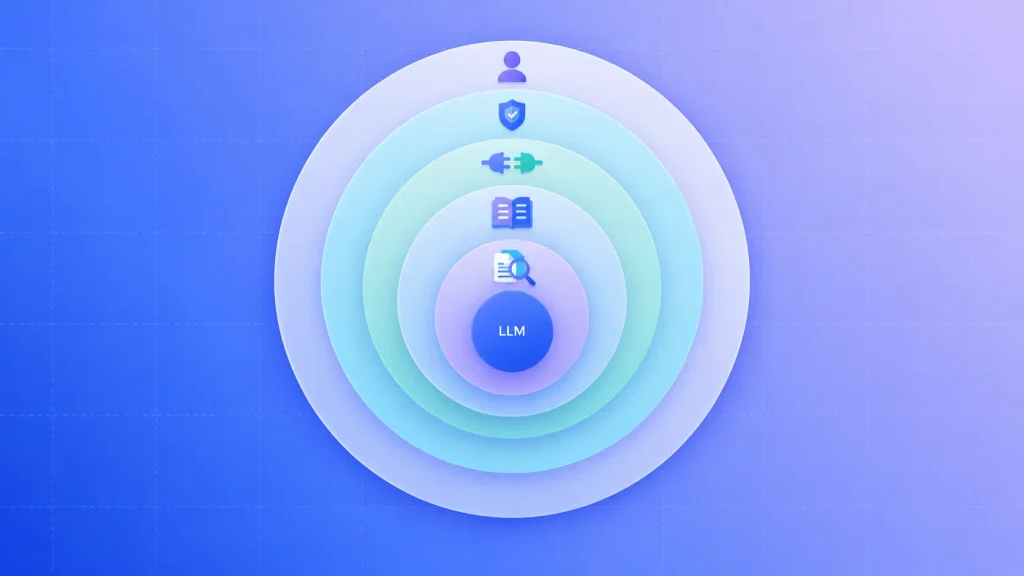
Custom no longer means training your own model from scratch. Today, a custom AI chatbot is usually a strong foundation model, reached through an LLM API, wrapped in software your team controls. The model is the generative AI layer that writes each reply. Everything around it is yours.
A production-ready custom build typically includes these parts:
- Retrieval layer: retrieval-augmented generation (RAG) pulls answers from your knowledge base at question time, so the bot quotes your content instead of guessing.
- Business logic: rules for what the bot may say, promise, or refuse.
- Integrations: live connections to your CRM, order system, or internal tools.
- Guardrails and evaluation: tests that catch wrong or off-brand answers before customers see them.
- Human handoff: a clean route to a person, with the full conversation passed along.
Each piece runs on AI development tools such as orchestration frameworks, vector databases, and evaluation suites. You don’t need to know them to make this decision, but your partner should.
Give that stack the power to take actions, and your conversational AI becomes an AI agent. That shift is coming fast. Gartner predicts 40% of enterprise apps will include task-specific AI agents by the end of 2026, up from under 5% in 2025.
If your roadmap points that way, moving from answering to acting means building an AI agent with tool access, permissions, and a plan for failed actions.
That’s why teams that want it done end to end usually bring in dedicated AI agent development rather than stretching a chatbot tool past its design.
When a Chatbot Builder Is the Right Call
A chatbot builder is the right call when your answers already exist in writing and your bot mostly talks rather than acts. In that case, a platform gets you live faster than any build could, and its ceiling rarely bites.
Where Builders Shine
You’ll get the most out of a builder in these situations:
- Your answers live in docs: FAQs, help articles, and policies a bot can learn from in an afternoon.
- You need it live fast: a launch, a seasonal spike, or a support backlog that can’t wait months.
- You have no engineers to spare: the platform handles hosting, model updates, and uptime.
- You’re still testing the idea: a builder is a cheap way to learn what customers actually ask.
That last point is underrated. Real conversation logs tell you more about what to build than any requirements workshop. Those logs also show stakeholders the business benefits of AI chatbots in your own numbers: deflected tickets, faster replies, and after-hours coverage.
Where Builders Hit the Ceiling
Builders start to strain when your bot needs to reach past its own walls. Standard connectors cover popular tools, but your proprietary system rarely has one.
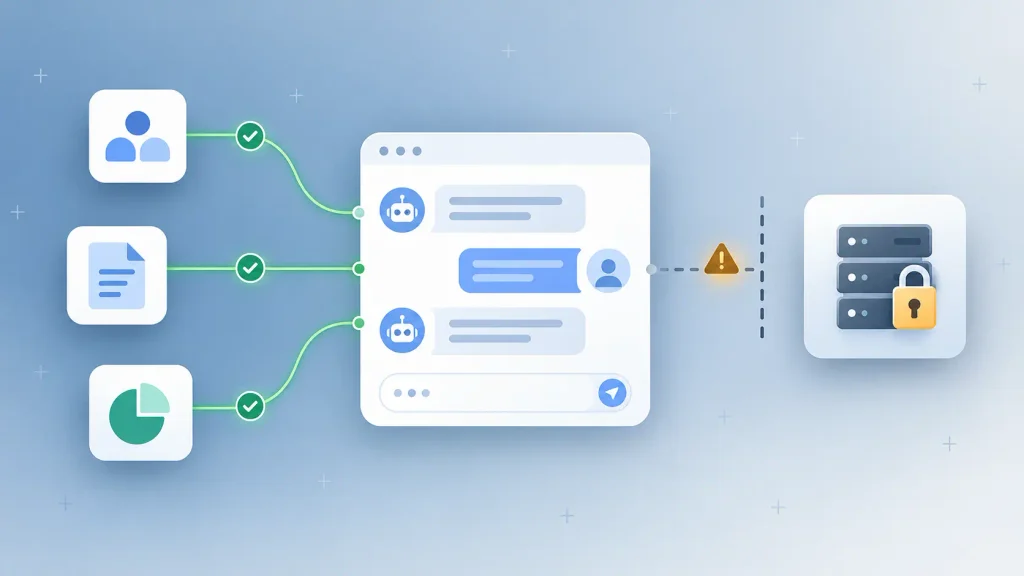
Here’s where the limits usually show up first:
- Live private data: checking an order or account status needs deep CRM integration, often through fragile workarounds.
- Real actions: issuing refunds, changing bookings, or updating records goes beyond what most builders allow.
- Volume pricing: per-resolution pricing and per-message fees look small at launch and grow with every conversation.
- Conversation logic: you can change colors and tone, but rarely the reasoning underneath.
None of these break you on day one. They start to hurt the month your bot succeeds and your usage triples.
When a Custom AI Chatbot Is Worth the Investment
A custom AI chatbot earns its cost when the bot is tied to how your business actually runs. If it needs your data, your rules, and your systems, owning the software stops being a luxury.
Signs You’ve Outgrown a Builder
You’ll usually know it’s time when a few of these sound familiar:
- Your team spends more time on workarounds than on improving answers.
- The bot needs to act inside two or more internal systems.
- Your compliance team won’t sign off on where conversation data lives.
- Monthly platform fees now rival what a small build would cost to run.
- The chatbot is turning into part of your product, not just your support desk.
Hit three or more, and custom AI chatbot development built around your stack usually pays off. If the last sign fits, you’re building a product, not buying a tool. That’s AI product development territory, where you’ll face the same AI SaaS development considerations as any software product: pricing, tenancy, and security.
What You Take On After Launch
Owning the bot means owning its upkeep. A custom chatbot isn’t a project you finish. It’s a system you run.
Plan for this ongoing work from day one:
- Monitoring: reviewing conversations and flagging weak answers every week.
- Knowledge refreshes: updating the knowledge base whenever products, prices, or policies change.
- Model updates: testing and switching models as providers release new versions.
- Conversation tuning: reworking flows where users drop off or get confused.
Solid conversation design for AI chatbots keeps that tuning cheap, because fewer flows break in the first place. Most of the remaining risk sits in familiar generative AI challenges like hallucination and data drift, which is why testing never fully stops.
The Middle Path: Extend a Builder or Go Hybrid
You don’t have to pick all platform or all custom. Many teams keep a builder for the chat window and channels, then add a custom backend for the jobs the platform can’t handle.
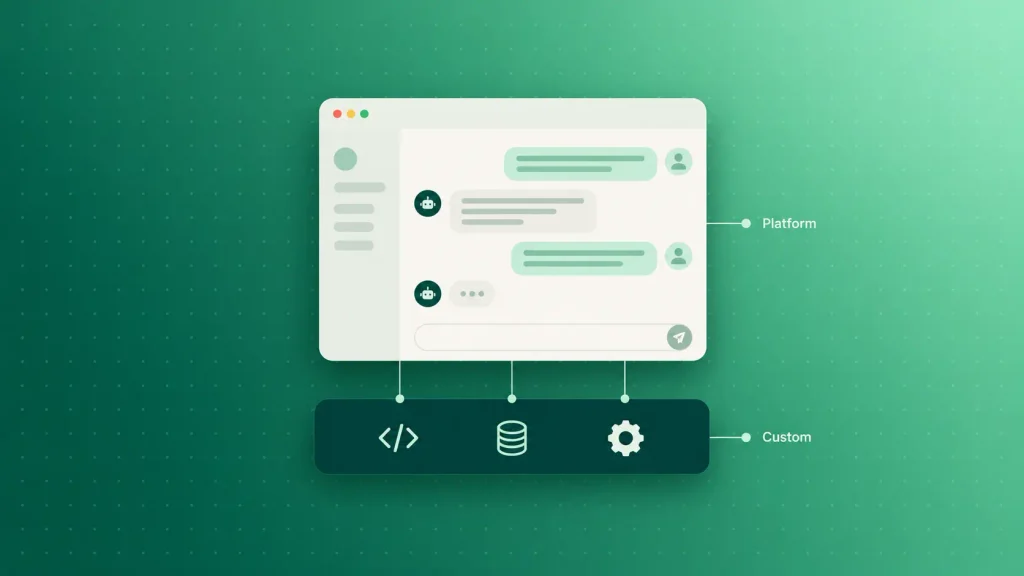
Here’s how the three routes compare:
| Route | What You Own | Best For | Main Trade-Off |
| Builder only | Content and settings | FAQs, lead capture | Low control |
| Builder plus custom backend | APIs, data layer, logic | Standard chat, custom actions | Two systems to maintain |
| Full custom build | Everything | Core product, regulated data | Highest upfront effort |
The hybrid route is often the smartest place to start. You prove the value on a platform, then build only the pieces that earn it.
That connecting work is exactly what AI integration services cover: plugging a model into the systems you already run.
If you later want the backend to take multistep actions, your choice of AI agent development tools and platforms decides how reliably those actions run in production.
Total Cost of Ownership: Builder vs Custom Over 3 Years
The cheapest option in month one is rarely the cheapest over three years. Total cost of ownership adds every fee, hour, and upgrade across the bot’s life, and it’s the only fair way to compare these two paths.
The upside is real if you get it right. Gartner expects agentic AI to cut customer service operational costs by 30% by 2029. That saving only reaches you if the bot’s own running costs don’t swallow it.
Builder Costs That Grow With You
Builder pricing looks simple, but four lines tend to creep up:
- Plan tiers: message caps push you into a higher tier as traffic grows.
- Usage fees: per-resolution or per-message charges scale with every conversation.
- Add-ons: extra channels, analytics, and branding removal often cost more.
- Setup work: someone on your team still writes content, builds flows, and tests answers.
Notice that only the first three show up on the pricing page. The fourth lands on your team’s calendar.
Custom Costs Nobody Quotes Upfront
A custom build has its own quiet line items. Most quotes cover the build and stop there:
- Model usage: every answer costs tokens through the LLM API.
- Hosting and vector storage: servers plus a database for your RAG index.
- Monitoring and evaluation: the tools and hours that catch bad answers.
- Iteration: new features, model swaps, and fixes after launch.
Put both lists side by side, and the shape of each cost curve becomes clear:
| Cost Factor | Chatbot Builder | Custom AI Chatbot |
| Initial setup | Low, mostly configuration | High, design and engineering |
| Cost as volume grows | Rises with every conversation | Rises slower, mostly model usage |
| Maintenance | Included in the plan | Your team or partner |
| Cost to leave | High, rebuild elsewhere | Low, you own the code |
The pattern: builders cost less at low volume, and custom gets cheaper per conversation as volume climbs. Where those lines cross depends on your traffic, so it’s worth modeling your own numbers.
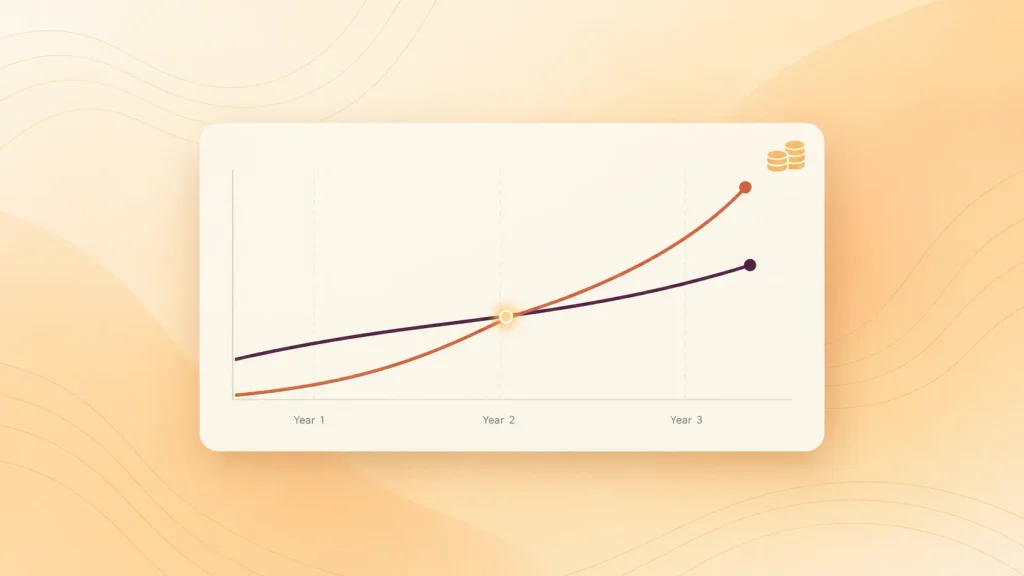
That model follows the same logic as AI product development costs: discovery, build, and running costs each scale differently. If you bring in outside help to scope it, AI consulting rates add another line to the budget.
Voice bots follow the same curve, since AI voice agent costs also rise with every minute handled.
Data, Security, and Compliance: What to Ask Before You Commit
Where your conversation data lives can settle this choice before features do, with a builder, customer messages sit on someone else’s servers under someone else’s policies. With a custom build, data ownership stays with you.
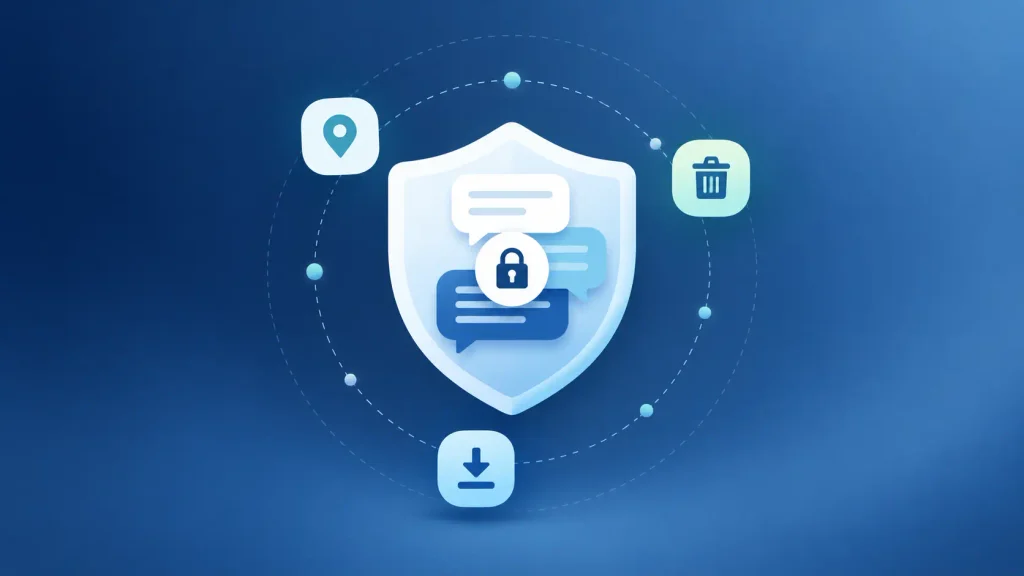
Before you sign with any platform, I’d suggest getting written answers to these questions:
- Where is our conversation data stored, and in which region?
- Is our data used to train shared models?
- How long are chat logs kept, and can we delete them on request?
- Can we export every conversation, prompt, and knowledge source in a usable format?
- Which compliance certifications cover the plan we’re buying?
- What happens to our data if we cancel?
Vague answers to questions two or six are a red flag. If a platform can’t tell you whether your data trains its models, walk away.
Trust matters to your customers as much as to your legal team. A Gartner survey found 64% of customers would prefer companies didn’t use AI in customer service, and difficulty reaching a person was their top worry. Whichever path you pick, a clean human handoff is non-negotiable.
Telling people when they’re talking to a bot, and getting consent for how their data is used, are also core ethical considerations in AI agent design.
Switching Later: What Leaving a Chatbot Builder Really Costs
Leaving a chatbot builder is harder than joining one. Onboarding is designed to be painless, and the cost of exit only shows up when you try. A little planning now is cheap insurance against platform lock-in.
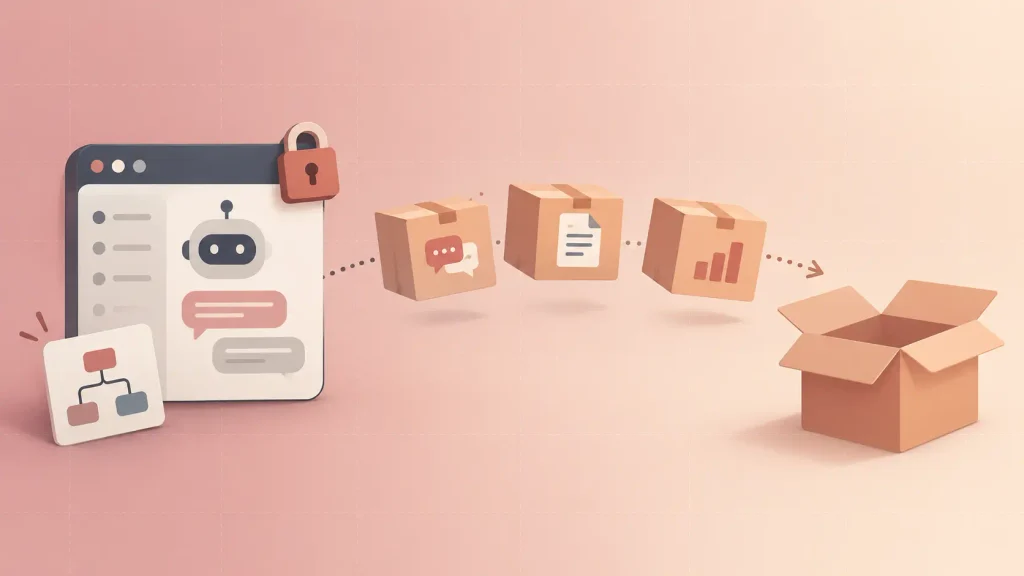
Here’s what you’ll need to carry out, and what usually breaks on the way:
- Conversation history: often exportable, but in formats that need cleanup before reuse.
- Prompts and instructions: platform-specific settings rarely transfer one-to-one.
- Flows and logic: visual flows usually have to be rebuilt from scratch.
- Integrations: every connector gets rewired to the new system.
- Analytics baselines: months of performance data may not come with you.
None of this means you shouldn’t start on a builder. It means you should pick one with a clean export, and keep your knowledge base in a format you control from the start.
Custom AI Chatbot or Chatbot Builder? A 5-Question Decision Test
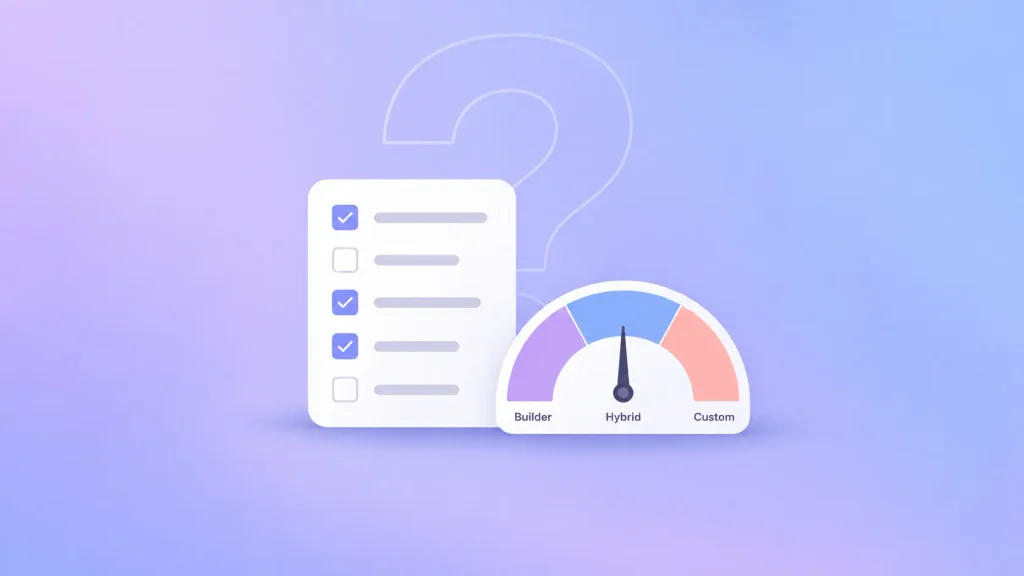
You can settle the build vs buy AI chatbot question with five honest answers. Give yourself one point for every yes:
- Does the bot need to act inside your own systems, not just answer questions?
- Will it handle regulated or sensitive customer data?
- Do you expect conversation volume to grow sharply within a year?
- Is the chatbot part of your product or a real competitive edge?
- Do you have, or can you hire, a team to maintain it?
Then match your score to a route:
| Score | Likely Best Route |
| 0 to 1 | Chatbot builder |
| 2 to 3 | Builder plus custom backend |
| 4 to 5 | Custom AI chatbot |
Treat the score as a starting point, not a verdict. If you land right on a boundary, an outside view helps, as long as you’re picking the right AI consultancy with real chatbot builds behind it.
A short AI consulting engagement can pressure-test the decision before you commit budget.
How Boomdevs Builds Custom AI Chatbots
Boomdevs starts where the decision test does: with what your bot must do, then the lightest architecture that does it well. Sometimes that’s a hybrid. Sometimes it’s a full build.
The process runs in four stages:
- Scope: map the jobs the bot must handle and the systems it touches.
- Prototype: test answer quality on your real data before major spend.
- Build: add retrieval, integrations, guardrails, and human handoff.
- Launch and tune: monitor live conversations and improve from what customers actually ask.
With 10+ years and 3.5K+ projects behind it, the Boomdevs AI chatbot development team builds bots you own and can grow. That can mean expanding from text chat to AI voice agents when your customers want them, with the rest of your AI development under one roof.
Not sure which side of the line you’re on? Book a free scoping call and get a straight recommendation on build, buy, or hybrid for your use case.
Frequently Asked Questions
Is a custom AI chatbot better than a chatbot builder?
Neither is better in general. A chatbot builder wins for standard support and FAQ work that needs to go live fast. A custom AI chatbot wins when the bot must act inside your systems, protect sensitive data, or scale to high volume.
How much does a custom AI chatbot cost compared to a chatbot builder?
A builder costs less upfront, then charges a subscription plus usage that grows with traffic. A custom chatbot costs more to build, then mostly costs model usage, hosting, and upkeep. Compare total cost of ownership over three years with your own volume to see which is cheaper for you.
How long does it take to build a custom AI chatbot?
A builder can be live in days. A custom AI chatbot usually takes weeks to months, depending on how many systems it connects to and how much testing your data needs. Prototyping on real data early is the best way to keep that timeline honest.
Can I start with a chatbot builder and switch to custom later?
Yes, and many teams do. Pick a builder with a full data export, and keep your knowledge base in a format you control. That way, your conversation logs become the blueprint for the custom build instead of something you lose.
Do chatbot builders use the same AI models as custom chatbots?
Often, yes. Many builders run on the same foundation models a custom build reaches through an LLM API. The real difference is control over everything around the model: retrieval, logic, integrations, and data.
Is a no-code chatbot platform secure enough for customer data?
It can be, but it depends on the platform and the plan. Ask where data is stored, whether it trains shared models, and how deletion works. If you handle regulated data and can’t get clear answers, a custom build gives you full control.