Summarize with
You do the same task by hand every week. Sorting messages, formatting reports, answering the same few questions again and again. At some point you think an agent could just do this for you.
Building your first AI agent doesn’t require a dev team or a business plan. It works the same whether you’re doing this solo or as part of a much bigger operation.
Here’s how to build your first AI agent without wasting weeks on the wrong approach.
Key Takeaways
- End result: a single-task agent doing real work, tested and guarded before you trust it with more.
- Timeline: a no-code prototype in days. A custom-built agent closer to two to four weeks.
- The sequence: pick one task, choose a build path, add two to four tools, write instructions and guardrails together, test it hard, then deploy and watch.
- What actually sinks most first agents: skipped guardrails and missing stop conditions, not weak tools or a mediocre model.
What You Need Before You Start
You don’t need to know how to code, and you don’t need a data science team. You need three things: one task worth automating, access to whatever tool or system that task touches (a CRM, an inbox, a spreadsheet), and roughly a week you can spend testing before anyone relies on the output.
What an AI Agent Actually Is
An AI agent isn’t a smarter chatbot. A chatbot answers whatever you type into it, one message at a time. An agent decides what to do next, calls tools to do it, and knows when to stop, without you approving every step.
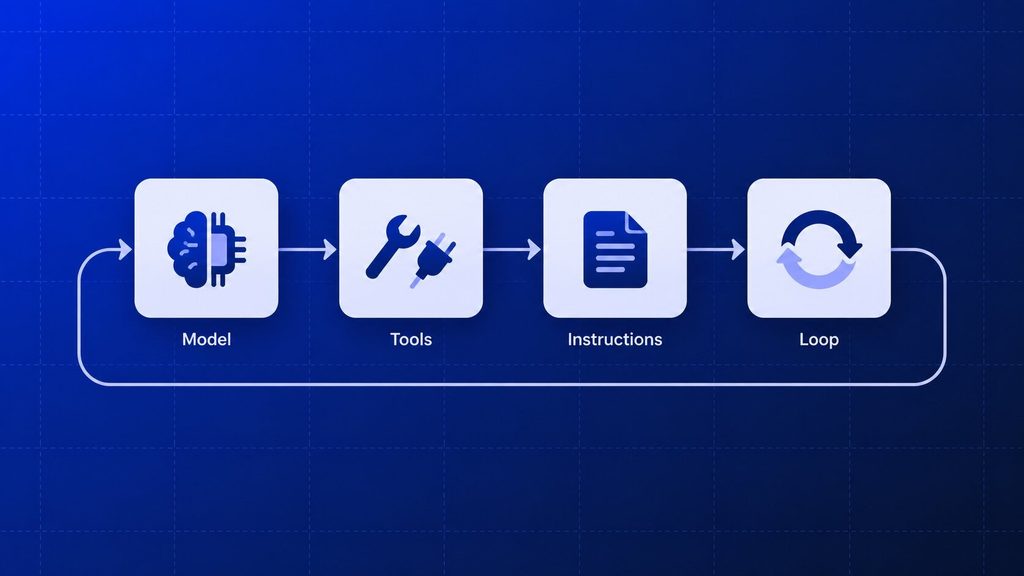
OpenAI’s own practical guide to building agents puts it plainly: an agent is a system that “independently accomplishes tasks on your behalf.” Every agent, no matter the platform, runs on the same four parts:
- A model: the language model doing the reasoning and deciding what happens next.
- Tools: the APIs, databases, or apps the agent can actually touch to gather information or take action.
- Instructions: the rules that keep it inside its lane, including when to stop and ask you.
- A loop: the process that repeats those steps until the task is done or the agent hits a limit.
Miss any one of the four, and you don’t have an agent. You have a chatbot with extra steps.
This distinction matters more than it sounds like it should. The agentic AI market is projected to grow from $7.06 billion in 2025 to $93.20 billion by 2032, and most of that growth is going toward agents doing real, bounded work, not chat interfaces with a new coat of paint.
How to Build Your First AI Agent
Here’s the process, in order. Skipping a step doesn’t save time, it just moves the pain later, usually to production.
Step 1: Pick One Task Worth Automating
Your first agent should do exactly one thing. Not “help with customer support,” but “read incoming support emails, tag the category, and draft a first reply for a human to approve.”
A task is worth your first build if it clears all four of these:
- Single objective: you can describe it in one sentence without an “and.”
- Happens often: you or your team do it several times a week, not once a quarter.
- Measurable: you can say exactly what “working” looks like (under two minutes per ticket, 90% correctly tagged).
- Already manual: you’re doing it by hand right now, so you have a real baseline to beat.
If your first idea fails two or more of these, it’s too big for a first agent. Narrow it before you touch a platform. It also pays to pick an agent type first, since the type decides which build path fits.
Step 2: Choose Your Build Path
You have three real options, and the right one depends on how much control you need versus how fast you want to move.
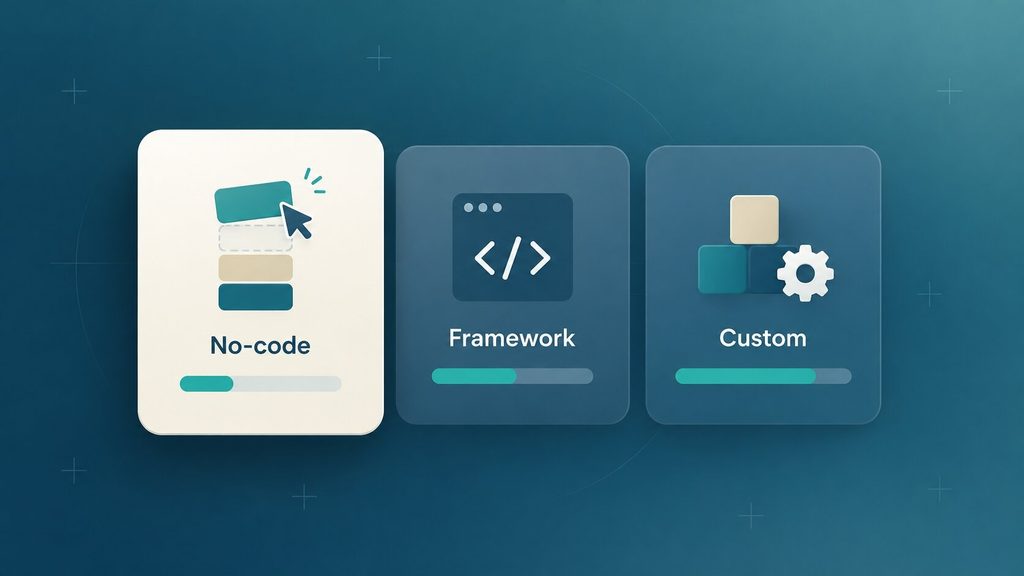
| Build path | Best for | Typical time to first version | Watch out for |
| No-code builder | A single task, no engineering resources yet | Hours to a few days | Limited control once you outgrow the platform |
| Agent framework (code) | A team with developers, needs custom logic | One to three weeks | Requires ongoing maintenance |
| Fully custom build | Regulated data, deep integrations, strict permissions | Three weeks or more | Highest cost and setup time |
For a genuine first agent, start with a no-code builder or a lightweight framework. You want to learn what breaks before you invest in infrastructure. If your task involves sensitive customer data, regulated records, or a system with no API, that’s usually the point where a custom build (or a development partner) makes more sense than duct-taping a no-code tool.
Step 3: Give It Two to Four Tools, Not Twenty
Every extra tool you hand your agent adds a decision it has to make correctly. Start narrow.
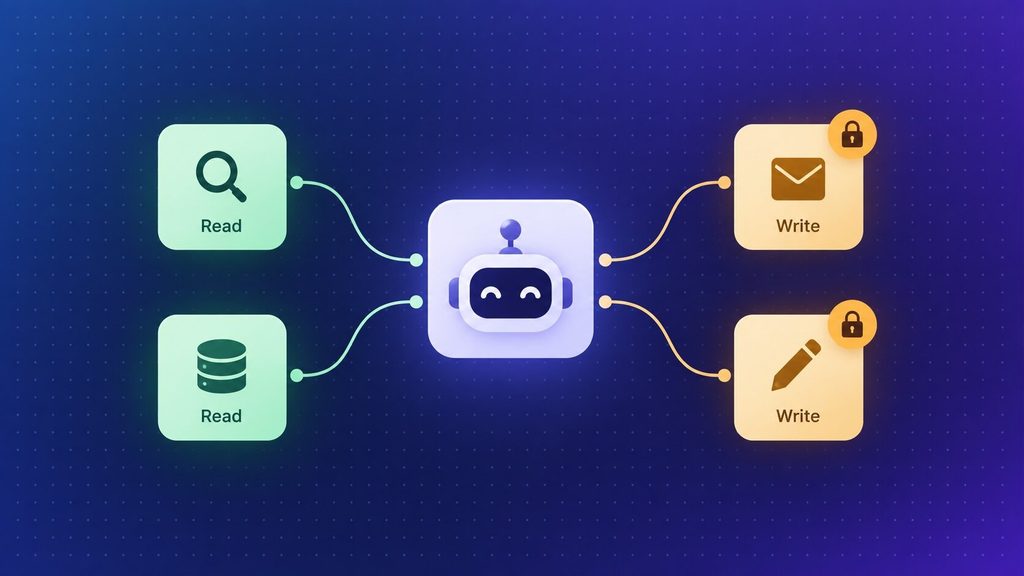
- Pick two to four tools maximum, such as a knowledge base search, a record lookup, and a way to draft (not send) a message.
- Separate read actions from write actions. Looking something up is low risk. Changing a record or sending money is not.
- Gate anything irreversible (payments, deletions, customer data changes) behind a human approval step, at least at first.
You can always add a fifth tool once the first four are reliable. You can’t easily walk back an agent that’s already been given access to something it shouldn’t touch.
Step 4: Write Instructions and Guardrails Together
Instructions are not a casual prompt. Treat them as a job description with limits attached: what the agent should do, what it must never do on its own, and what happens when it’s not sure.
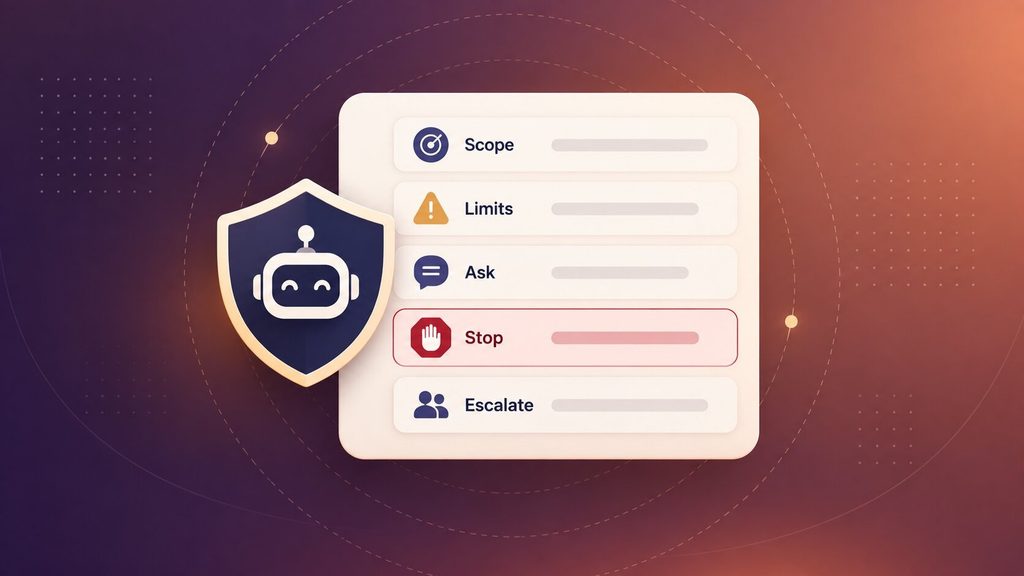
A workable instruction set covers:
- Scope: the one job it’s allowed to do, stated plainly.
- Constraints: actions it must refuse or hand to a person.
- Missing-information rule: ask a specific question rather than guessing.
- Stop condition: the exact signal that means the task is done.
- Escalation: what it does after a tool fails, so it doesn’t retry forever.
Write the guardrails at the same time as the instructions, not after something goes wrong. A rule like “get approval before any refund over $100” is specific enough to follow. “Be careful with money” isn’t a rule at all, it’s a hope.
Step 5: Test It Before It Touches Real Work
Skip this step, and you’ll find out about every edge case from an actual customer instead of a test run. Build a small set of realistic scenarios, including the messy ones, before you let the agent near live data.
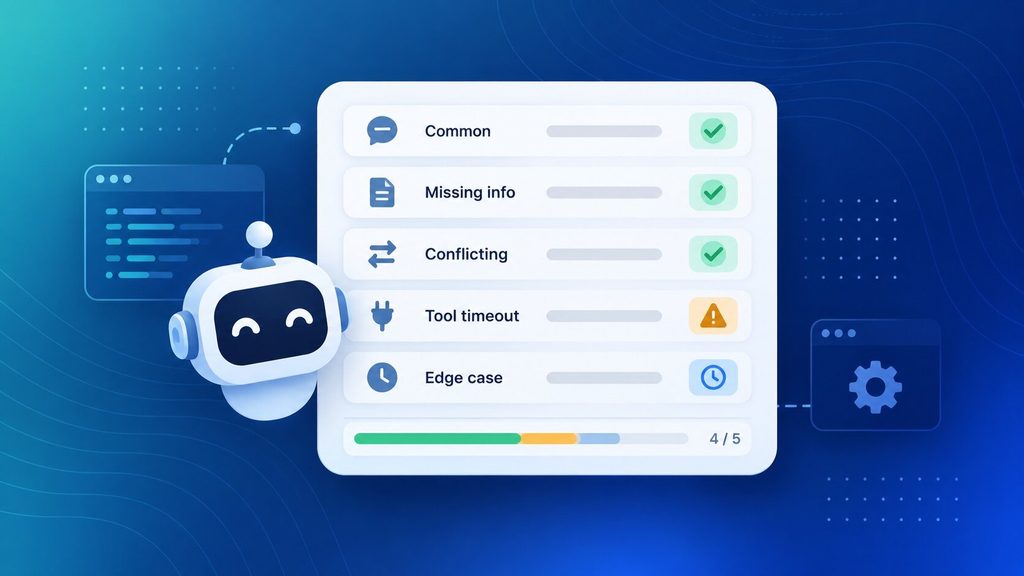
- Common cases: the requests it will see most often.
- Incomplete inputs: what happens when key information is missing.
- Conflicting signals: a message marked “urgent” that your system flags as low priority.
- Tool failures: what it does when a connected system times out.
Twenty to fifty realistic scenarios is a reasonable starting bar. If your agent handles most of them without guessing or looping, it’s close to ready. If it stalls or invents an answer on the hard cases, tighten the instructions before you expand its scope.
Step 6: Deploy, Watch, and Improve
Launch it small on purpose. Give it a limited group of users or a narrow slice of the workload, and log every decision it makes so you can review what happened if something goes wrong.
Review performance weekly for the first month, then move to monthly once it’s stable. Anytime you add a new tool or expand its scope, go back to weekly reviews until things settle again. This isn’t extra caution for its own sake, it’s how you catch a quietly drifting agent before it costs you something.
Common Mistakes That Sink a First Agent
The failures that show up most often have nothing to do with the model you picked.
- Scope creep: the agent starts as “triage support emails” and quietly becomes “handle all of support.” Each new job it takes on makes the others less reliable.
- No stop condition: without a clear definition of done, an agent will keep going, retrying, or asking follow-up questions nobody wanted.
- Skipping guardrails until later: teams plan to “add safety once it’s working,” and by then the agent already has access it shouldn’t.
- Too many tools too early: more tools mean more chances to pick the wrong one, and debugging gets harder with every addition.
- Treating retrieved content as instructions: an agent that reads an email or a document should treat that text as information, never as a command. Skipping this is how prompt injection gets in.
If you only fix one of these before you launch, fix the missing stop condition. It’s the single mistake most likely to turn a helpful agent into an expensive one.
Build It Yourself, or Bring In a Team?
Not every first agent should be a DIY project, and not every one needs an outside team either. The honest answer depends on what’s actually at stake if it gets something wrong.
| Signal | Lean DIY (no-code) | Lean toward a development partner |
| Task complexity | Single, well-defined task | Multiple systems, branching logic |
| Data sensitivity | Internal, low-risk data | Customer records, regulated data |
| Integration depth | One or two common tools (Slack, Gmail) | Legacy systems, no public API |
| Team capacity | Someone with a few hours a week | No one with time to own it long-term |
| What happens if it fails | An annoying but recoverable mistake | Real financial, legal, or trust cost |
If most of your answers land in the left column, build it yourself this week. There’s real value in learning what an agent can and can’t do before you hand that decision to someone else. If your answers cluster on the right, especially around data sensitivity or what happens on failure, that’s usually the point where a DIY pilot turns into a liability rather than a learning exercise.
How Boomdevs Helps When You’re Ready to Scale Past the Pilot
A lot of DIY agents work fine right up until they touch a real system with real permissions, at which point integration gaps and unclear ownership start to show. That’s usually not a sign you built the wrong agent. It’s a sign the pilot did its job and surfaced exactly what production actually requires.
Boomdevs’ AI agent development team picks up from there: hardening the guardrails you prototyped, wiring the agent into the systems a no-code tool can’t reach, and building the monitoring you’ll actually need once more than one person depends on it. It’s the same work covered in this guide, just carried the rest of the way by a team that’s shipped this pattern before.
If you’re weighing whether to keep building solo or bring in help for the next stage, that’s exactly the conversation worth having before you invest another month. Talk to Boomdevs about your AI agent and figure out where the pilot actually needs to go next.
Frequently Asked Questions
How Much Does It Cost to Build an AI Agent?
A no-code prototype for one task typically costs little beyond your own time and a modest monthly platform fee. A custom-built agent with real integrations and guardrails costs considerably more, and the range depends heavily on scope, the systems it touches, and how much testing it needs. For a fuller breakdown of what drives that number up or down, see our guide to AI consulting costs.
What’s the Difference Between an AI Agent and a Chatbot?
A chatbot answers what you ask it, one message at a time, inside a single conversation. An agent takes actions across systems on its own, deciding what to do next and calling tools to do it, without you approving each step.
How Long Does It Take to Build Your First AI Agent?
A simple no-code agent can be running in a few days. One with custom logic, multiple integrations, and proper testing usually takes two to four weeks from first draft to a version you’d trust with real work.
Do I Need to Know How to Code to Build an AI Agent?
No. A no-code builder can get a single-task agent running without writing anything. Coding becomes useful once you need custom logic, deeper integrations, or control that a no-code platform doesn’t offer, at which point a framework or a development partner is usually the faster path.