- 1. Key Takeaways
- 2. Custom Software vs Off-the-Shelf: Head-to-Head Comparison
- 3. Off-the-Shelf Software: Where It Wins and Where It Hurts
- 4. Custom Software: Where It Wins and Where It Hurts
- 5. The Real Cost: Custom vs Off-the-Shelf Over Three to Five Years
- 6. The Hybrid Option: Buy the Core, Build the Edge
- 7. How AI Changes the Build vs Buy Decision in 2026
- 8. How to Choose: Who Should Pick Which
- 9. Common Mistakes in the Build vs Buy Decision
- 10. How Boomdevs Solves the Build vs Buy Dilemma
- 11. Frequently Asked Questions
- 12. Make the Call With Real Numbers
Summarize with
Your team has outgrown its spreadsheets, and two paths sit on the table. You can subscribe to a tool that works tomorrow. Or you can build one shaped around how you actually work.
Picking between custom software vs off-the-shelf tools is rarely as simple as it looks. The right answer depends on your workflow, your budget horizon, and how much the process sets you apart. Below, you’ll get a framework to decide with confidence.
Key Takeaways
- Buy off-the-shelf software when the process is standard (accounting, HR, email, basic CRM) and a proven tool covers most of it.
- Build custom software when the workflow is how you win customers and every tool forces costly workarounds.
- Compare total cost of ownership over three to five years, not the year-one price tag. Subscriptions keep rising, and custom code still needs maintenance.
- Consider a hybrid approach: buy the commodity core, then build only the layer that makes you different.
- Startups usually win by validating first with ready-made tools, then building once the process is proven.
Custom Software vs Off-the-Shelf: Head-to-Head Comparison
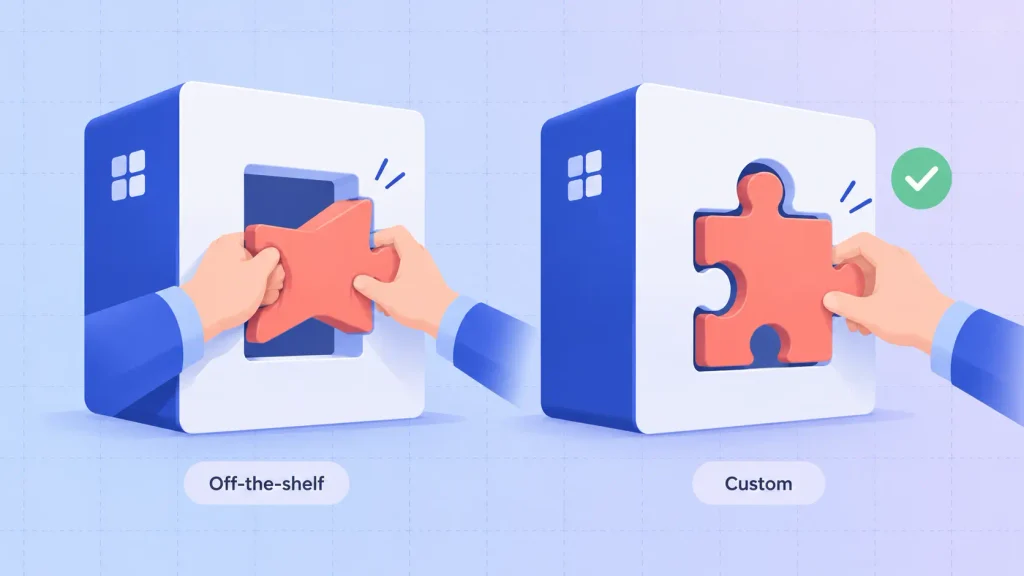
The core difference is who adapts to whom. With off-the-shelf software, your team bends its process to fit the tool. With custom software, the tool is built to fit your process.
Everything else in the custom software vs off-the-shelf debate (cost, speed, ownership, risk) flows from that one trade.
What Is Off-the-Shelf Software?
Think of the tools you can sign up for today with a credit card: Microsoft 365, QuickBooks, Salesforce, Slack. Thousands of companies use the same product, so the cost of building it is spread across all of them.
You’ll also hear it called commercial off-the-shelf (COTS) software or packaged software. Most of it now arrives as a SaaS subscription billed per user, per month.
What Is Custom Software?
Custom software (also called bespoke software) is written for one company and one set of workflows. Nobody else gets the same product.
It can be an internal operations platform, a customer portal, or a full SaaS product you sell. If you’re new to the category, this guide to how business software development works covers the ground before you compare.
The Comparison at a Glance
Here’s how the two options stack up on the criteria that actually drive the decision:
| Criterion | Off-the-shelf software | Custom software |
| Upfront cost | Low, often a monthly plan | High, a real build budget |
| Time to value | Days to weeks | Weeks for an MVP, longer for a full platform |
| Workflow fit | You adapt to the tool | The tool adapts to you |
| Long-term cost | Per-seat fees that grow with headcount | Build cost, then maintenance |
| Ownership | You rent access | You own the code and data |
| System integration | Limited to available connectors | Designed around your stack |
| Differentiation | Competitors can buy the same tool | Hard for anyone to copy |
The pattern is clear. Off-the-shelf wins on speed and entry cost, while custom wins on fit, control, and competitive advantage. Your job is to figure out which of those matters more for this specific system.
Off-the-Shelf Software: Where It Wins and Where It Hurts
Off-the-shelf tools are the right default for most of your software stack. They only become a problem when you ask them to run something they weren’t designed for.
Strengths
You get a lot of value without writing a line of code:
- Speed: you can be live in days, sometimes the same afternoon.
- Proven stability: thousands of other customers have already found and reported the bugs.
- Included support and updates: security patches and new features arrive without extra effort from your team.
- Low entry cost: a monthly plan is far easier to approve than a build budget.
- Easy hiring and onboarding: new staff often already know tools like Salesforce or HubSpot.
For commodity work, these advantages are hard to beat. Paying to rebuild payroll software rarely makes sense.
Weaknesses
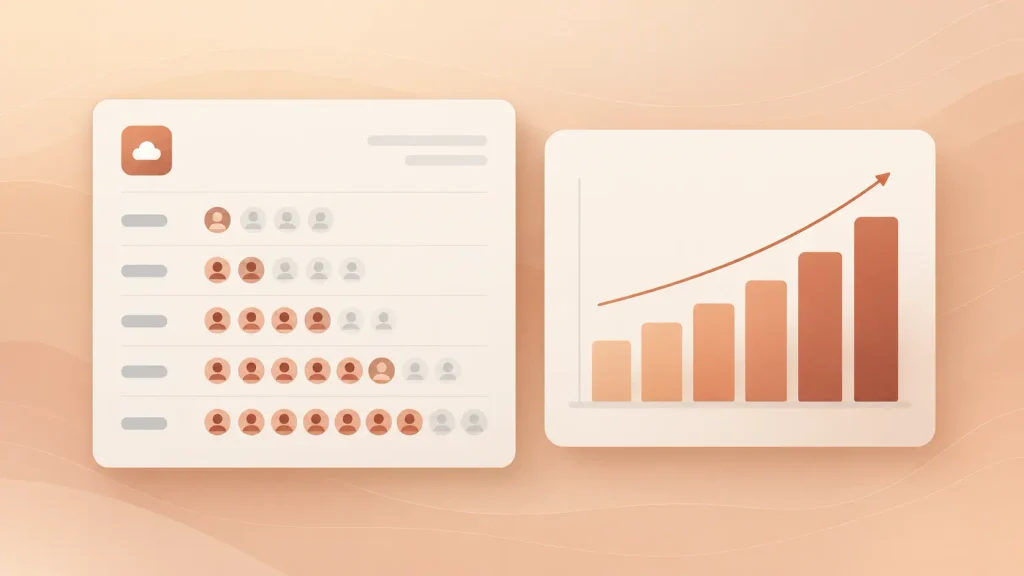
The costs of ready-made tools tend to show up later, and they compound quietly. Zylo’s 2026 SaaS Management Index found companies spend an average of $11,530 per employee on SaaS, and nearly four in 10 licenses go unused within a 30-day window.
Prices keep moving too. Vertice’s 2026 SaaS pricing report puts SaaS inflation at over 12% year on year, close to four times the consumer rate.
The weaknesses you’ll feel most:
- Per-seat pricing creep: every new hire raises the bill, forever.
- Renewal price hikes: features get repackaged into higher tiers to justify increases.
- Workflow bending: your team builds spreadsheets and manual steps around what the tool can’t do.
- Provider lock-in: the company behind the tool controls the roadmap, the pricing, and your data export options.
- Shallow integrations: connectors cover the popular apps, rarely your niche or legacy systems.
None of these is fatal on its own. Together, they can turn a cheap tool into an expensive habit.
Where It Fits Best
Off-the-shelf software shines on processes that look the same at every company:
- Accounting, payroll, and invoicing
- Email, chat, and document collaboration
- HR, recruiting, and leave tracking
- Standard sales pipelines and help desks
If a function keeps the lights on but doesn’t win you deals, buying is almost always the smarter move.
Custom Software: Where It Wins and Where It Hurts
Custom software earns its cost when the software itself is part of how you compete. It’s an investment, not a purchase, so it needs to pay you back.
Strengths
The upside is control over every decision that matters:
- Exact workflow fit: the system mirrors how your team works, so nobody fights the tool.
- Deep system integration: it connects to your CRM, ERP, payment stack, or legacy database the way you need.
- Source code ownership: you own the product, its data, and its roadmap.
- Scalability on your terms: you design for your growth, with no seat tiers or plan ceilings.
- A moat competitors can’t subscribe to: the workflow that sets you apart stays yours.
These benefits of custom web applications compound over time, especially once the system becomes central to daily operations.
Weaknesses
The trade-offs are real, and no honest partner should hide them:
- Higher upfront investment: you fund discovery, design, development, and testing before anything runs.
- Longer time to value: even a lean first version takes weeks, not days.
- Ongoing maintenance: hosting, security patches, and updates become your responsibility.
- Technical debt risk: rushed builds and shortcuts get more expensive to fix every month.
- Partner dependency: a weak team, or a poor tech choice, can leave you with software nobody can maintain.
That last point deserves extra care. It’s worth understanding how to choose the right tech stack before you sign, so the system stays maintainable after launch.
Who Owns the Code (and Why It Matters)
Ownership is the main reason to build, so make sure your contract actually delivers it. If the development firm keeps the code or the servers, you’ve bought a subscription with extra steps.
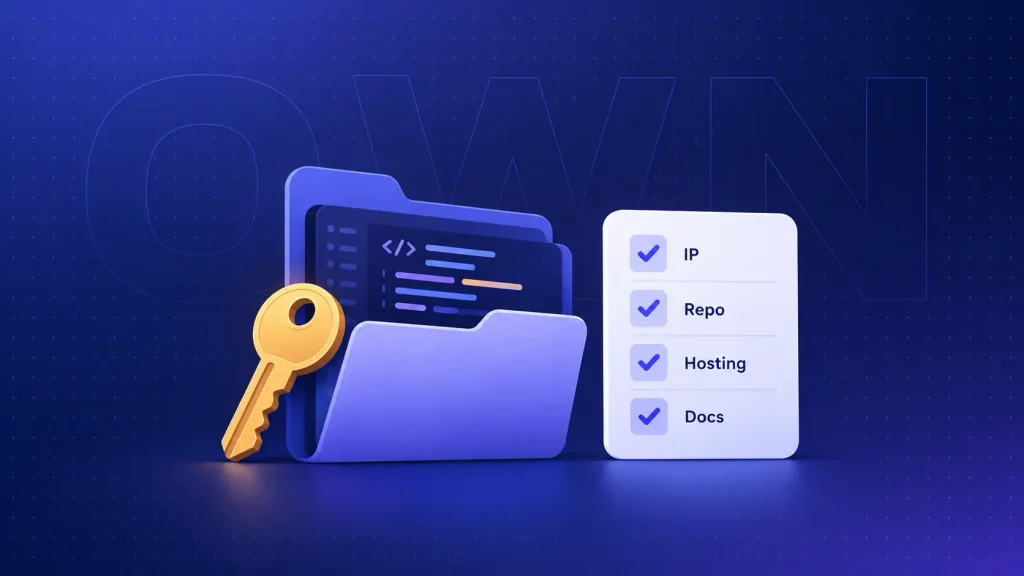
Before you sign any custom build, I’d suggest confirming these points in writing:
- IP assignment: all code, designs, and documentation transfer to you on payment.
- Repository access: the code lives in a repository your company controls.
- Infrastructure accounts: cloud hosting, domains, and app store listings sit under your accounts.
- Documentation and handover: you get setup guides and architecture notes, not just a zip file.
- Third-party licenses: you know which open-source and paid components are inside the product.
If IP ownership isn’t spelled out clearly, walk away. That single clause decides whether you own an asset or rent one.
The Real Cost: Custom vs Off-the-Shelf Over Three to Five Years
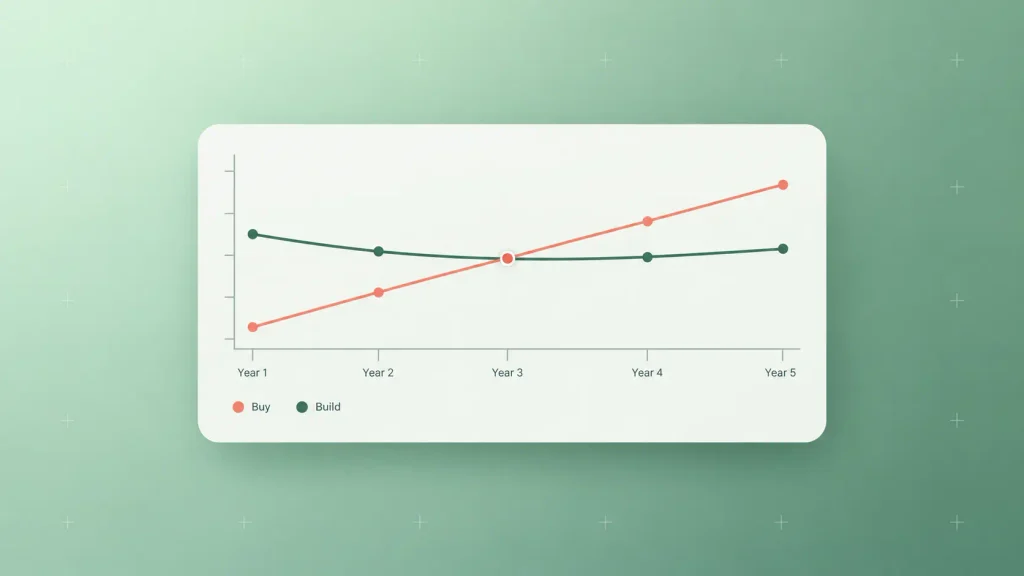
Off-the-shelf is cheaper in year one almost every time. The real question is which option costs less over the life of the system, so compare total cost of ownership across three to five years.
Custom software rarely wins on cost alone. It wins when the fit, ownership, and edge it creates are worth more than the price difference.
Hidden Costs of Off-the-Shelf Software
The subscription line is only part of what you pay:
- Seat growth: headcount increases multiply the monthly bill.
- Annual price increases: renewals rarely come in flat.
- Add-ons and tier upgrades: the feature you need often lives one plan higher.
- Integration and middleware: connector tools and consultants to make systems talk.
- Manual workarounds: staff hours spent re-entering data or patching gaps in spreadsheets.
- Switching costs: data export, migration, and retraining if you ever leave.
That workaround line is the one most teams forget. It never shows up on an invoice, yet it often exceeds the subscription itself.
Hidden Costs of Custom Software
Custom has its own blind spots:
- Maintenance retainer: bug fixes, dependency updates, and security patches every year.
- Hosting and monitoring: cloud infrastructure, backups, and uptime tools.
- Change requests: every new feature is development time you fund.
- Internal ownership: someone on your side has to own the product after launch.
Leaving maintenance out of the comparison is the most common way custom builds look cheaper on paper than they really are.
How to Run the Math for Your Business
You don’t need a market average here. You need your own numbers, plugged into a simple worksheet:
| Cost line | Off-the-shelf | Custom |
| Year-one outlay | Seats × monthly price × 12, plus setup | Discovery, design, and build |
| Recurring cost | Seats × price, plus yearly increases | Hosting plus maintenance retainer |
| Integrations | Connectors, middleware, consultant hours | Built-in, plus API upkeep |
| Workarounds | Staff hours × hourly cost | Usually near zero |
| Exit cost | Data export, migration, retraining | Handover and documentation |
Run both columns for three years, then five. If the gap stays wide in favor of off-the-shelf, buy. If it narrows or flips once you count workarounds and price increases, building deserves a serious look.
The Hybrid Option: Buy the Core, Build the Edge
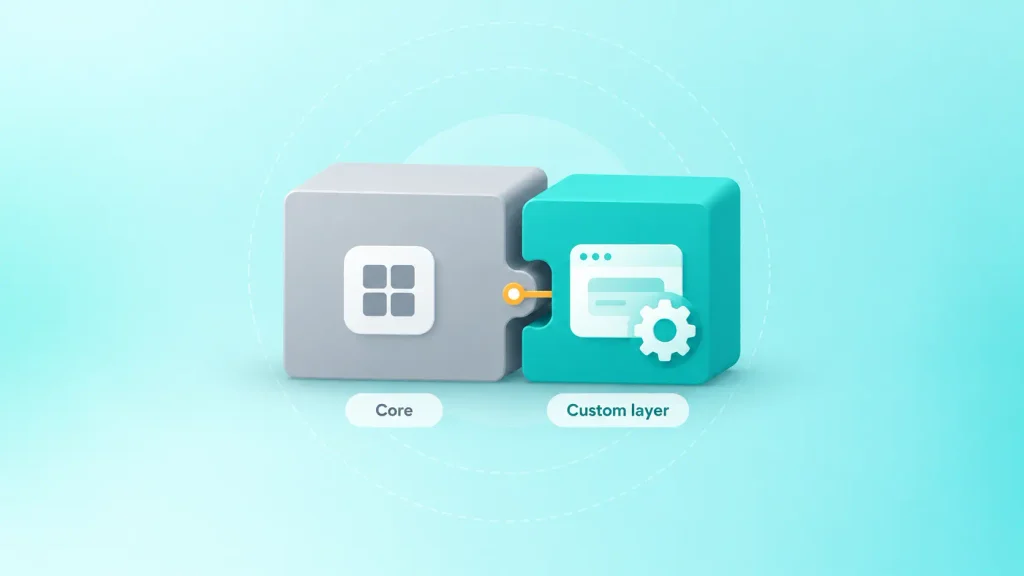
The build vs buy question isn’t always either-or. A hybrid approach lets you buy the commodity parts of a system and build only the layer that makes you different.
This is often the smartest answer for growing companies. You keep the speed of a proven tool and still own what matters.
Configure and Integrate First
Before writing new code, check how far the tool can go on its own. Many platforms offer APIs, webhooks, custom fields, and low-code automation that close smaller gaps.
You’ll want to exhaust these options when the gap is minor. A few automations cost far less than a full build.
Build a Custom Layer on Top
When configuration hits its limit, you can build around the tool instead of replacing it. Common examples include:
- A customer portal on top of your CRM data.
- A custom pricing or quoting engine that feeds your billing system.
- An internal dashboard that combines data from several SaaS tools.
- Workflow automation that connects systems with no native integration.
This approach mirrors the logic behind custom web design vs template design: start from a proven base, then customize where it counts.
The Over-Customized Tool Trap
There’s a point where hybrid stops working. Plugins pile up, spreadsheets fill the gaps, and every update breaks something.
Watch for these warning signs:
- Your team maintains more workarounds than features.
- A tool update regularly breaks your automations.
- You pay for several tools to do one job.
At that stage, the patched setup can cost more than either clean option. If you’re already deep in it, application modernization can replace the tangle step by step instead of in one risky rewrite.
How AI Changes the Build vs Buy Decision in 2026
AI has shifted the math in two directions at once. Software spending keeps climbing, and Gartner’s April 2026 forecast expects worldwide IT spending of $6.31 trillion this year, with generative AI driving outsized gains in software.
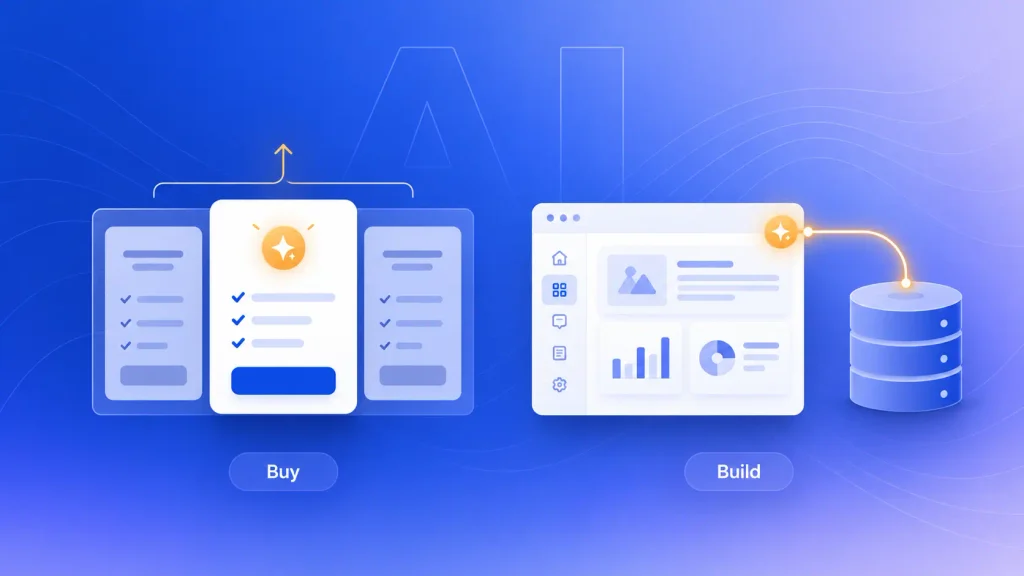
On the buy side, AI features now arrive bundled into SaaS plans. That’s convenient, but it’s also a common justification for moving features into pricier tiers.
On the build side, AI changes what custom software can do for you:
- Your data, your model: custom systems can use AI trained or grounded on your own records, which a generic tool can’t match.
- Logic you control: you decide how AI makes recommendations, flags risk, or automates steps.
- Faster builds, same responsibility: AI-assisted development can speed up delivery, but maintenance and quality still sit with you.
The practical takeaway: if AI is a feature you simply use, buy it. If AI is how your product or process gets smarter than competitors’, it belongs in software you own. AI integration services can also add AI to systems you already run without a full rebuild.
How to Choose: Who Should Pick Which
The best way to settle custom software vs off-the-shelf is to judge each system separately. Most companies end up buying most of their stack and building one or two core pieces.
Choose Off-the-Shelf If…
Buying makes sense when these describe your situation:
- The process is standard and similar at most companies.
- A proven tool covers most of what you need with minor compromises.
- You need to be running within weeks.
- You have no internal owner for a software product.
- Your process is still changing every month.
Choose Custom Software If…
Building makes sense when these sound familiar:
- The workflow is why customers choose you.
- Every tool you’ve trialed forces expensive workarounds.
- You need deep integration with legacy or niche systems.
- Compliance or data control rules out shared platforms.
- The software is the product you plan to sell.
If You’re a Startup: Validate First, Build Second
Early on, your process changes too fast to freeze in code. Ready-made and no-code tools let you test demand cheaply and learn what customers actually need.
Once a workflow proves itself, and the tools start limiting growth, that’s your signal to build. For product companies, a lean SaaS MVP development approach gets a sellable first version in front of users without overbuilding.
A Six-Question Decision Scorecard
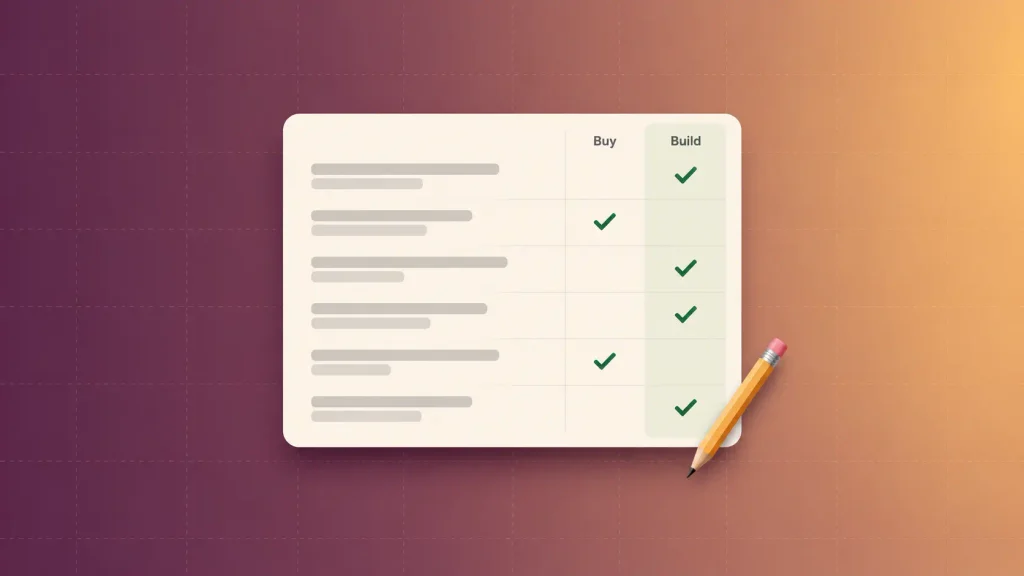
Score each system against these six questions. Count which column gets more of your answers:
| Question | Leans buy | Leans build |
| Is this process the same at most companies? | Yes | No |
| Does a tool cover most of your needs? | Yes | No |
| Do workarounds cost real staff hours? | Rarely | Every week |
| Is the workflow a source of advantage? | No | Yes |
| Will per-seat costs grow sharply? | No | Yes |
| Do you have someone to own the product? | No | Yes |
Five or six answers in one column give you a clear call. A split result usually points to the hybrid approach, so start with the tool and build the layer that hurts most.
Common Mistakes in the Build vs Buy Decision
Most bad software decisions don’t come from picking the wrong side. They come from skipping steps.
The mistakes that cost companies the most:
- Building because a tool annoyed someone. Frustration isn’t a business case. Ask whether the workflow is truly your edge.
- Comparing a build quote to one year of subscriptions. Always compare three to five years, with maintenance included.
- Automating an unproven process. Custom code freezes your current workflow, so make sure it’s the right one first.
- Ignoring the cost of workarounds. Staff hours spent patching a tool are a real cost, even off the books.
- Skipping the ownership clause. Without IP assignment, you don’t own what you paid for.
- Forgetting the exit plan. Check data export before you buy, and handover terms before you build.
Avoid these six, and either path gets a lot less risky.
How Boomdevs Solves the Build vs Buy Dilemma
The hardest part of this decision is getting an honest answer from someone who isn’t just selling one side. Boomdevs starts every engagement with discovery, mapping your workflow, your current tools, and the real cost of your workarounds.
Sometimes that answer is “keep your subscription.” When building does make sense, our custom software development services cover the full path:
- Discovery and scoping: a clear build, buy, or hybrid recommendation with a scoped estimate.
- Design and development: senior teams building web apps, SaaS platforms, and internal systems.
- Integration: connecting new software to the tools you already rely on.
- Ownership by default: your code, your repositories, your accounts.
- Long-term support: maintenance and iteration after launch.
With 10+ years of experience and 3.5K+ projects delivered, the team has seen both sides of this choice play out many times.
Frequently Asked Questions
Is Custom Software Worth It for Small Businesses?
It can be, but only for the right system. Most small businesses should buy tools for standard work like accounting and email. Custom software pays off when one specific workflow drives your revenue, and no tool handles it well.
Can Off-the-Shelf Software Be Customized?
Yes, within limits. Most tools allow configuration, custom fields, integrations, and low-code automation. Bigger changes to core behavior usually aren’t possible, which is when a custom layer or a full build makes sense.
How Long Does It Take to Build Custom Software?
It depends on scope. A focused MVP can launch in weeks, while a full platform with many integrations takes longer. This breakdown of the custom web app development process shows where the time goes in each phase.
Can I Switch From Off-the-Shelf to Custom Software Later?
Yes, and it’s often the smartest sequence. A ready-made tool teaches you your real requirements cheaply. Before you sign up, check the data export options, because your data is the part you’ll need to bring with you.
Who Owns Custom Software After It’s Built?
You should, and your contract should say so. Look for full IP assignment, code in repositories you control, and infrastructure in your own accounts. If the development firm keeps any of those, you don’t fully own the product.
Make the Call With Real Numbers
The custom software vs off-the-shelf decision gets much easier once you stop treating it as one big choice. Buy what’s standard, build what sets you apart, and run the three-to-five-year math before you commit either way.
If you’d like a second opinion on your own numbers, Boomdevs can help you scope it. Get a free build-vs-buy assessment and find out whether you should build, buy, or combine both.