


- 1. Key Takeaways
- 2. What Business Software Development Means for Your Company
- 3. Types of Business Software You Can Build
- 4. The Business Software Development Process, Step by Step
- 5. Which Build Fits Your Needs: Web App, Enterprise, or SaaS?
- 6. Common Challenges in Business Software Development
- 7. How to Choose the Right Software Development Partner
- 8. How Boomdevs Solves Business Software Problems
- 9. Frequently Asked Questions
- What Are the Benefits of Custom Business Software?
- How Does Business Software Improve Workflow Automation?
- What Affects the Cost of Business Software Development?
- How Long Does It Take to Develop Business Software?
- What Security Measures Should Business Software Include?
- Can Custom Software Connect to My Existing Tools?
- How Do I Choose a Technology Stack?
Summarize with
Your sales team lives in one tool, billing sits in another, and operations run on a spreadsheet. Every week, someone copies data between them by hand.
That is usually when business software development stops being a nice idea and becomes a budget line. Custom business software fits how you work, saving hours and cutting errors.
This guide covers what it includes, how the process runs, and how to choose your path.
Key Takeaways
- Business software development builds software around your workflows: not a generic tool you bend your process to fit.
- Six phases carry most projects: discovery, planning, design, build and test, launch, and ongoing support.
- Custom is not always the answer: off-the-shelf tools win when your process is standard.
- Your partner matters more than your stack: look for clear communication, relevant experience, and support after launch.
What Business Software Development Means for Your Company
Business software development is the work of designing, building, and maintaining software that fits one company’s operations. You get a system shaped around your data, your approvals, and your customers.
Picture a retailer that needs live stock counts across three warehouses and a web store. A generic inventory app might cover most of it. With custom business software, you can match your reorder rules, trigger alerts, and sync with your sales data without manual re-entry.
The market behind business software development keeps moving in this direction. Gartner’s forecast from July 2026 has worldwide IT spending growing 14.2% this year, to $6.37 trillion.
Boomdevs covers this under its custom software development services, which is the hub for everything below.
Custom Software vs Off-the-Shelf Tools
In the custom software vs off-the-shelf debate, neither option is always better.
You’ll get the fastest start from a ready-made tool, and the best fit from a custom build. The right call depends on how unusual your process is.
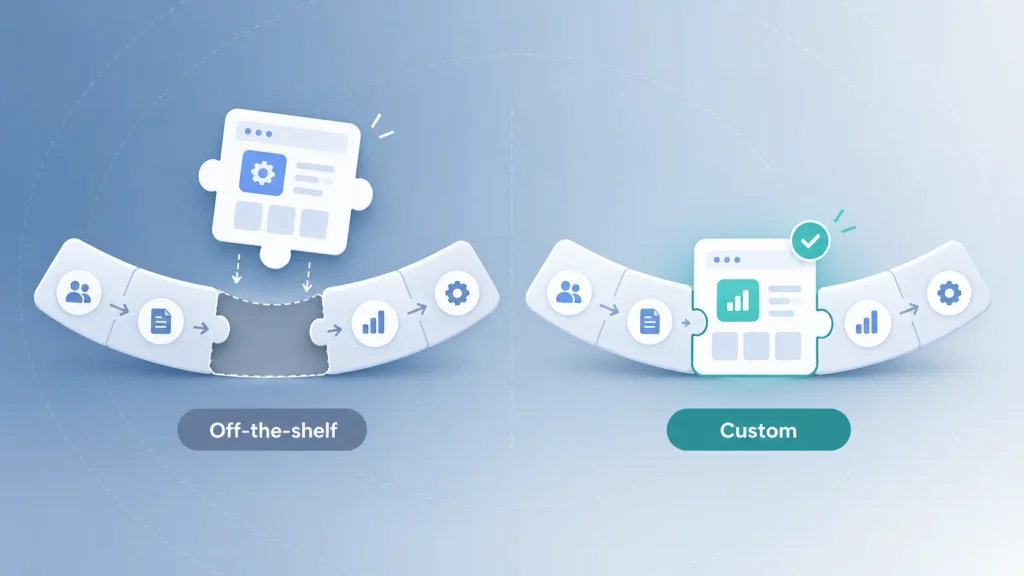
| Factor | Off-the-shelf | Custom-built |
| Time to start | Fast | Slower, needs discovery and build |
| Fit to your process | You adapt | It adapts to you |
| Integrations | Limited to what exists | Built for your stack |
| Ownership | Licence, per seat | You own the product |
| Best for | Standard workflows | Your competitive edge |
If a ready-made tool covers most of what you do, it is usually worth starting there. Build custom where your process is what sets you apart.
Types of Business Software You Can Build
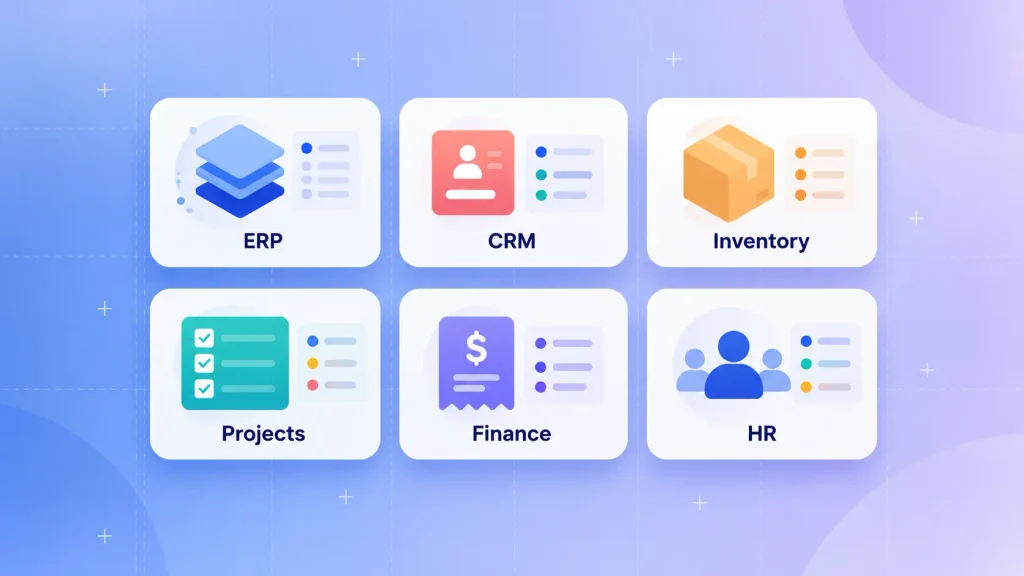
Most types of business software fall into a handful of families. You can build any of them from scratch, or connect custom pieces to tools you already use.
Operations and Planning Systems
- ERP software: brings inventory, accounting, HR, and supply chain into one system, for example, Oracle ERP Cloud.
- Inventory and supply chain tools: track stock and supplier orders across locations.
- Project management software: assigns tasks, sets deadlines, and tracks progress, like ClickUp.
These systems usually carry the most integration work, so it’s worth deciding early which one is your source of truth. Once your data lives in one place, have a look at the different types of analytics you can run on it.
Customer and Revenue Systems
- CRM platforms: track leads, conversations, and deals, as Salesforce does.
- Customer portals: let clients self-serve orders, invoices, and support.
- SaaS products: software you sell to others, covered by SaaS development services.
Finance and People Systems
- Accounting and finance software: handles expenses, payments, and reporting, like Xero.
- HR and payroll systems: manage hiring, records, and pay runs, such as BambooHR.
If one of these needs to talk to an internal system, a custom software integration layer is often the cheaper route than a full rebuild.
The Business Software Development Process, Step by Step
Most projects follow the same business software development process, built on six phases. The names change from team to team, but the order rarely does.
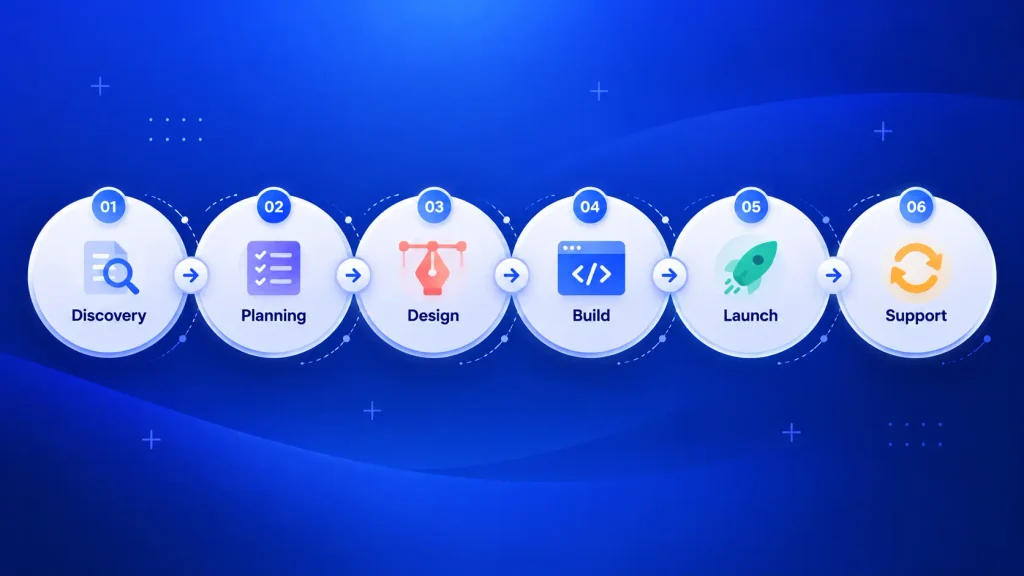
- Discovery and requirements: you and the team agree on goals, users, and what “done” means.
- Planning and strategy: scope, priorities, architecture, and a realistic roadmap.
- Design and user experience: wireframes and prototypes you can react to before code exists.
- Development and testing: built in short sprints with testing running alongside.
- Deployment and integration: launch into your environment and connect it to current tools.
- Maintenance and improvement: fixes, updates, and new features as your needs change.
The phase people underinvest in is the last one. Software that isn’t maintained ages quickly, so it helps to plan software maintenance and support before launch day.
Starting Small With an MVP
You don’t have to build everything at once. A minimum viable product (MVP) covers the one workflow that hurts most, so real users can test it early.
If you’re unsure which features matter, MVP development services can help you cut scope to the core and learn before you scale.
Which Build Fits Your Needs: Web App, Enterprise, or SaaS?
Three paths cover most business software development projects. Which one fits depends on who uses it and how far it needs to scale.
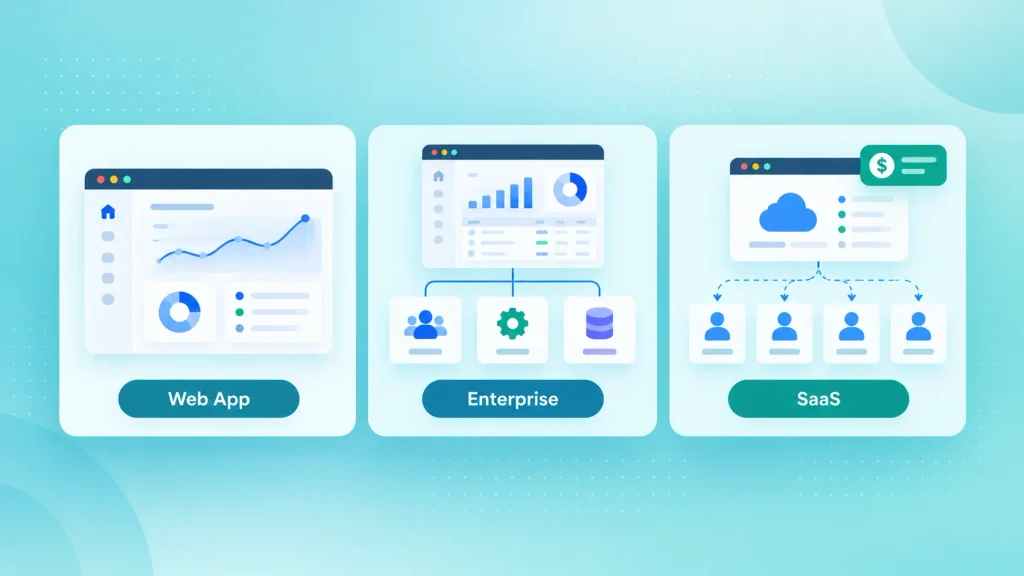
| Path | Who it serves | Typical use |
| Custom web app | Staff or customers, in a browser | Portals, dashboards, internal tools |
| Enterprise software | Large teams and many departments | ERP, workflow, compliance-heavy systems |
| SaaS product | Many paying customers | Subscription products with multi-tenant design |
A web app is often the quickest first step. Enterprise and SaaS builds add scale, security, and billing needs, so they take longer to plan. If several parties need to trust one shared record, that’s when a blockchain-based app makes sense.
Common Challenges in Business Software Development
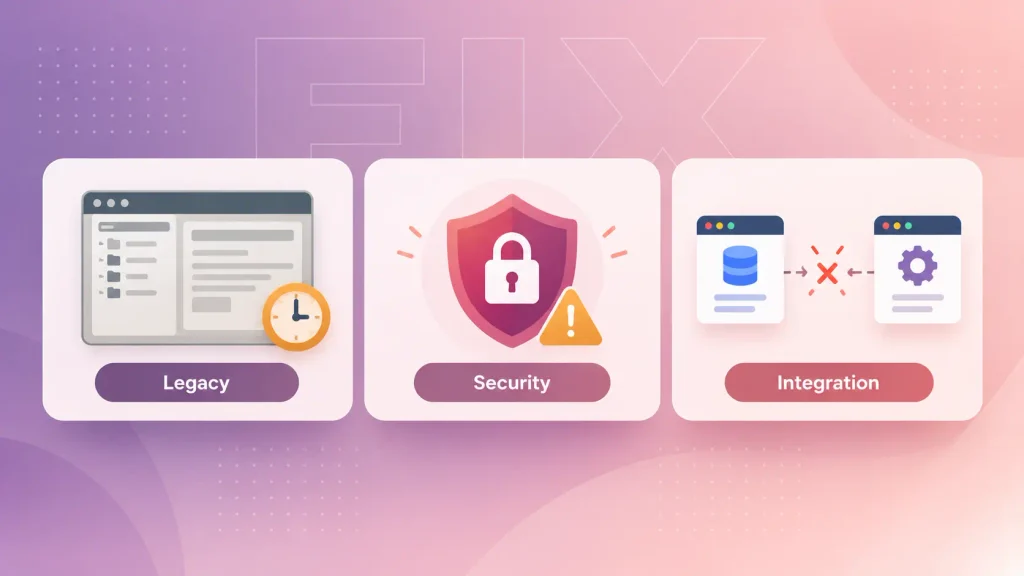
Most problems you’ll hit in business software development come from three places: old systems, security gaps, and tools that don’t talk to each other.
Outdated Systems
Legacy software slows down as data grows and rarely connects to modern tools. Often the best fix is a phased move, where old and new run side by side. Legacy application modernization follows that approach.
Security Risks
Weak access control and unpatched code expose your data. Ask early about encryption, role-based access, two-factor sign-in, and any compliance rules in your industry.
Lack of Integration
Disconnected tools cause duplicate entry and mistakes. Map the data that has to move between systems before you pick features.
How to Choose the Right Software Development Partner
You’ll want a partner who understands your business before proposing a solution. Look at the following areas when you compare options:
- Relevant experience: past work in your industry or with a similar problem.
- Business understanding: questions about your goals before talk of technology.
- Communication: regular updates and one clear point of contact.
- Support after launch: a plan for fixes, updates, and growth.
- Clear costs and timelines: an estimate with assumptions you can inspect and compare with custom software development cost in 2026.
If you’re still deciding what to build, software development consulting can shape the brief before you commit to a build.
How Boomdevs Solves Business Software Problems
Boomdevs is a custom software and AI development studio with more than 10 years of experience, trusted by 350+ startup founders. You can start with a short discovery call to map the workflow you want to fix.
From there, the team scopes a first release of your custom business software, designs and builds it in sprints, and stays on for support. The same approach covers web apps, enterprise systems, SaaS products, and modernization work.
Book a free project call and leave with a scoped first release you can start planning.
Frequently Asked Questions
What Are the Benefits of Custom Business Software?
Custom systems fit your workflow, connect to your current tools, and grow with you. You also own the product instead of renting seats.
How Does Business Software Improve Workflow Automation?
It takes over repetitive work such as data entry, payment processing, and report creation. That cuts errors and frees your team for higher-value tasks.
What Affects the Cost of Business Software Development?
Scope, complexity, integrations, security needs, team size, and ongoing support all shape the price. A smaller first release keeps early costs down.
How Long Does It Take to Develop Business Software?
It depends on features and integrations. A focused first release can ship in a few months, while enterprise systems often take longer.
What Security Measures Should Business Software Include?
Plan for encryption, two-factor authentication, role-based access, regular security updates, and compliance with your industry’s rules.
Can Custom Software Connect to My Existing Tools?
Yes. Custom builds can integrate with CRM, ERP, finance, and other systems so data flows without manual copying.
How Do I Choose a Technology Stack?
Choose based on security, performance, integration needs, and the skills available to maintain it. A good partner will explain the trade-offs in plain language.