- 1. Key Takeaways
- 2. What Is an AI SaaS MVP (and What Isn't One)?
- 3. What Should Version One Include?
- 4. How to Build an AI SaaS MVP in 8 to 12 Weeks
- 5. Which Build Route Fits Your Stage?
- 6. What Does It Cost to Build and Run?
- 7. How Do You Know the MVP Worked?
- 8. Common Mistakes That Sink AI MVPs
- 9. How to Vet a Quote Before You Sign
- 10. How Boomdevs Fixes the Demo-to-MVP Gap
- 11. Frequently Asked Questions
Summarize with
You have an AI SaaS idea, a budget, and three quotes that disagree on almost everything. One promises an AI SaaS MVP in two weeks. Another wants four months.
Here’s the risk nobody quotes. Too many first builds end up as polished demos. They break the moment real users arrive, and you lose months of runway.
An AI SaaS MVP should do the opposite. This guide covers how to build an AI SaaS MVP: what to build first, what to skip, and how to tell it worked.
Key Takeaways
- One workflow, one AI feature. Your MVP proves that AI finishes one real task better than the current way, nothing more.
- Plan for 8 to 12 weeks. That’s a realistic AI MVP timeline for a focused build with a team, with the core workflow shipped before the AI goes in.
- Pick your build route on purpose. A vibe-coded prototype, a builder plus a contractor, and an AI-native agency are different products at different price points.
- Budget for the AI line items. Evals, observability, guardrails, and the monthly model bill are part of your AI SaaS MVP cost that cheap quotes quietly leave out.
- Decide your exit criteria up front. Know which numbers mean graduate, pivot, or stop before the first user logs in.
What Is an AI SaaS MVP (and What Isn’t One)?
An AI SaaS MVP (minimum viable product) is the smallest version of your product that lets paying users finish one real job with AI doing part of the work. If a user can’t complete that job end to end without your team stepping in, you don’t have an MVP yet.
That bar is higher than most people expect when they start AI MVP development. It rules out a chatbot bolted onto a landing page, and it rules out a slide deck with a clickable mockup. If you want a refresher on the wider category first, here’s what makes software count as AI SaaS.
The Three Things Every AI SaaS MVP Needs
Before you scope a single screen of your AI SaaS MVP, you’ll want three things written down. They turn “AI feature” from a vibe into something you can test:
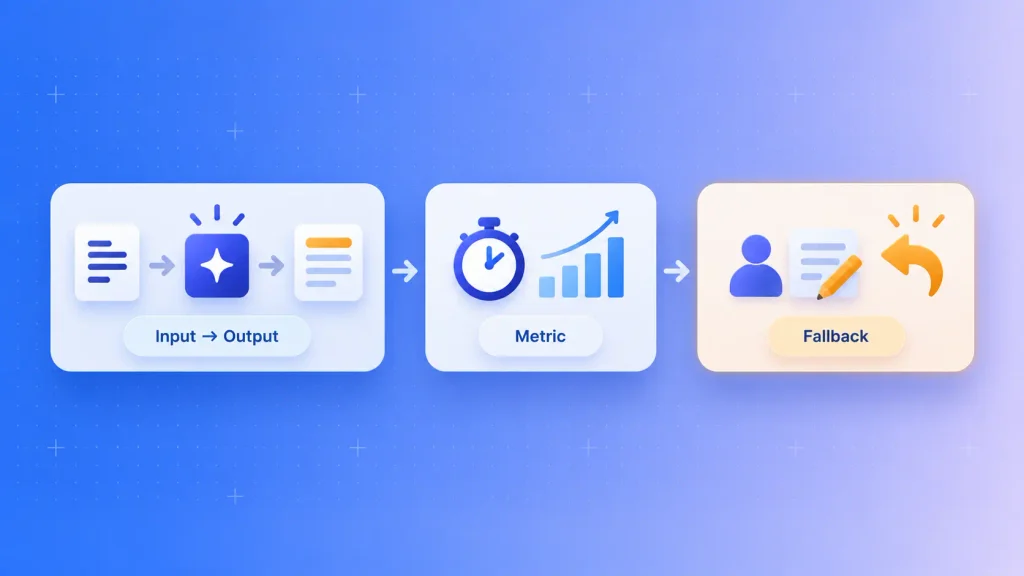
- A clear input and output: contracts in, flagged risky clauses out. Support tickets in, draft replies out. If you can’t name both sides in one line, the scope is still fuzzy.
- A success metric: time saved per task, share of outputs accepted without edits, or fewer manual steps. Pick one you can measure in week one.
- A fallback for when the model is wrong: a human review step, an edit button, or a manual path. Apptension’s AI SaaS MVP guide puts it bluntly: if you can’t describe the fallback, you’re holding a demo.
The fallback is the one founders skip. It’s also the one that decides whether early users trust the product or quietly stop logging in.
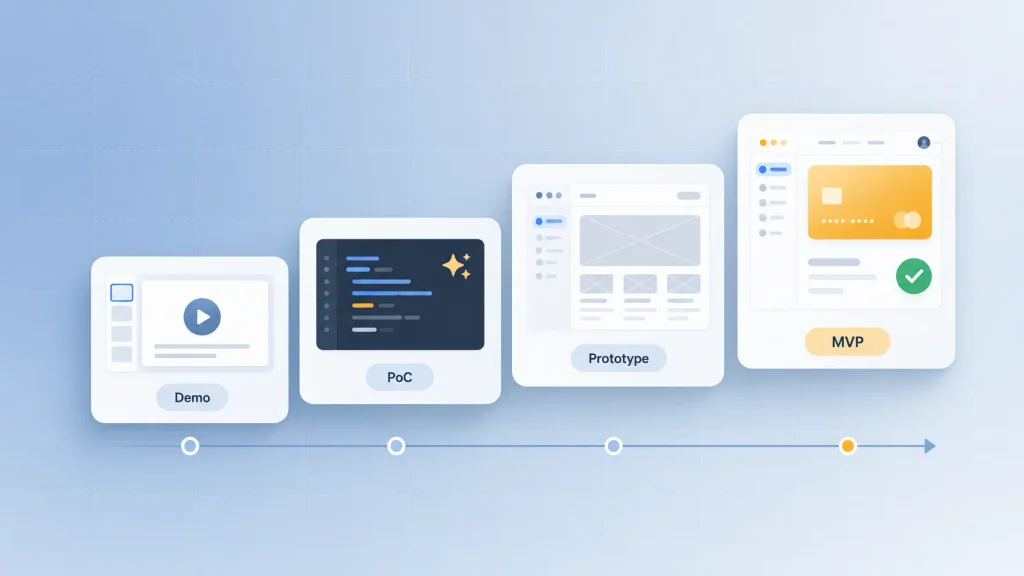
MVP vs Proof of Concept vs Prototype vs Demo
These four words get used interchangeably in quotes and pitch decks. They answer very different questions, and mixing them up is how you end up paying MVP prices for a prototype:
| Demo | The idea looks compelling | Investors, your team | Real data, real users |
| Proof of concept | The model can do the task at all | Your technical team | Workflow, UI, billing |
| Prototype | The flow makes sense to users | Test users in sessions | Reliability, security |
| MVP | People will use it and pay | Early paying customers | Scale, extra features |
The takeaway: a proof of concept answers “can the AI do this?” and an AI SaaS MVP answers “will anyone pay for it?” You often need the first before the second, but they’re separate budgets with separate success criteria.
What Should Version One Include?
Version one should include everything a paying user needs to finish the core task, and nothing that only exists for the pitch deck. The test for every feature is simple: does it reduce uncertainty this month?
That sounds obvious. In practice, AI makes scope creep worse in AI MVP development, because every new idea feels like it’s “just one more prompt.”
The Must-Haves
These are the pieces that make it a product rather than a demo:
- One AI feature that completes the core task, with a review or edit step around it.
- Sign-up, login, and simple team accounts. Not an enterprise permissions grid, just enough for a customer to invite a colleague.
- Billing, even a basic monthly plan. Willingness to pay is the whole point of an MVP, so you need a way to collect it.
- Usage tracking on every key step, including what each AI call costs you.
- A way for users to flag a bad answer, plus someone on your side who reads those flags.
- Basic admin tools so you can fix a user’s problem without a code deploy.
If you’re working with an outside team, a good SaaS MVP development partner will push back on this list rather than pad it.
What to Leave Out
Each of these is reasonable later. In version one, each one adds prompts to maintain, tests to run, and costs to watch:
- A second or third AI feature
- Several integrations at once (start with the one your users ask for most)
- Custom analytics dashboards (raw events and a spreadsheet will do)
- Fine-tuning or training your own model
- Infrastructure for traffic you don’t have yet
On the model question, almost every AI SaaS MVP starts with LLM integration through a hosted model API and adds retrieval only when answers need your customers’ own data. We’ve covered the API, RAG, and fine-tuning trade-offs in depth if you want the longer version.
How Much Autonomy Should the AI Get?
For an MVP, the AI should suggest, and a human should decide. That human-in-the-loop setup is the default for a reason. Users don’t trust a brand-new product with important calls, and they especially don’t trust a brand-new AI product with them.
A useful example from a DEV Community piece on AI-era MVPs: a hiring tool shouldn’t auto-reject candidates, but it can summarize resumes and highlight strong matches. Here’s how the levels break down:
| Suggest | Offers options, user picks | Most first launches |
| Draft and approve | Produces a full draft, user signs off | Content, replies, reports |
| Act with undo | Takes the action, user can reverse it | Low-stakes, reversible tasks |
| Fully autonomous | Acts with no review | Rarely, and only after proof |
You’ll get the most learning from the middle two rows. They save users real time while every correction they make becomes data for improving the product.
What to Cut First When Scope Grows
Scope will grow. It always does. When your AI MVP timeline starts slipping, I’d suggest cutting in this order:
- Extra user roles and permission levels
- Secondary integrations
- Custom dashboards (keep the raw event data)
- Autonomous AI actions (keep suggest and review)
- Any multi-tenant complexity beyond basic team accounts
What you keep, no matter what: the core workflow, usage tracking, billing, and the correction loop. Lose any of those, and you can’t learn what the MVP was built to teach you.
How to Build an AI SaaS MVP in 8 to 12 Weeks
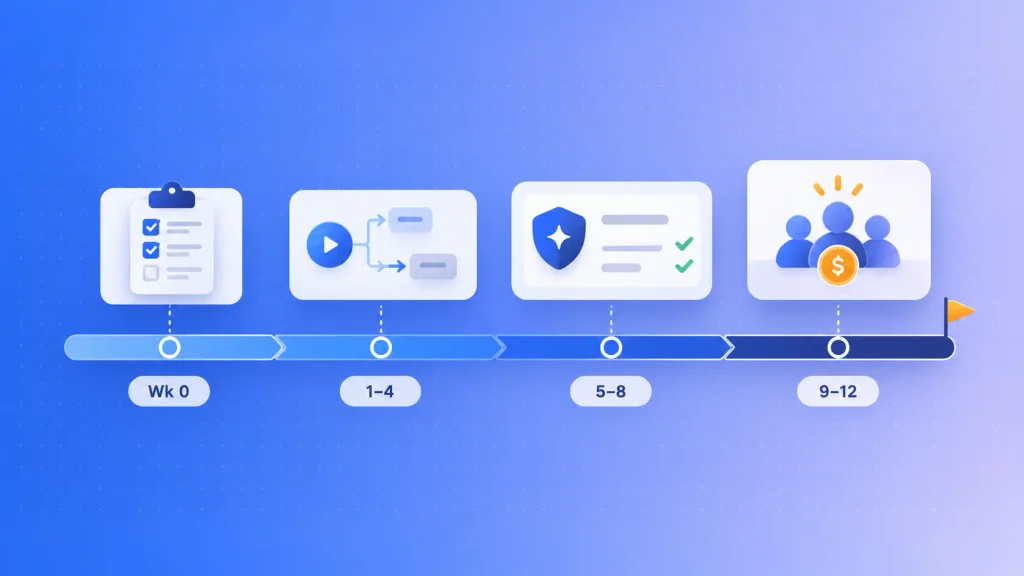
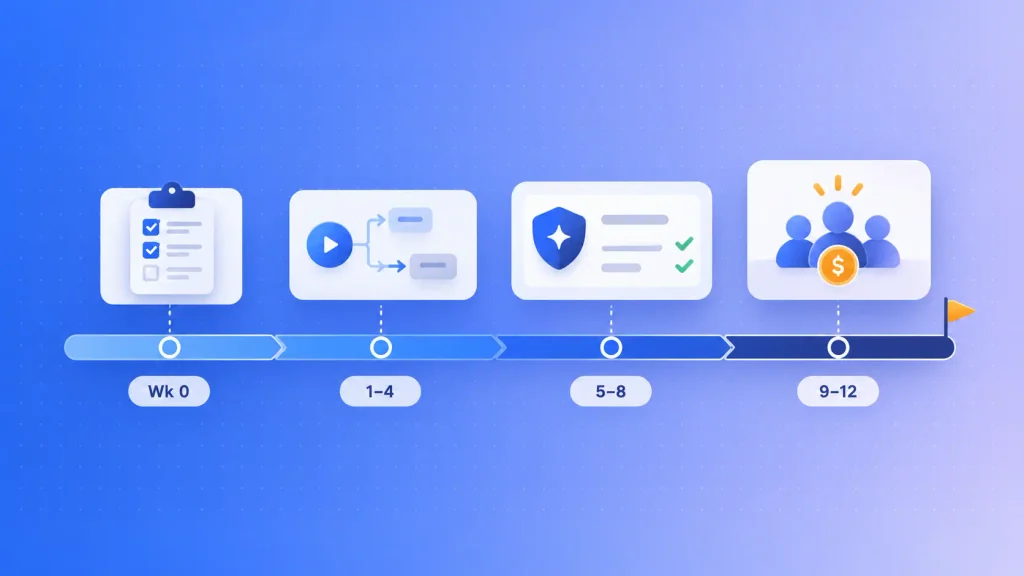
A focused AI SaaS MVP built by a team takes roughly 8 to 12 weeks, which is the range Boomdevs quotes on its AI SaaS development page. Builds that try to do more stretch toward 16 to 24 weeks.
When you’re working out how to build an AI SaaS MVP, the order matters more than the speed. You’ll ship the workflow first and the AI second, so you can measure what the AI actually adds. For the full product build beyond the MVP, our guide on how to build an AI SaaS product walks through all eight steps.
| Decisions before code | Week 0 | A one-page spec and a metrics plan |
| Core workflow, manual first | 1 to 4 | A usable product with no AI yet |
| AI with guardrails | 5 to 8 | The AI feature behind a review step |
| Paying users | 9 to 12 | Real usage data and a go/no-go call |
Treat this AI MVP timeline as a planning shape, not a promise. Data readiness moves them more than anything else.
Week 0: Decisions Before Code
This week is the cheapest one you’ll have. You pick one customer type and one use case, define what a good AI output looks like, and decide what data you will and won’t store.
It’s also where skipping costs the most. RaftLabs reports in its AI SaaS build guide that teams who skip discovery routinely overshoot budget by 20 to 30 percent. If you can’t run this stage in-house, a short AI consulting engagement can pressure-test the idea before you commit to a build.
Weeks 1 to 4: The Core Workflow, Manual First
You build the workflow as if the AI didn’t exist yet. Users upload, review, edit, and export, with a human or a simple rule filling the AI’s slot.
That feels backwards. It isn’t. A working manual flow gives you a baseline, so when the AI arrives, you can say exactly how much time it saves instead of guessing.
Weeks 5 to 8: Add the AI With Guardrails
Now the model goes in behind a review step and a feature flag. This is where you set up the pieces that make AI behavior measurable:
- An eval set: real inputs paired with the outputs you’d accept. Apptension notes that even 50 examples help.
- Logging on every model call: input, output, latency, and cost.
- Cost limits per user, so one heavy account can’t blow your budget.
- A fallback path for when the provider is slow, or the answer is wrong.
Teams that need deeper model work at this stage usually bring in AI product development help rather than learning retrieval pipelines on the clock.
Weeks 9 to 12: Put It in Front of Paying Users
The last stretch is about evidence, not features. You’ll want somewhere between 10 and 30 user sessions with the product open, a weekly ship-and-measure rhythm, and a real pricing test.
Even a “book a call to upgrade” button counts as a pricing test. What doesn’t count is a waitlist of people who said it sounded interesting.
Which Build Route Fits Your Stage?
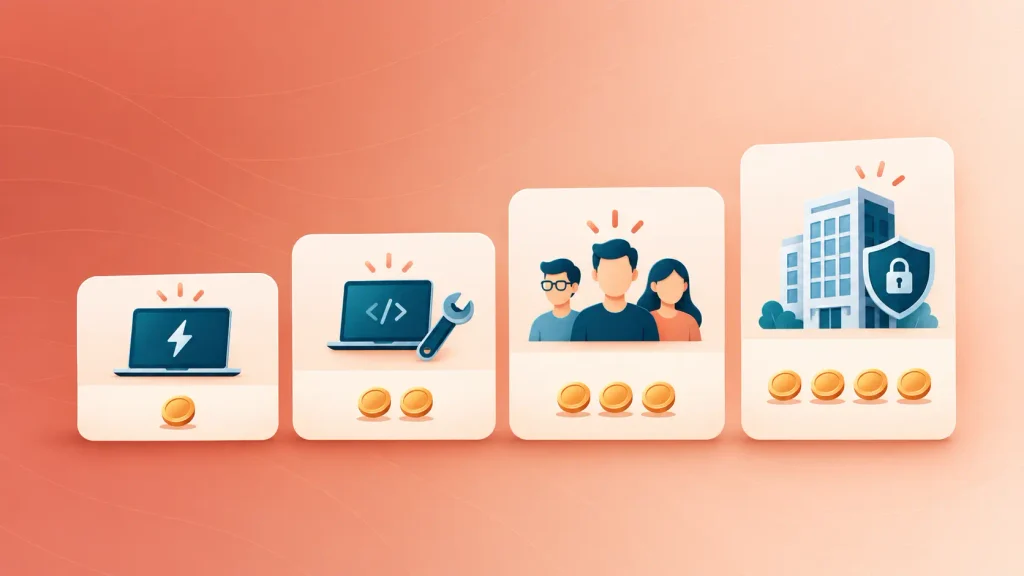
For an AI SaaS MVP, your build route decides what you actually get, more than your feature list does. Bitsens makes this point well in its AI MVP cost breakdown: a weekend build, a builder-plus-engineer build, and an agency build are three different products at three different prices.
Here are the four routes and what each does to your AI SaaS MVP cost, using Bitsens’ 2026 ranges:
| Vibe coding yourself | $0 to $3,000 | 2 to 6 weeks | Technical solo founders testing one loop |
| AI builder plus contract engineer | $5,000 to $15,000 | 4 to 8 weeks | Non-technical founders who need a real product |
| AI-native agency | $35,000 to $80,000 | 8 to 14 weeks | Seed-stage B2B SaaS with paying pilots |
| Enterprise or regulated | $120,000 to $250,000+ | 12 to 24 weeks | Buyers who demand SOC 2, HIPAA, or SSO |
The ceilings matter as much as the prices. A vibe-coded build can carry 20 to 50 testers, but Bitsens is clear that it won’t pass a customer’s security review.
The most expensive mistake on this table isn’t picking the wrong row. It’s quoting the third row and getting pulled into the fourth by a single enterprise lead. If a big prospect starts asking for compliance paperwork, that’s a scope change, and it deserves a new conversation.
Not sure whether to hire or partner? Here’s how to weigh in-house vs outsourced AI development.
What Does It Cost to Build and Run?
An AI SaaS MVP typically costs somewhere between $15,000 and $80,000 to build with a professional team, plus a monthly bill that grows with every user. Leanware’s AI MVP cost guide puts API-based builds at $15,000 to $30,000 and lightly customized ones at $30,000 to $80,000.
We’ve broken down the non-AI side line by line in our SaaS MVP development cost guide, and the wider picture in AI product development cost. So this section sticks to what’s specific to AI.
The four AI line items that cheap quotes tend to leave out:
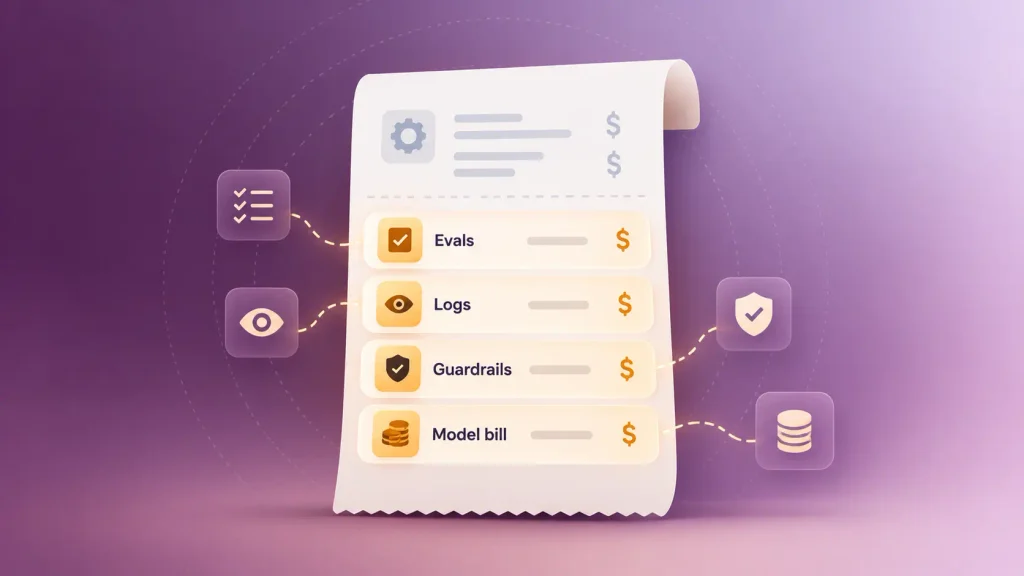
- Evals: a curated test set that grades every prompt change. Without one, each “small fix” can break something else silently.
- Observability: a view of every prompt, response, and cost, broken down by user and feature.
- Guardrails: checks on outputs before they reach users.
- The model bill: inference cost is variable and per-user. Bitsens estimates $200 to $2,000 a month at the low end, rising to $5,000 to $25,000 once you have real users.
Bitsens also puts the first three at 15 to 30 percent of the AI portion of the budget. If a quote doesn’t name them, it’s incomplete, not cheap.
One honest caveat on how much more AI adds. Leanware says AI MVPs cost two to five times a traditional MVP, while Bitsens puts the premium at roughly 15 to 30 percent for comparable scope. The gap comes down to what you count: custom models and heavy data prep push you toward Leanware’s number, and an API-plus-retrieval build stays closer to Bitsens’.
How Do You Know the MVP Worked?
You know an AI SaaS MVP worked when real users finish the core task repeatedly, trust the output enough to stop double-checking it, and pay for it. Usage alone isn’t enough, and neither are compliments. You’re looking for early signs of product-market fit, not applause.
That’s why you set exit criteria before launch. If you decide what “worked” means after you see the numbers, you’ll talk yourself into whatever the numbers say.
Five Questions Your MVP Must Answer
Your MVP is done teaching you when it can answer these, in order:
- Is the problem painful enough that users come back without reminders?
- Does the AI make the result meaningfully faster or better than the manual flow?
- Do users trust the output, or do they redo it?
- Where do users still want manual control?
- Would they pay more if it got more reliable?
The third question trips up more teams than any other. A user who accepts the AI’s draft and then rewrites half of it is telling you something your activation chart won’t.
Metrics to Track in the First 30 Days
Keep the list short and review it weekly. These are the signals worth watching:
| Activation rate | Users reach the first real outcome | Signups who never finish one task |
| Time to value | How fast the AI pays off | Slower than the manual flow |
| AI correction rate | How much users trust the output | Most outputs heavily edited |
| Repeat usage within seven days | Whether it’s a habit or a novelty | One-and-done sessions |
| Model cost per active user | Whether the economics can work | Climbing faster than revenue |
Most of these come straight from your usage tracking. That’s the reason it sits on the must-have list, and custom dashboards don’t.
Graduate, Pivot, or Stop
At the end of the MVP window, you’re making one of three calls. Having them named in advance keeps the decision honest:
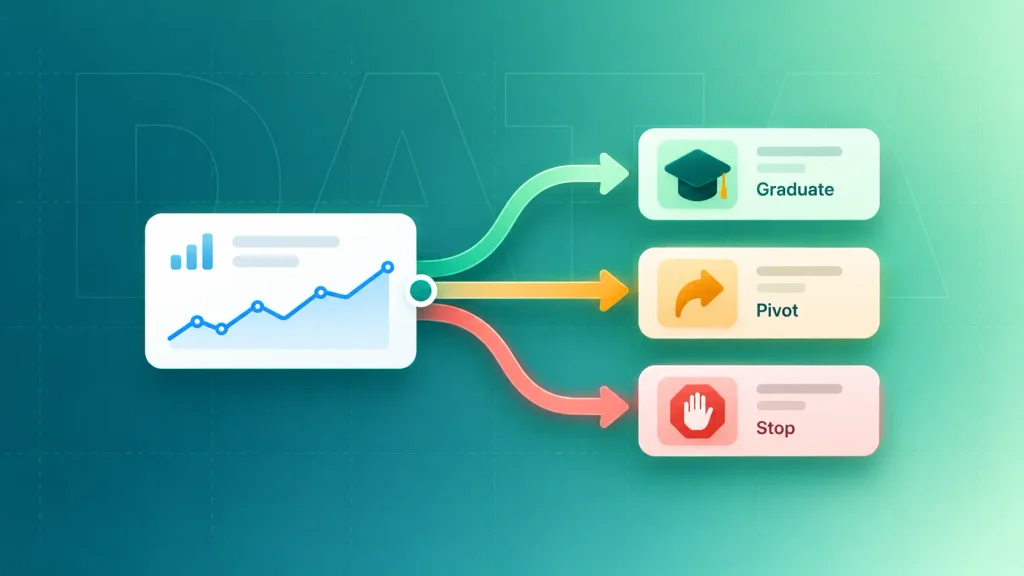
| Repeat usage, low correction rate, someone paid | Graduate | Harden for production and add the next workflow |
| Repeat usage, but users redo most AI output | Pivot the AI | Narrow the task, add review, rebuild the eval set |
| Users like it but won’t pay | Pivot the offer | Test a different buyer or pricing model |
| No repeat usage | Stop | Return to Week 0 with a different workflow |
Stopping isn’t failure here. It’s the cheapest possible version of a lesson that would have cost six figures at full build.
Common Mistakes That Sink AI MVPs
Most AI MVPs don’t fail on the model. They fail on cost, scope, and unclear value. Gartner predicts over 40% of agentic AI projects will be canceled by the end of 2027, citing escalating costs, unclear business value, and weak risk controls.
These are the patterns that show up again and again:
- Building the AI before the workflow. Without a manual baseline, you can’t measure what the AI adds.
- Automating too much on day one. Full autonomy before trust exists makes users nervous, and nervous users churn.
- Shipping without an eval set. “It seems better” becomes your only quality measure.
- Pricing before you know your cost per action. Heavy users can turn a healthy plan into a loss.
- Treating a prototype as a product. What worked for 20 testers often won’t hold for 200 customers.
Every one of these is cheap to avoid in Week 0 and expensive to fix after launch. For the longer version, see where AI product builds stall and how to fix them.
How to Vet a Quote Before You Sign
The fastest way to vet an AI SaaS MVP quote is to ask questions that only a team with real AI shipping experience can answer well. Portfolios and price tags won’t tell you that.
This matters more than usual right now. A search for this exact topic returns pages of freelance gigs and agency offers that all promise the same thing. These are the questions I’d ask every one of them:
- Which build route are you quoting? A vibe-coded app and a production build should never share a price line.
- How will you test the AI’s output? Listen for an eval set built from your real data, not “we’ll test it manually.”
- What will I see about model costs? You want per-user, per-feature cost tracking from launch.
- What happens when the model is wrong, or the provider is down? There should be a fallback path for both.
- Can you show three live AI products you shipped recently? Live URLs, not mockups.
- Who owns the code, the prompts, and the accounts? Everything should sit in your accounts, not theirs.
- What would you cut from my scope? A team that cuts nothing is a team that will bill for everything.
The last answer tells you the most. If a partner only ever says yes, the scope conversation you skipped will show up later as a change request.
If IP ownership isn’t spelled out in the contract, walk away. That one is non-negotiable.
How Boomdevs Fixes the Demo-to-MVP Gap
Boomdevs builds AI SaaS MVPs the way this guide describes: one validated workflow first, the AI added behind a review step, and usage and cost tracking from the first sprint. The goal is an MVP you can learn from, not a demo you have to rebuild.
You’d work with one team across strategy, design, AI integration, and development. For Rooftop Saunas, that approach delivered a modular SaaS booking platform in 90 days with five dedicated developers, replacing all of the manual work in their booking process.
Across 3.5K+ projects and recognition as a Clutch Champion, the pattern holds: validate first, build narrow, and design for scale from day one. If you’re weighing a build, you can scope your AI SaaS MVP with the Boomdevs team and leave with a plan for your first AI feature and a realistic view of what it will cost to build and run.
Frequently Asked Questions
How Long Does It Take to Build an AI SaaS MVP?
A focused AI SaaS MVP built by a team usually takes 8 to 12 weeks. Solo vibe-coded prototypes can come together in two to six weeks, but they rarely survive real customers. Data readiness and the number of AI features you ship first move the timeline most.
Do I Need to Train My Own AI Model for an MVP?
Almost never. Most MVPs start on a hosted model API and add retrieval when answers need your customers’ own documents. Training or fine-tuning only makes sense once you can measure a quality gap that prompting and retrieval can’t close.
Can I Build an AI SaaS MVP With No-Code or Vibe-Coding Tools?
You can build a prototype that way, and it’s a cheap way to test demand. A product paying customers rely on still needs real engineering for security, billing, data separation, and cost control. Many founders prototype solo, then bring in a team for the production version.
Is an AI MVP More Expensive Than a Regular MVP?
Yes, though estimates vary widely. Leanware puts AI MVPs at two to five times the cost of a traditional MVP, while Bitsens estimates a 15 to 30 percent premium for comparable scope. Custom models and heavy data work push you toward the higher end.
What Happens After the MVP?
If the numbers say graduate, you harden the product for production: tenant isolation, automated evals, monitoring, and a pricing model that tracks your costs, often usage-based pricing or a hybrid of seats plus credits. If they say pivot, you narrow the task or change the buyer. If they say stop, you’ve saved yourself a much larger loss.