


- 1. Key Takeaways
- 2. How to Validate an App Idea in 7 Steps
- Step 1: Write the Problem Down Without Mentioning the App
- Step 2: Rank Your Riskiest Assumptions
- Step 3: Set Pass/Fail Numbers Before You Test
- Step 4: Check Demand in App Stores, Search, and Communities
- Step 5: Interview 10 to 20 People Who Have the Problem
- Step 6: Run a Demand Test (Landing Page, Fake Door Test, or Pre-Sale)
- Step 7: Prototype or Concierge the Core Flow
- 3. Validation vs. Prototype vs. MVP: What Do You Need Right Now?
- 4. Does Your Idea Even Need to Be an App?
- 5. Strong vs. Weak Signals: How to Read Your Results
- 6. Common App Validation Mistakes That Cost Founders Months
- 7. How Boomdevs Helps You Validate Before You Build
- 8. Frequently Asked Questions
Summarize with
You have a spec doc, three agency quotes, and a launch date in your head. The idea feels obvious. Your friends love it.
But nobody has paid you a cent yet. And your whole build budget now depends on a guess.
This guide shows you how to validate an app idea before you hire a developer. You’ll get seven steps, the tests that prove demand, and a clear way to read the results.
Key Takeaways
- App idea validation means collecting proof that a specific group has a painful problem and will pay to fix it, before you fund development. that a specific group has a painful problem and will pay to fix it, before you fund development.
- Start with the problem, rank your riskiest assumptions, and write pass/fail numbers before you run a single test.
- Behavior beats opinion. One deposit tells you more than a room full of compliments.
- You can validate an app idea without coding: store reviews, interviews, a landing page, and a clickable prototype cover most of it.
- Every round ends with one of three verdicts: build, refine, or kill.
How to Validate an App Idea in 7 Steps
Here’s how to validate an app idea in seven steps, moving from cheap desk research to tests where people give up time or money. Cheap desk research to tests where people give up time or money. Each step answers one question. If the answer is no, you stop early and keep the rest of your budget.
Here’s the full sequence at a glance:
- Write the problem down without mentioning the app.
- Rank your riskiest assumptions.
- Set pass/fail numbers before you test.
- Check demand in app stores, search, and communities.
- Interview 10 to 20 people who have the problem.
- Run a demand test: a landing page, a fake door, or a pre-sale.
- Prototype or concierge the core flow.
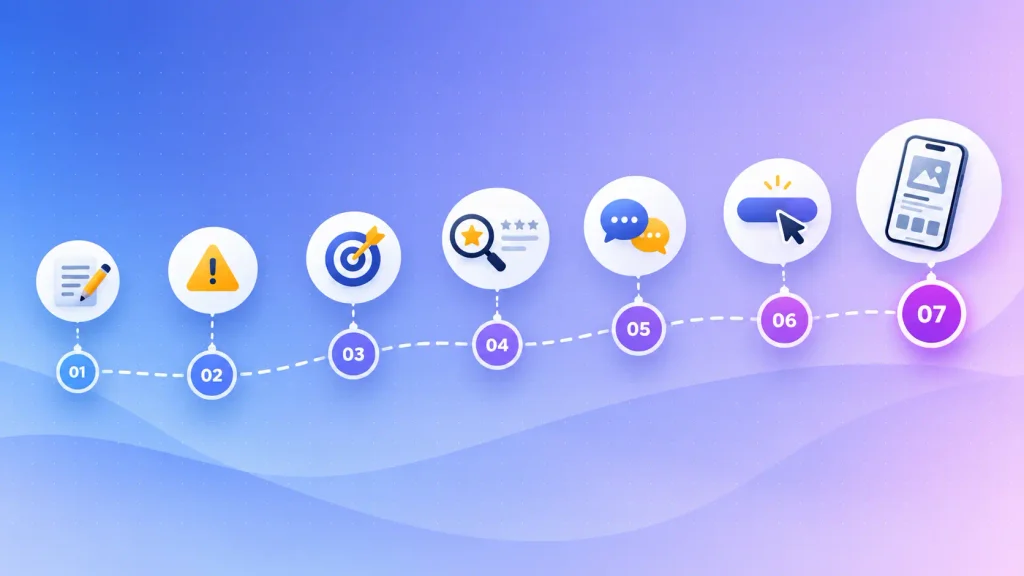
The order matters. Early steps cost you a few evenings, while later ones ask strangers to act, so you only pay for them once the cheap evidence looks promising. That’s what lets you validate an app idea before development money is on the line.
Step 1: Write the Problem Down Without Mentioning the App
App idea validation starts with a one-sentence problem statement that never names your app. If you can’t write one, you probably have a solution looking for a problem.
A format that works: who struggles with what, how often, and how they cope today. That last part is the most useful. People who already patch a problem with spreadsheets, group chats, or paid tools are showing you demand.
Compare these two statements:
- Weak: “An app that helps people manage their pets.” There’s no person, no pain, and no frequency.
- Strong: “Dog owners on long shifts can’t find a walker at short notice, so they text friends every week hoping someone is free.”
The strong version tells you exactly who to interview and what to measure. The weak one tells you nothing yet.
Step 2: Rank Your Riskiest Assumptions
Every app idea rests on a handful of assumptions, and they don’t carry equal risk. You’ll move fastest by testing the one most likely to kill the idea first.
Most app ideas depend on four of them:
- Desirability: the problem hurts enough that people want it solved.
- Willingness to pay: they’ll pay, subscribe, or accept ads for your fix.
- Reachability: you can get in front of them at a cost that makes sense.
- Feasibility: you can build it with the budget, data, and skills you have.
I’d suggest scoring each one on two things: how unsure you are, and how fatal it would be if you’re wrong. The top score is usually desirability or willingness to pay, not the tech.
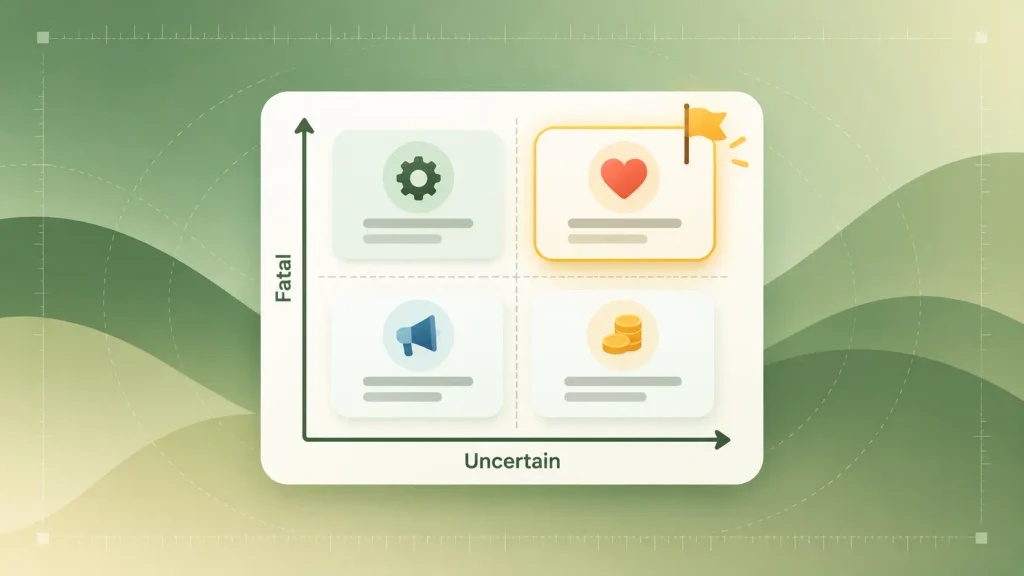
There’s one exception. If your risk sits mainly in the product itself, such as a new kind of sensor or an untested AI model, interviews alone won’t settle it. You’ll want a technical proof of concept much earlier.
Step 3: Set Pass/Fail Numbers Before You Test
This is the part of app idea validation most founders skip: decide what result counts as a pass before you see any data. Without that line drawn in advance, almost any result can be talked into a yes.
Write each test down with four parts:
- The metric: signups, deposits, booked calls, or tasks completed in a prototype.
- The threshold: the number that means pass.
- The window: how long the test runs.
- The kill line: the result that ends the idea.
Pick the threshold from your own economics. Work out what you can afford to spend to win one user, then the conversion rate you’d need to make that work.
It also helps to share the sheet with a co-founder or advisor, because someone else holding you to the line beats willpower.
Step 4: Check Demand in App Stores, Search, and Communities
Before you talk to anyone, look at what people already search for, download, and complain about. This competitor analysis costs almost nothing, shapes every later step, and is the easiest way to validate an app idea without coding.
Existing competitors are good news. A crowded store category proves people already spend money on the problem, and your opening is whatever those apps do badly.
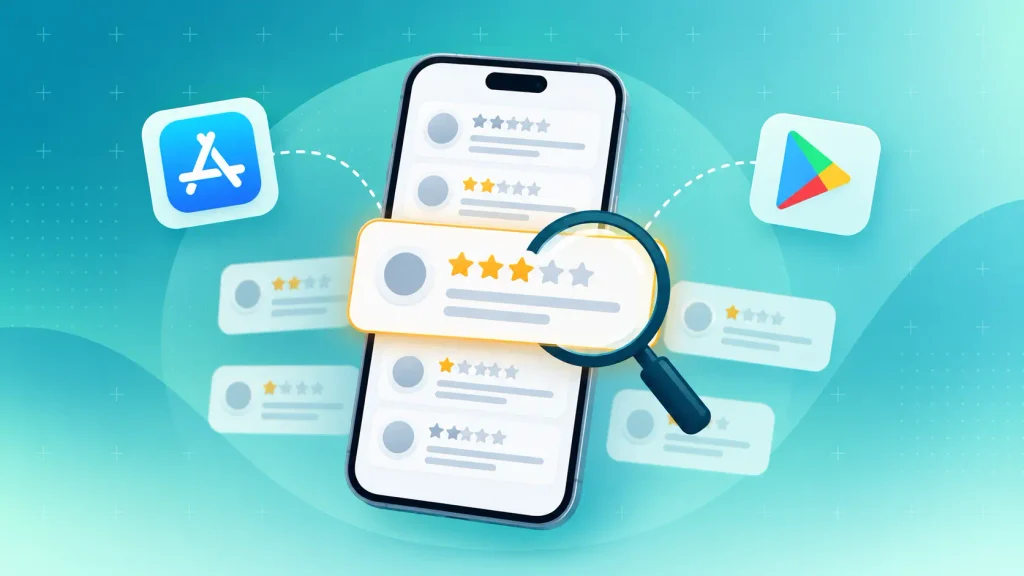
These are the places worth an evening each:
- App Store and Google Play reviews: the two- and three-star reviews are the most useful. Those users wanted the app to work and tell you where it fell short.
- Google Trends: shows whether interest in the problem is rising, flat, or fading.
- Reddit, Discord, and niche forums: search for phrases like “is there an app that” or “alternative to” plus a competitor’s name.
- Competitor pricing pages: show what the market already pays and how it’s packaged.
Keep a note of the exact words people use. You’ll reuse them in your interview questions and on your landing page later.
Step 5: Interview 10 to 20 People Who Have the Problem
Interviews are the heart of app idea validation. They tell you whether the problem is real and how people handle it now. The catch is that people tell polite lies, so how you ask matters more than how many you ask.
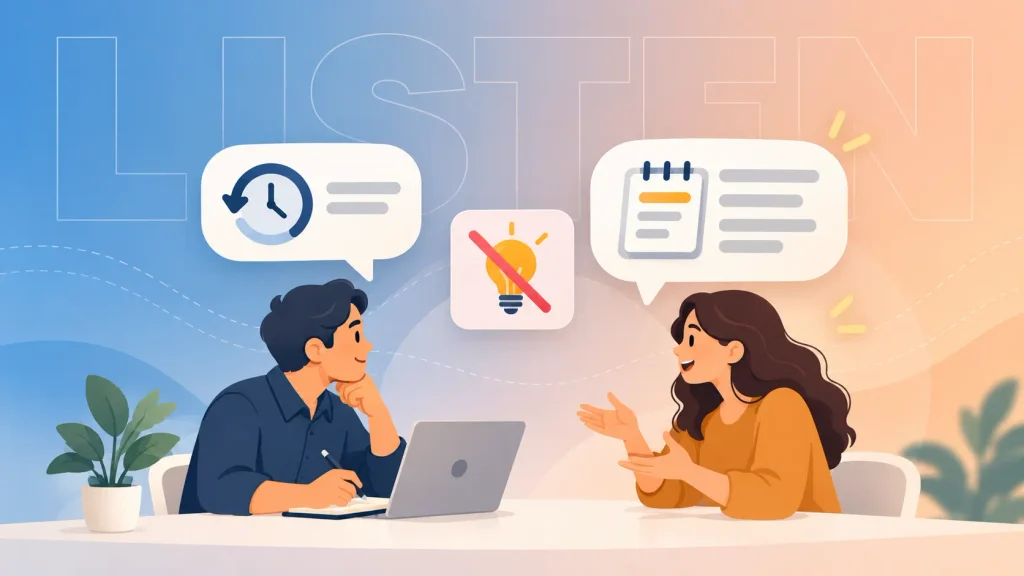
Rob Fitzpatrick’s book The Mom Test puts the fix simply: talk about their life rather than your idea, and ask about specific past events rather than opinions about the future.
Questions that get honest answers sound like this:
- “Talk me through the last time this happened.”
- “What did you try to fix it?”
- “How much time or money does it cost you each month?”
- “Have you paid for anything to solve it?”
- “Who else should I talk to about this?”
On the other hand, these questions invite kind lies, so it’s worth dropping them:
- “Would you use an app that does this?”
- “Do you think this is a good idea?”
- “How much would you pay for it?”
Skip friends and family, since they want you to win. You’ll get better data from strangers in the communities you found in step 4, or through LinkedIn.
When three interviews in a row add nothing new, you’ve likely heard enough. If recruiting is the bottleneck, a user research and market insights partner can source and run the sessions for you.
Step 6: Run a Demand Test (Landing Page, Fake Door Test, or Pre-Sale)
A demand test asks people to act, not just answer. It’s where opinions turn into behavior you can count.
Buffer is the classic example. Founder Joel Gascoigne started with a two-page site that explained the product and collected emails, then added a pricing page between the two. People kept clicking through, a small number picked paid plans, and only then did he spend seven weeks building the first version.
That pricing page was a fake door test. A fake door test puts a real-looking button, such as “Choose plan,” in front of something that doesn’t exist yet, then counts the clicks.
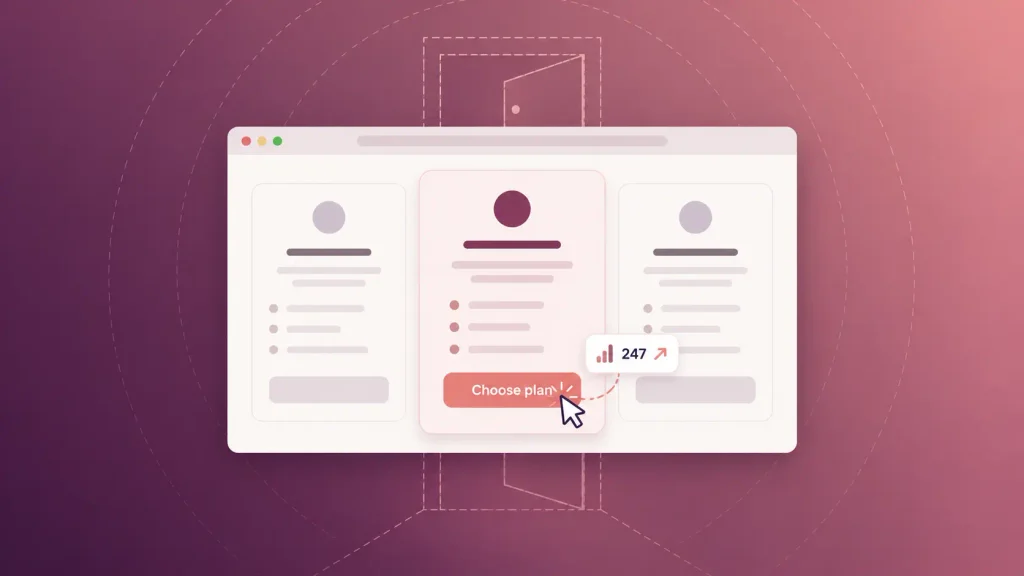
Here’s how the main options compare:
| Waitlist landing page | Interest in your value proposition | Low to medium | Low |
| Fake door test (pricing or buy button) | Intent to pay | Medium | Low |
| Paid ad smoke test | You can reach buyers affordably | Medium | Low to medium |
| Pre-sale or deposit | Willingness to pay | High | Medium |
| Letter of intent (B2B apps) | Budget and buyer commitment | High | Medium |
For most consumer apps, a landing page plus a fake door, shown to ads aimed at your target audience, is a sensible start. B2B founders can often skip straight to pre-sales or letters of intent, because a handful of committed buyers matters more than traffic.
Be honest on the page. When someone clicks for something that isn’t built, tell them it’s coming and thank them. Amplitude also points out that a painted door test won’t remove every risk or replace conversations with users, so run it alongside step 5, not instead of it.
Step 7: Prototype or Concierge the Core Flow
Once demand looks real, the last question is whether your solution works for the people who want it. A clickable prototype or doing the job by hand answers that, so you still validate an app idea before development begins.
A clickable prototype in a tool like Figma lets people tap through the main flow on their own phone, so you see where they get stuck before anyone writes code. You don’t need a big panel for this. Nielsen Norman Group’s research shows that small rounds of about five users find most usability problems, and that several small rounds beat one large one.
A concierge MVP skips software entirely, which makes it a smart way to validate an app idea without coding. If your app will match tutors with students, you match the first ten pairs yourself over WhatsApp and watch whether they come back.
Pick the format that fits the question you still have:
- Clickable prototype: best for testing usability and flow.
- Concierge test: best for testing whether the outcome is worth paying for.
- Wizard of Oz test: a real-looking front end, with a person quietly doing the work behind it.
If you want prototype screens that feel close to the finished product, our guide to what mobile app design covers explains what a design team adds. A mobile app design team can then turn your flow into testable screens.
Validation vs. Prototype vs. MVP: What Do You Need Right Now?
App idea validation, prototypes, and MVPs get mixed up, and the mix-up costs money. Validation proves demand, a prototype tests the experience, and an MVP tests whether people keep using a working product.
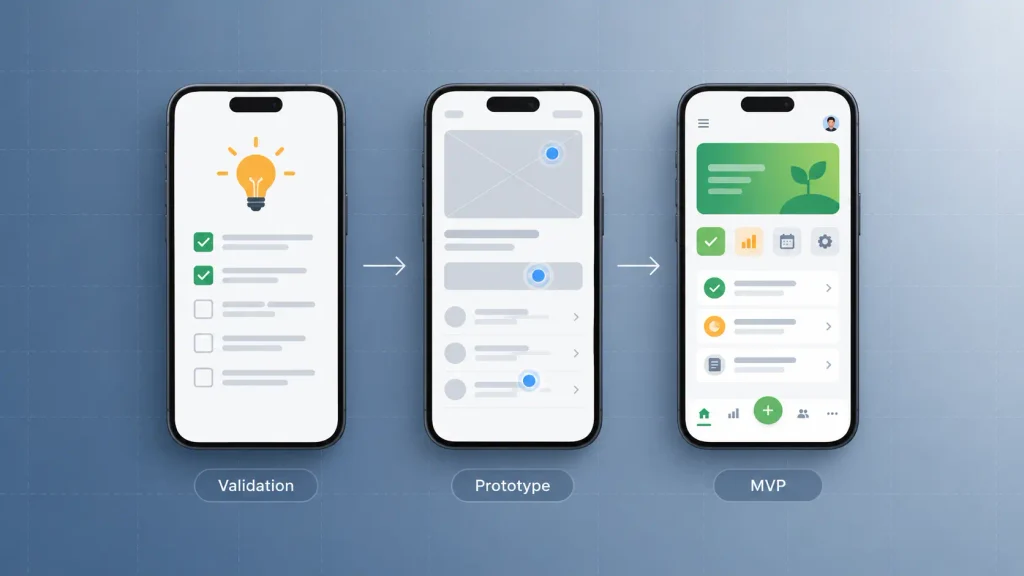
The difference comes down to the question each one answers:
| Validation | Does anyone want this? | Interviews, landing pages, pre-sales | Before any design or code |
| Prototype | Can people use it? | Clickable screens, no backend | After demand looks real |
| MVP | Will people keep using and paying? | The smallest working app | After the prototype tests well |
Jumping straight to the MVP is tempting because building feels like progress. But an MVP is a build with a build’s budget, and app idea validation is what tells you whether that budget is worth spending. When you do reach that stage, mobile MVP development keeps the scope tied to what your tests proved.
Does Your Idea Even Need to Be an App?
Proving demand for the problem isn’t the same as proving demand for a native app. Some ideas work better as a mobile website, a chatbot, or a feature inside a tool people already use.
A native app earns its place when users need it often, need phone features, or need it offline. If people will use it twice a year, asking them to download anything is a hurdle you don’t need.
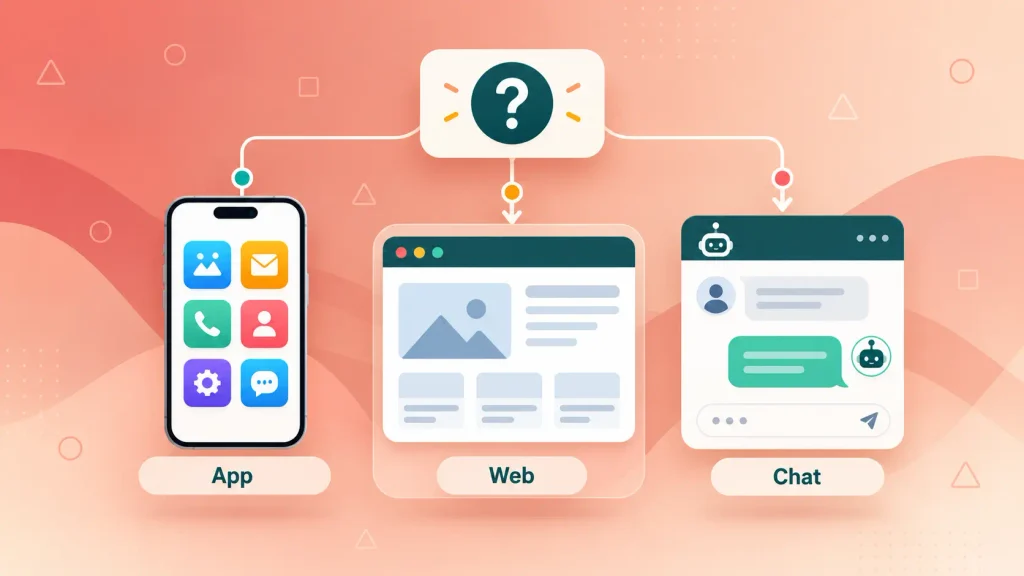
Four questions usually settle it:
- How often will they use it? Daily or weekly use justifies an install, while rare use usually doesn’t.
- Does it need phone hardware? The camera, location, Bluetooth, and push notifications all favor native.
- Which phones do your first users carry? Your interviews can tell you whether to start on iOS, Android, or a cross-platform build.
- Where do they already spend time? Sometimes the fastest test lives inside WhatsApp, Slack, or a browser.
This is a platform decision, and it’s far cheaper to make now than after launch. It’s also one of the first things a mobile app consulting engagement settles, alongside architecture and scope.
Strong vs. Weak Signals: How to Read Your Results
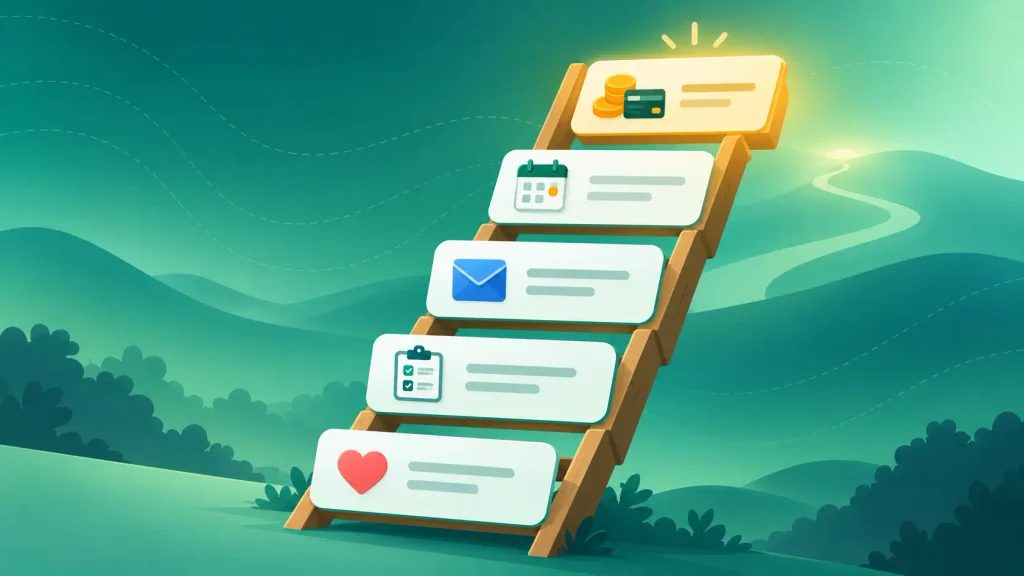
Not all evidence counts equally. The more a signal costs the person giving it, the more you can trust it.
The Evidence Ladder
Ranked from weakest to strongest, the signals you’ll collect look like this:
| Compliments (“love it”) | Nothing | Very little |
| Survey answer (“I’d use it”) | A few seconds | Low |
| Email signup | An email address | Medium |
| Time commitment (pilot, follow-up call, an intro) | Time and reputation | High |
| Deposit, pre-order, or signed letter of intent | Money | Highest |
If your evidence sits on the bottom two rungs, you haven’t validated anything yet. You’ve collected encouragement. Even a busy fake door test only gets you halfway up.
Build, Refine, or Kill
Once a round of tests is done, you compare the results with the pass/fail numbers from step 3. Each round ends in one of three verdicts:
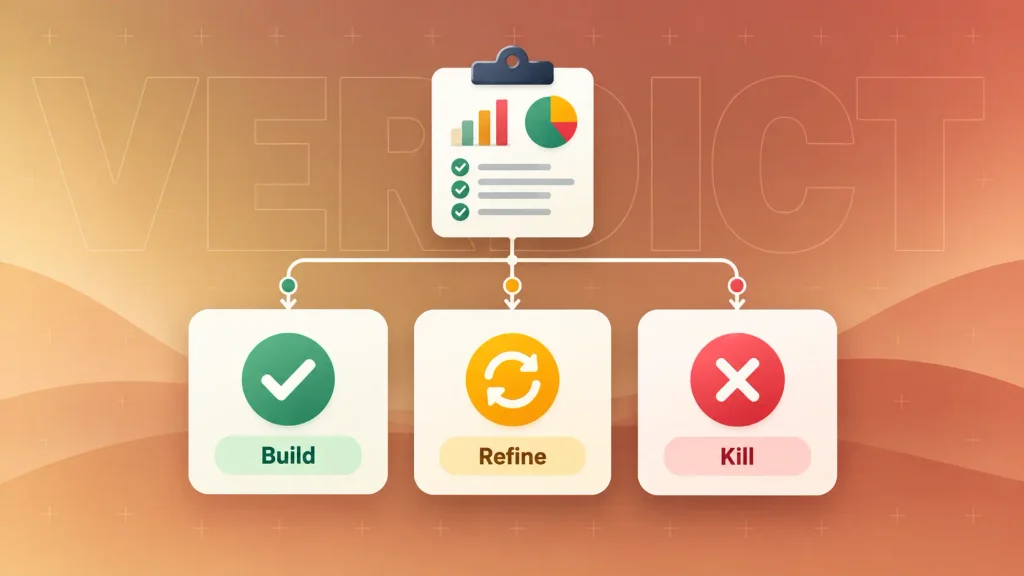
- Build: you hit your thresholds, interviews keep repeating the same pain, and some people committed time or money. Your next question is budget, so our mobile app development cost breakdown is a good next read, followed by how to build a mobile app step by step.
- Refine: interest is real, but conversion is weak, or one segment responds while others don’t. You narrow the audience or the promise and run the test again.
- Kill: you crossed the kill line, and nobody showed urgency. That’s a good outcome, because you learned it for the price of a few tests rather than a full build.
Refine is a common first verdict. That’s exactly why you validate an app idea before development: each loop costs days, not a development contract.
Common App Validation Mistakes That Cost Founders Months
Skipping app idea validation shows up in the failure data. CB Insights studied 431 VC-backed startups that shut down since 2023 and found poor product-market fit behind 43% of them. Running out of capital was cited more often, at 70%, but the report treats that as the final cause of death rather than the root problem.
These are the mistakes that let a weak idea slip through:
- Asking friends and family. They want you to succeed, so their feedback can’t count as evidence.
- Pitching during interviews. Once you describe the idea, people start reviewing it instead of describing their problem.
- Treating signups as payment. An email shows interest. Money shows demand.
- Testing everything at once. If you change audience, price, and message together, you can’t tell which one worked.
- Moving the goalposts. Lowering the pass line after results arrive turns a test into a formality.
- Building the MVP “to see what happens.” It’s the most expensive possible way to run a demand test.
Validation covers the risks before launch. For the patterns that sink apps after release, our breakdown of why mobile apps fail goes deeper.
How Boomdevs Helps You Validate Before You Build
If you’d rather not run this process alone, it’s the work Boomdevs’ mobile app consultants do before a line of production code gets written. You get a senior team that pressure-tests the idea with you and tells you plainly when the evidence isn’t there yet.
A validation engagement typically covers:
- Problem and assumption mapping: a sharp problem statement and a ranked list of what could kill the idea.
- Interview and demand-test design: who to talk to, what to ask, and which test fits your riskiest assumption.
- Platform and scope advice: whether you need a native app at all, and what the smallest useful first version looks like.
Because the same team can design and build afterward, nothing gets lost between a consultant’s report and a developer’s backlog. If you’re unsure what that role involves, here’s a plain look at what a mobile app consultant does.
Boomdevs has worked with 350+ startup founders and was named a Clutch Champion in Fall 2024. If you want a straight answer on what to test first, you can book a free strategy call and leave with a validation plan for your idea.
Frequently Asked Questions
How Do I Know If My App Idea Is Good?
A good app idea solves a frequent, painful problem that people already spend time or money patching. The clearest test is behavior: strangers who match your audience sign up, commit time, or pay a deposit before the app exists. Compliments from people you know don’t count.
Can I Validate an App Idea Without Coding?
Yes. Store reviews, interviews, landing pages, fake door tests, pre-sales, and clickable prototypes all work without a developer. You only need code once you’re building an MVP.
How Many People Should I Interview to Validate an App Idea?
Around 10 to 20 people who have the problem is a practical range. You can stop once new interviews keep repeating what you’ve already heard. For prototype usability tests, Nielsen Norman Group recommends small rounds of about five users.
Is It Bad If My App Idea Already Exists?
No. Competitors prove that people already pay to solve the problem. Read their two- and three-star reviews to find what they do badly, then validate that you can win a specific segment they underserve.
How Long Does It Take to Validate an App Idea?
It depends mostly on how quickly you can reach your audience. Desk research can take days, interviews take time to schedule, and a demand test needs to run long enough to reach the sample you set. Fixing the window in step 3 keeps the timeline from drifting.