


- 1. Key Takeaways
- 2. AI Integration Challenges at a Glance
- 3. 1. No Clear Use Case or Business Outcome
- 4. 2. Data That Isn't Ready for AI
- 5. 3. Legacy Systems Without Clean APIs
- 6. 4. Security, Privacy, and Over-Permissioned Access
- 7. 5. Outputs You Can't Trust in Production
- 8. 6. Costs That Grow After Launch
- 9. 7. Skills Gaps Across the Whole Team
- 10. 8. People Who Don't Use It
- 11. 9. Pilots That Never Reach Production
- 12. How to Tell Which Challenge Is Blocking You
- 13. AI Integration Challenges for Startups vs Enterprises
- 14. How to Overcome AI Integration Challenges: A 6-Step Plan
- 15. Should You Build In-House or Bring In a Partner?
- 16. How Boomdevs Fixes AI Integration Problems
- 17. Frequently Asked Questions
Summarize with
Your AI demo landed well with the board, and the pilot answered questions in seconds. Six months later, it still isn’t connected to anything your team actually uses. Nobody can quite say why.
These are the nine AI integration challenges that stall most rollouts, drawn from industry research and the failure patterns behind real projects. Read each one honestly against your own setup. The one that stings is usually where you start.
Key Takeaways
- Most AI integration challenges have little to do with a weak model. They show up where AI meets your data, your systems, and your team.
- The three challenges that block the most projects are data that isn’t ready, legacy systems without clean APIs, and pilots with no path to production.
- Security, output quality, and usage-based costs tend to surface late, after launch, which is why they hurt the most.
- Your best first move is one measurable use case, plus an honest audit of the data and systems it needs to touch.
AI Integration Challenges at a Glance
AI integration challenges show up the moment you connect a model to your real data, software, and workflows. The model itself is usually the easy part. The hard part of integrating AI into existing systems is getting it to read the right records, write back safely, and earn your team’s trust.
If these AI integration challenges sound familiar, you’re far from alone. In MuleSoft’s 2025 research, 95% of organizations reported challenges integrating AI into existing processes, and 80% named data integration as their biggest obstacle. Gartner expected at least 30% of generative AI projects to be abandoned after proof of concept by the end of 2025, citing poor data quality, weak risk controls, rising costs, and unclear business value.
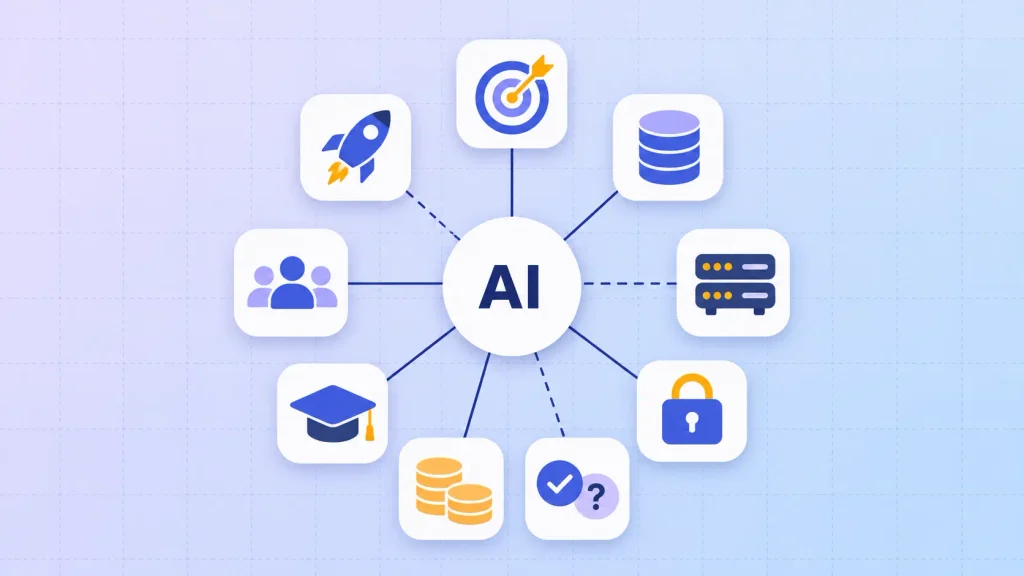
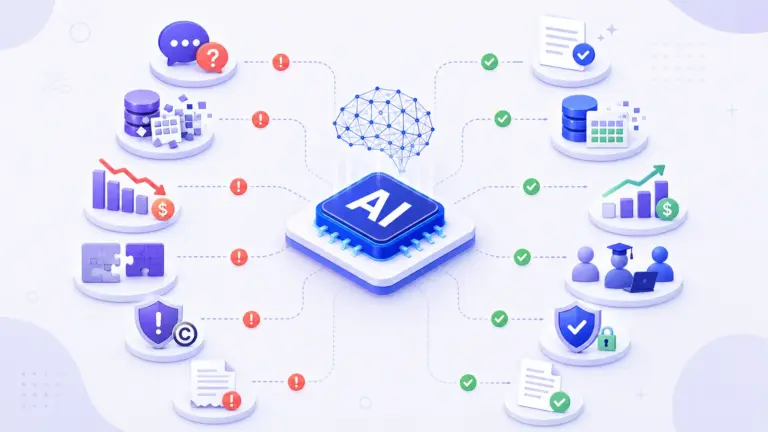
Here’s how the nine challenges line up, where each one tends to appear, and the first fix worth trying:
| Challenge | Where it shows up | First fix |
| 1. No clear use case | Pilots nobody can measure | Tie AI to one business metric |
| 2. Data that isn’t ready | Wrong or inconsistent answers | Audit data for one use case |
| 3. Legacy systems | AI sits outside core tools | Add an API or middleware layer |
| 4. Security and access | Compliance blocks launch | Least-privilege access per tool |
| 5. Untrusted outputs | Users double-check everything | Test and monitor output quality |
| 6. Growing costs | Bills rise after launch | Model cost per transaction early |
| 7. Skills gaps | Work stalls between teams | Train the roles around the model |
| 8. Low adoption | Tool live, nobody uses it | Involve users from the start |
| 9. Stuck pilots | Demo works, production doesn’t | Design the pilot to graduate |
Most teams hit three or four of these at once, and the first fix in one row often eases the next.
1. No Clear Use Case or Business Outcome
The first of the challenges of AI integration starts before anyone writes code. You pick an AI tool because competitors have one, then go looking for a problem it can solve.
That order rarely ends well. Without a defined outcome, nobody agrees on what “working” means. The pilot runs, people say it looks promising, and the budget review comes with nothing to show.
A use case is ready for integration when you can answer these questions in one line each:
- What decision or task changes? For example, “support agents draft replies in half the time.”
- Which metric moves? Pick one, like resolution time, cost per ticket, or conversion rate.
- Who owns the result? A named person, not a committee.
- What happens if it’s wrong? The cost of a bad answer decides how much checking you’ll need.
If you can’t fill in all four, I’d suggest pausing the build. A week spent on scope saves months of integration work aimed at the wrong target.
2. Data That Isn’t Ready for AI
Your AI is only as good as the data it can reach. You probably have that data already, but it’s spread across a CRM, an ERP, spreadsheets, and someone’s inbox.
The problem isn’t volume. It’s consistency. “Active customer” means one thing to sales and another to finance. Product names change across systems. Nobody owns the cleanup, so nobody does it.
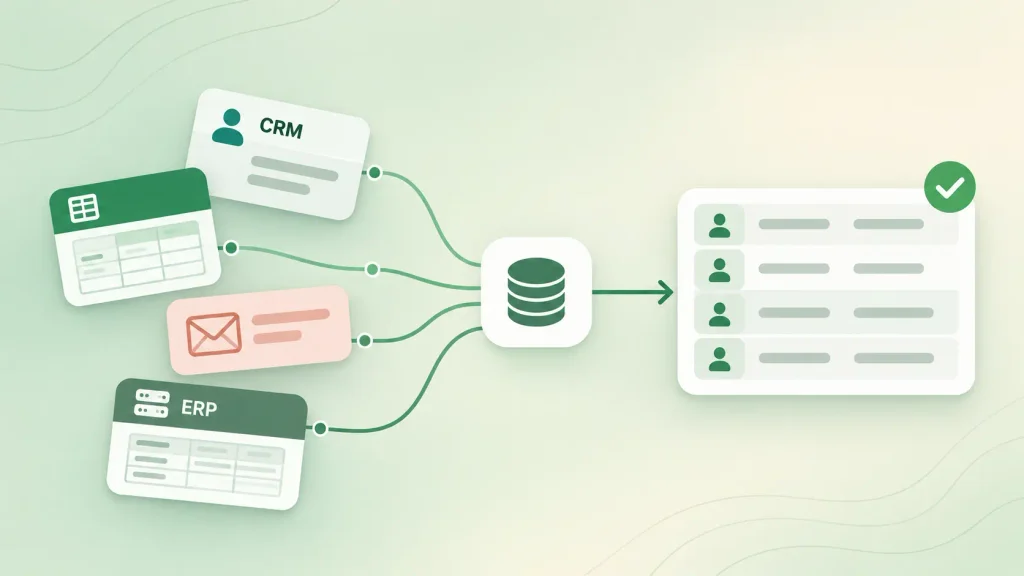
Before you connect a model, run these quick checks on the data your first use case needs:
- Location: Can you list every system that holds it?
- Definitions: Do the key fields mean the same thing everywhere?
- Freshness: How old is the data the AI will read at the moment it answers?
- Ownership: Is one person responsible for keeping it accurate?
You don’t need to fix all your data at once. Clean what the first use case touches, then expand. Large cleanup projects with no use case attached tend to drag on without finishing. Data problems quietly sit behind most other AI integration challenges, so fixing it early pays off twice.
3. Legacy Systems Without Clean APIs
Older platforms often hold your most valuable data and offer the worst ways to reach it. Many were built before APIs were standard. Some only export flat files overnight.
That’s why AI integration with legacy systems so often ends with AI bolted on as a side tool. Data gets copied out in batches, processed elsewhere, and pushed back in. That works for a demo. In daily use, it creates delays, sync errors, and fragile pipelines.
You usually have three realistic options:
| Pattern | How it works | Best for |
| API layer | Wraps the old system in modern endpoints | Systems you plan to keep |
| Middleware | Routes and reshapes data between systems | Many systems, mixed formats |
| Retrieval (RAG) | AI reads existing records at question time | Knowledge-heavy use cases |
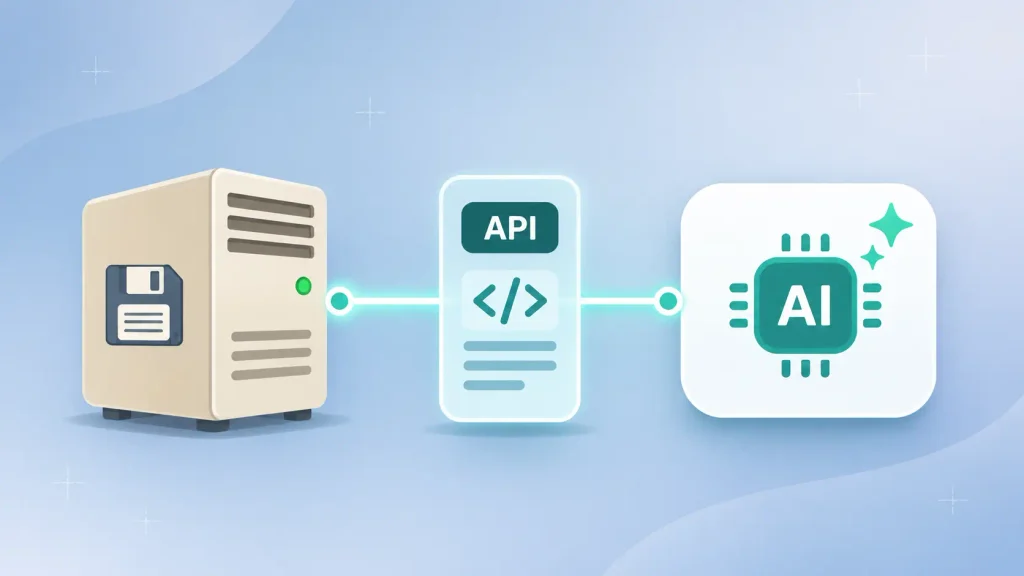
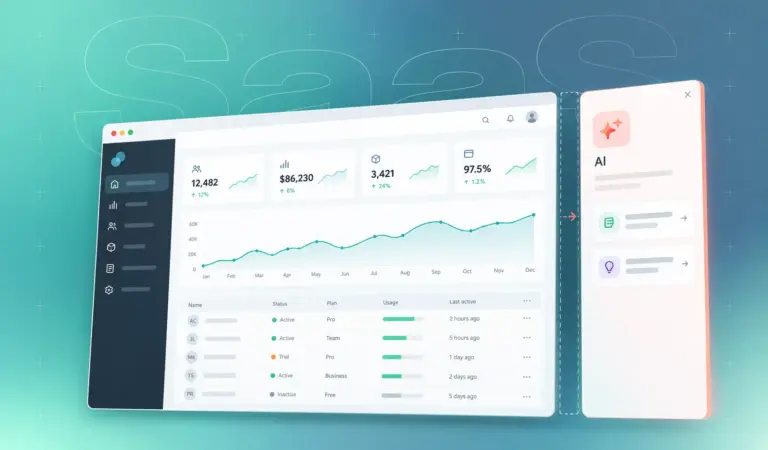
When you plan AI integration with legacy systems, a full rebuild is rarely the first answer. An API layer is usually the fastest route, and it’s the same pattern teams use when adding AI features to an existing SaaS product without touching the core code. If the core system is genuinely at the end of its life, though, modernizing the legacy application before layering AI on top can cost less than years of workarounds.
4. Security, Privacy, and Over-Permissioned Access
Integrating AI into existing systems means giving a new system access to your data. That’s exactly where security reviews stall projects, and often for good reason.
The risk has grown with AI agents. An agent that can read your CRM, send emails, and update records needs permissions. Teams often grant broad read and write access to get the demo running, then forget to narrow it before launch.
These are the security questions worth settling before go-live:
- Data exposure: Which records can the AI see, and should it see all of them?
- Third-party processing: Does customer data leave your environment when it calls an external model?
- Action limits: What can the AI change on its own, and what needs a human to approve?
- Audit trail: Can you trace what the AI accessed and did, and when?
- Regulation: Do rules like GDPR, HIPAA, or the EU AI Act apply to your use case?
The fix is least-privilege access. Give each AI tool the narrowest permissions its job needs, and log everything it touches.
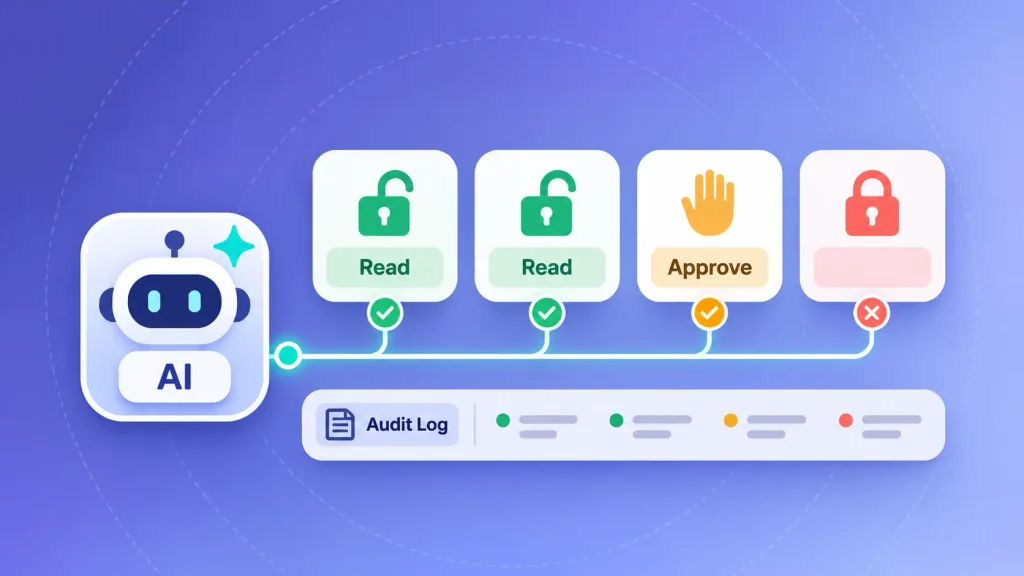
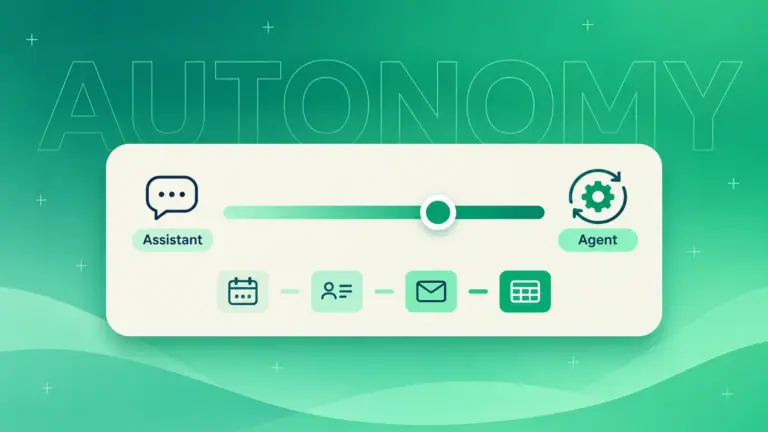
If you’re planning agents that take real actions, building AI agents with scoped permissions from day one is far easier than locking them down later.
5. Outputs You Can’t Trust in Production
Generative AI doesn’t behave like normal software. The same question can produce slightly different answers. Sometimes it states something false with total confidence.
In a demo, an occasional odd answer is funny. In production, it’s a support ticket, a wrong quote, or a compliance problem. Once users catch a few mistakes, they start double-checking everything. At that point, the time savings are gone.
Bias adds another layer to these AI integration challenges. If historical data reflects unfair patterns, the model can repeat them in hiring, lending, or pricing decisions.
You can reduce these risks without waiting for perfect models:
- Ground the answers. Have the AI pull from your own documents instead of answering from memory, which is where the choice between RAG and fine-tuning makes the biggest difference.
- Test before launch. Build a set of real questions with known correct answers, and score the system against it.
- Monitor after launch. Sample live outputs weekly. Quality can drift when data or models change.
- Keep a human in the loop. High-stakes outputs get a review step until accuracy is proven.
None of this is glamorous work. It’s also the difference between a tool your team relies on and one it quietly avoids.
6. Costs That Grow After Launch
AI integration costs rarely stop at the build. Most budgets, and most AI product development cost estimates, focus on development and miss what comes after: infrastructure, monitoring, data upkeep, and model usage.
Usage-based pricing catches teams off guard. Many AI models charge per request or per volume of text processed. A pilot with 50 users looks cheap. The same feature rolled out to 5,000 users, with longer prompts and more documents attached, is a different bill entirely.
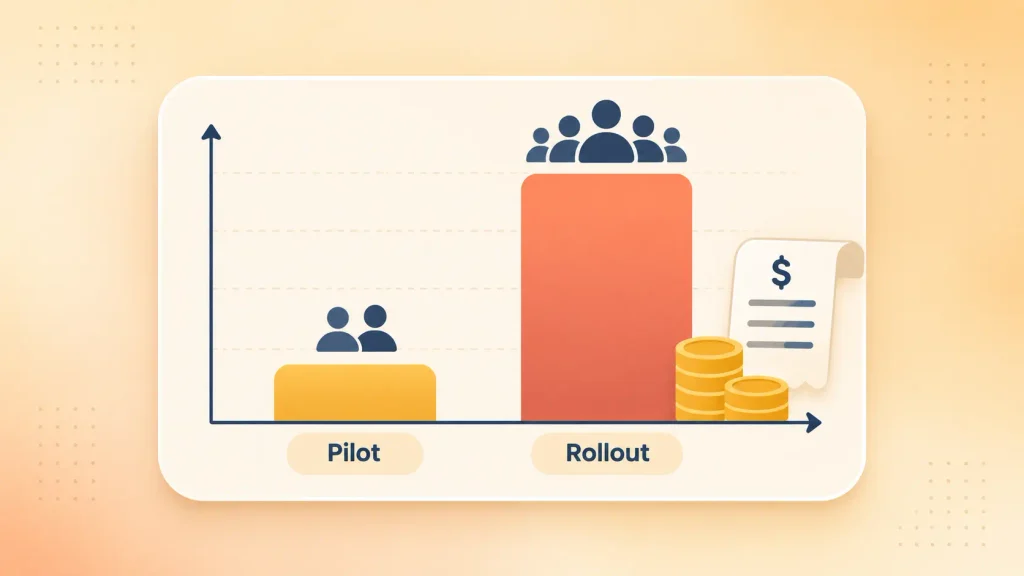
Here’s where costs usually hide:
- Integration work: Connecting to old systems often takes longer than building the AI feature itself.
- Model usage: Costs scale with users, prompt length, and how often the AI runs.
- Data preparation: Cleaning and maintaining the data never fully ends.
- Monitoring and fixes: Someone has to watch quality and respond when it slips.
Gartner tied the same pressures to agentic AI, predicting that more than 40% of agentic AI projects will be canceled by the end of 2027 over escalating costs, unclear value, and weak risk controls. Cost is one of the challenges of AI integration you can measure early, so model your cost per transaction during the pilot, not after launch.
7. Skills Gaps Across the Whole Team
Hiring one machine learning engineer won’t close this gap. Integrating AI into existing systems needs skills spread across several roles, and you’re likely missing more than one.
Think about who touches an AI feature. A product manager has to define a use case the model can actually handle. An engineer has to connect it to your systems. Someone in operations has to fit the output into a daily workflow. Legal or compliance has to approve it.
When any of those roles is guessing, work stalls in the gaps between them:
| Role | Common gap | What helps |
| Leadership | Can’t judge which use cases are realistic | Short AI literacy sessions |
| Product | Scopes features the model can’t support | Pairing with an AI engineer early |
| Engineering | No experience with model testing or RAG | Hands-on pilot work |
| Compliance | No framework for reviewing AI | A clear AI use policy |
You don’t have to hire for every gap. Many teams bring in outside help for the first build, then move the knowledge in-house. The key is planning that handover from the start.
8. People Who Don’t Use It
A fully integrated AI tool still fails if your team works around it. Of all the AI integration challenges, this one is the most human. Low adoption is one of the most common reasons AI projects show no return, and it sits at the center of most enterprise AI adoption challenges.
Resistance usually comes from reasonable worries. People fear the tool will replace them. They don’t trust its answers. Or nobody asked them how their work actually happens, so the tool doesn’t fit it.
Three moves make the biggest difference:
- Involve users early. The people doing the work should help shape the use case.
- Show the “what’s in it for me.” Frame AI as removing the tedious parts of a role, and mean it.
- Train on real workflows. Walk teams through their own tasks with the tool, not a generic demo.
When people help shape a tool, they defend it instead of avoiding it. That shift matters more than any feature you add later.
9. Pilots That Never Reach Production
This is where most of the other AI integration challenges show up at once. A pilot runs on clean sample data, with a few friendly users and no real integration. Then it meets production, and everything it skipped comes back.
The numbers are stark. MIT’s NANDA research found that only about 5% of generative AI pilots delivered rapid revenue gains, while the vast majority stalled with little measurable P&L impact. The researchers pointed to flawed enterprise integration, not model quality.
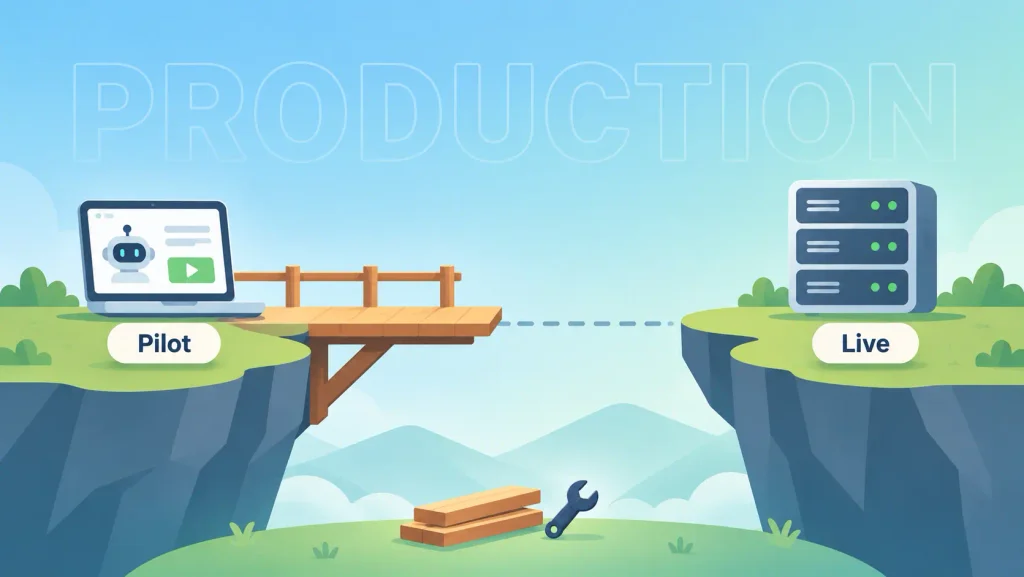
Pilots usually stall for a few repeated reasons:
- No owner after the demo. The innovation team built it, but nobody owns running it.
- No production plan. Monitoring, error handling, and support were never scoped.
- One-off integrations. Custom connections that can’t be reused for the next use case.
- Provider lock-in. The pilot is tied to one model, and a pricing change or model retirement breaks it.
That last one is easy to miss. AI providers update and retire models often. Building a thin layer between your app and the model lets you switch providers without a rewrite. It’s cheap to add early and painful to add later.
The fix is designing for production from day one. Treat the pilot as the first version of the real system, scoped like a proof of concept built to graduate, with real data and a named owner.
How to Tell Which Challenge Is Blocking You
Your symptoms usually point to the real problem. Teams often blame the model when the cause sits somewhere else entirely.
Match what you’re seeing to the most likely cause below:
| What you’re seeing | Likely challenge | Check first |
| Answers are wrong or inconsistent | Data readiness | Source data for one sample answer |
| AI can’t reach the data it needs | Legacy systems | Available APIs and export options |
| Security review keeps delaying launch | Access and privacy | What the AI can read and change |
| Users verify every output | Output quality | Accuracy on a test set |
| Costs rose after rollout | Usage costs | Cost per request and request volume |
| Tool is live but barely used | Adoption | Whether users helped design it |
| Demo works, nothing ships | Stuck pilot | Who owns it after launch |
If two or three rows describe you, start with the one closest to the data. Data and system problems tend to cause the quality and trust problems further down the table. Once you know the blocker, the six-step plan later in this guide shows how to overcome AI integration challenges in the right order.
AI Integration Challenges for Startups vs Enterprises
The same nine AI integration challenges look different depending on your company’s size. A startup and an enterprise can both struggle with data, for opposite reasons.
Here’s how the main challenges shift:
| Challenge | Startups | Enterprises |
| Data | Too little history to work with | Too much data, spread across silos |
| Systems | Modern stack, fewer blockers | Decades of legacy platforms |
| Security | Few formal controls yet | Long review and approval cycles |
| Costs | Usage bills hit a small budget hard | Costs spread across many teams |
| Skills | Small team, no AI specialist | Specialists exist, but in silos |
| Adoption | Easier, fewer people to convince | Harder, many teams and habits |
The takeaway is simple. Startups usually move faster but need discipline on cost and security. Enterprises have the resources but lose time to coordination, especially around AI integration with legacy systems. Plan for the version of each challenge that matches your size.
How to Overcome AI Integration Challenges: A 6-Step Plan
Most AI integration challenges shrink when you take them in the right order. A solid step-by-step AI implementation roadmap follows the same logic: start narrow, prove value, then expand.
Here’s a sequence that works for most teams:
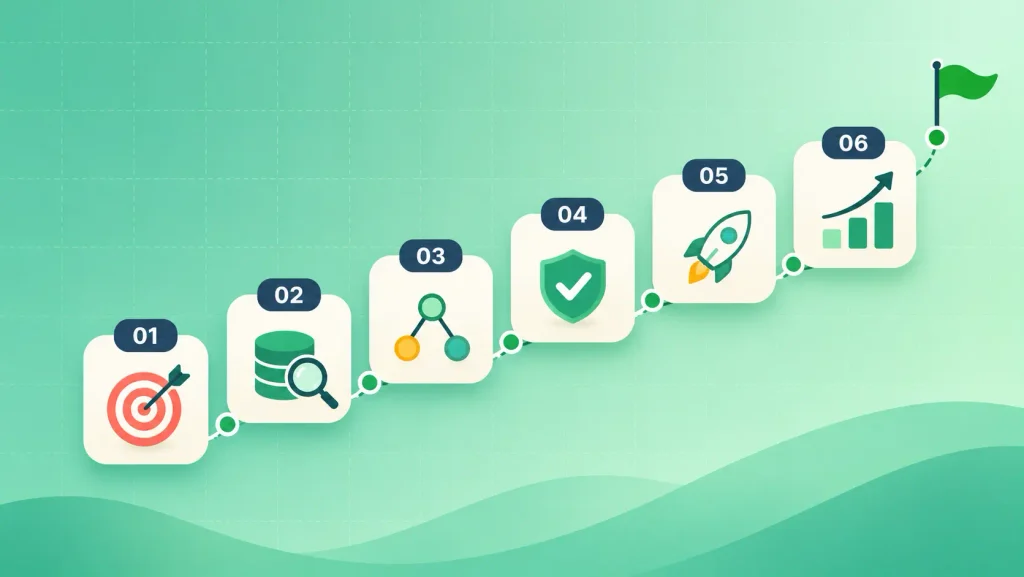
Step 1: Pick One Measurable Use Case
You’ll want a single problem with a clear metric and a named owner. Smaller is better for a first project, because a narrow win builds trust for the next one.
Step 2: Audit Data and Systems Access
It’s worth listing every system your use case needs and checking how the AI will reach each one. This is where you find out early whether you’ll need an API layer or a data cleanup.
Step 3: Choose the Integration Pattern
Next, you decide how the AI connects to your stack: direct API calls, middleware, or retrieval from existing sources. I’d suggest matching the pattern to how fresh the data must be and how many systems are involved.
Step 4: Set Guardrails and Access Rules
You’ll need clear rules for what the AI can read, what it can change, and what needs human approval. Logging and compliance are far easier to settle before launch than during it.
Step 5: Pilot With Production in Mind
Your pilot should run on real data, with real users and real integrations. You can track accuracy, cost per request, and usage from the first day.
Step 6: Monitor, Measure, and Expand
Now you compare results against the metric you set in step one. Fix what’s weak first, then reuse the same integration pieces for your next use case. Small early wins mean fewer AI integration challenges later.
Each step closes one or two of the nine challenges. Skipping one usually means meeting that challenge later, at a higher cost.
Should You Build In-House or Bring In a Partner?
It depends on your team’s experience, but the data leans one way. The same MIT research found that purchased tools and partnerships succeeded about 67% of the time, while internal builds succeeded only about a third as often.
That doesn’t mean outsourcing everything. The in-house vs outsourced AI development trade-offs come down to cost, control, and speed, and the first integration is where outside experience pays off most. A good partner has already worked through the challenges of AI integration you’re about to discover: legacy, data, and security.
Here’s a quick way to weigh it:
- Build in-house if you already have AI engineers, clean data, and modern systems.
- Bring in a partner if this is your first production AI project, or your stack includes legacy platforms.
- Mix both if you want to ship fast now and own the system later, with a planned knowledge handover.
Whichever route you pick, plan who owns the system once it’s live.
How Boomdevs Fixes AI Integration Problems
Boomdevs connects AI to the systems you already run, rather than building demos that live beside them. Most projects start with a short audit of your data, systems, and use case, so the first build targets the challenge that’s actually blocking you.
From there, the work covers the full path: integration patterns for legacy platforms, scoped access and guardrails, output testing, and a pilot designed to reach production. With 10+ years in software and 3.5K+ projects delivered, the team has seen most of these failure patterns before.
If your AI project is stuck somewhere between demo and daily use, plan your AI integration with Boomdevs and get a clear view of what’s blocking it.
Frequently Asked Questions
What is the biggest challenge in AI integration?
Data is usually the biggest of all AI integration challenges. Most organizations have the data AI needs, but it’s scattered across systems, defined inconsistently, and owned by no one. In MuleSoft’s 2025 research, 80% of organizations named data integration as their top obstacle.
Can AI work with legacy systems?
Yes, in most cases. An API layer, middleware, or retrieval-based setup can connect AI to older systems without replacing them. A full rebuild only makes sense when the legacy system is already at the end of its life.
How long does AI integration take?
It depends on your data readiness, the number of systems involved, and how much testing your use case needs. A narrow use case with clean data and modern APIs moves fastest. Projects touching several legacy systems take considerably longer.
What’s the difference between AI integration and AI adoption?
AI integration is the technical work of connecting AI to your data, systems, and workflows. AI adoption is whether people actually use it and trust it. You need both, since a well-integrated tool that nobody uses still delivers nothing.
How much does AI integration cost?
Costs depend on scope, the systems you connect, and ongoing model usage. Beyond the build, budget for integration work, monitoring, and usage-based model fees, the same drivers behind any full cost breakdown for AI products.