


- 1. Key Takeaways
- 2. What Custom Software for Small Business Actually Means
- 3. Is Custom Software Worth It, or Is Off-the-Shelf Still Smarter?
- 4. Signs Your Small Business Is Ready for Custom Software
- 5. What Custom Software Can a Small Business Build?
- 6. How Much Does Custom Software Cost a Small Business?
- 7. How to Build Custom Software for Your Small Business, Step by Step
- 8. How to Choose a Development Partner (and Protect Yourself)
- 9. Common Mistakes That Sink Small Business Software Projects
- 10. How Boomdevs Solves the Small Business Software Fit Problem
- 11. Frequently Asked Questions
Summarize with
You’re running the business on five subscriptions and a shared spreadsheet. One person knows how it all fits together. Now you’re asking whether custom software for small business is worth the money.
It can be. It can also be an expensive detour. The deciding factor is scope, not technology.
Get the scope right and the build earns its keep. Get it wrong and you’ve bought a sixth tool nobody opens. Here’s how to tell which side you’re on.
Key Takeaways
- Build when one workflow is costing you real money. Think daily re-keying, missed bookings, or a process no tool handles without workarounds.
- Stay off-the-shelf for commodity work. Payroll, email, and accounting rarely justify a custom build at small-business scale.
- Budget by scope. In GoodFirms’ 2026 survey, small projects and MVPs land under $30,000, while medium applications run $30,000 to $100,000.
- Start with one workflow, not a platform. A short discovery and a focused MVP keep the risk small and the payback fast.
What Custom Software for Small Business Actually Means
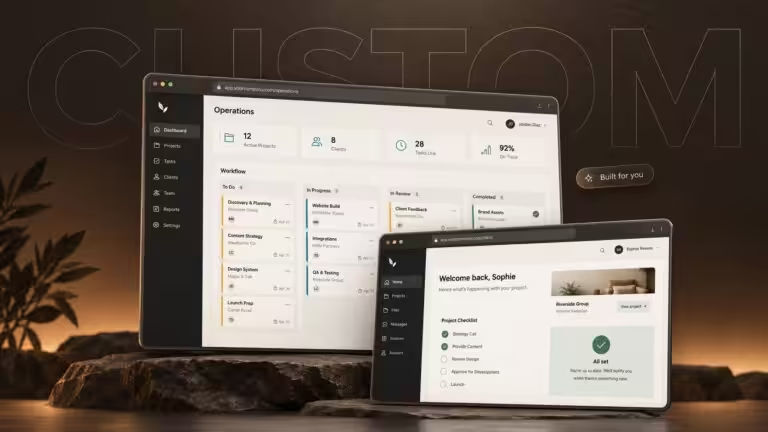
Custom software for small business is usually one tool, built around one to three workflows you run every day., built around one to three workflows you run every day. It’s a quoting system that matches how you price jobs, or a booking flow that knows your staff rules. It is not a shrunken copy of an enterprise system.
That distinction matters, because it changes the budget, the timeline, and the risk. You’re paying to remove a specific bottleneck, not to rebuild the company in code.
If you’re weighing a broader overhaul across departments, our guide to business software development covers that larger picture. For most owners, though, the smart first step in custom software development for small business is a narrow build.
How a Small Business Build Differs From Enterprise Software
The gap shows up in nearly every decision you’ll make. Here’s how the two compare in practice:
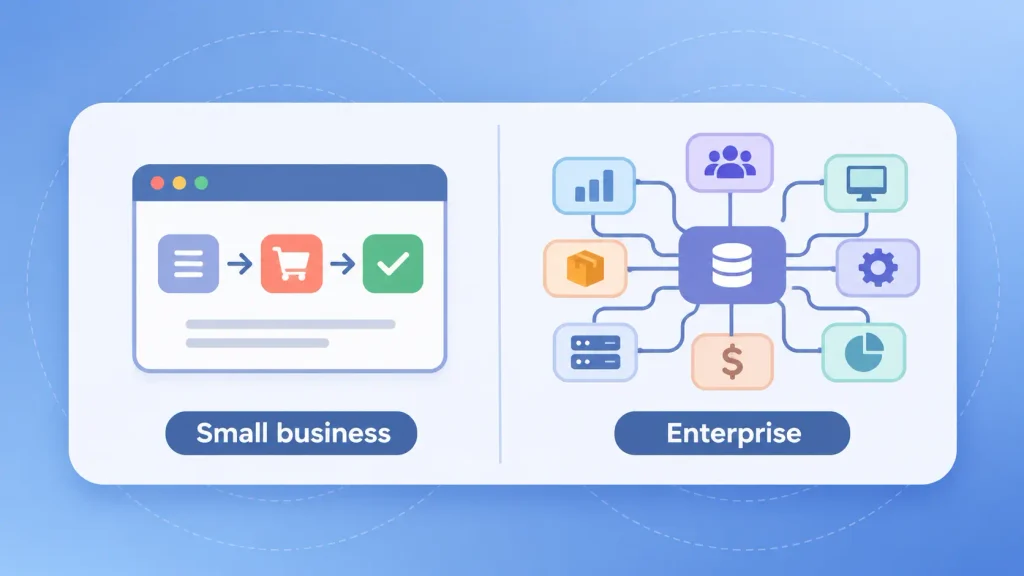
| Factor | Small business build | Enterprise build |
| Scope | One to three core workflows | Many departments at once |
| Decision-makers | Owner or a small leadership group | Committees and procurement |
| Integrations | A few tools you already use | Dozens of systems, often legacy |
| Goal | Remove one costly bottleneck | Standardize the whole organization |
The takeaway: you can move faster and spend less than enterprise horror stories suggest, as long as you keep the first build tight.
Is Custom Software Worth It, or Is Off-the-Shelf Still Smarter?
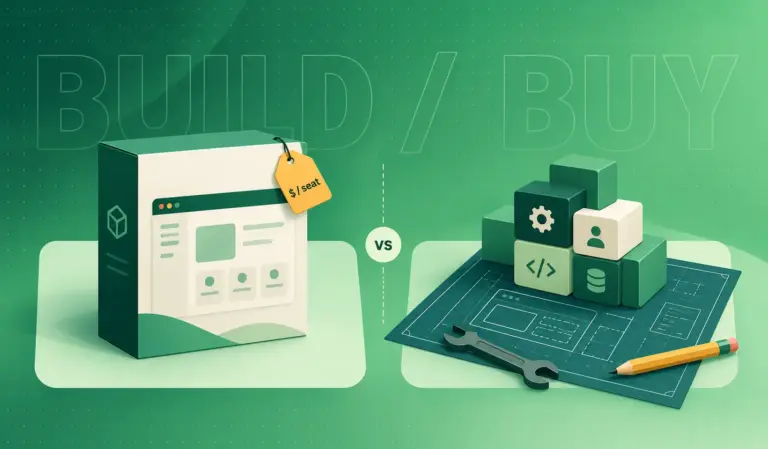
Custom software is worth it when one of your workflows sets you apart or bleeds hours every week, and no product fits it without workarounds. For everything else, buying usually wins. In the custom vs off-the-shelf software decision, most small businesses end up with a mix, not one or the other.
Tool sprawl makes this harder to judge. BetterCloud’s 2026 State of SaaS report found the average number of apps per organization rose 11% year over year, after two years of consolidation. Adding one more subscription feels cheap. The cost hides in the manual work between them.
When Off-the-Shelf Is the Right Call
Here’s the part most sales decks skip in the custom vs off-the-shelf software debate. You’ll usually be better off buying when:
- The process is standard. Payroll, email, video calls, and basic accounting work the same way for almost everyone.
- You need it running this week. A product goes live in days. A custom build takes weeks at minimum.
- Your process is still changing. Building around a workflow you haven’t settled locks in a guess.
- Nobody will own the software. Custom tools need someone to request fixes and plan updates.
If most of those describe your situation, I’d suggest holding off. Our full breakdown of custom software vs off-the-shelf walks through the trade-offs criterion by criterion.
The Hybrid Route: Keep Your SaaS, Build the Edge
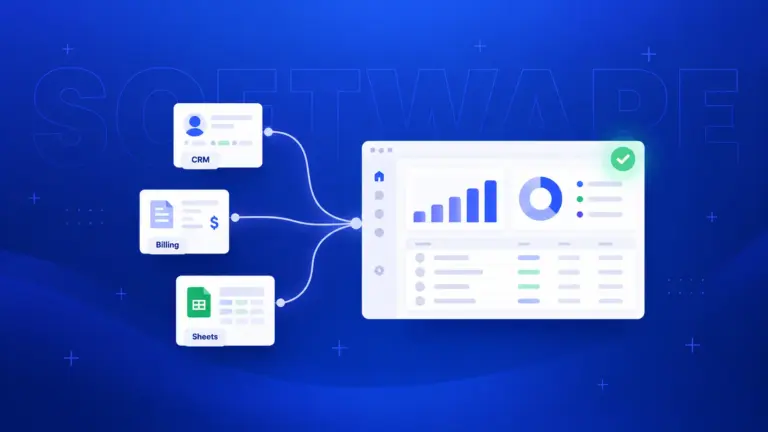
The custom vs off-the-shelf software choice isn’t all-or-nothing. You don’t have to replace everything. Many small businesses keep their accounting, CRM, or email tools and build only the layer that makes them different. That might be a custom quoting screen that pushes data into the CRM, or a dashboard that pulls from three apps at once.
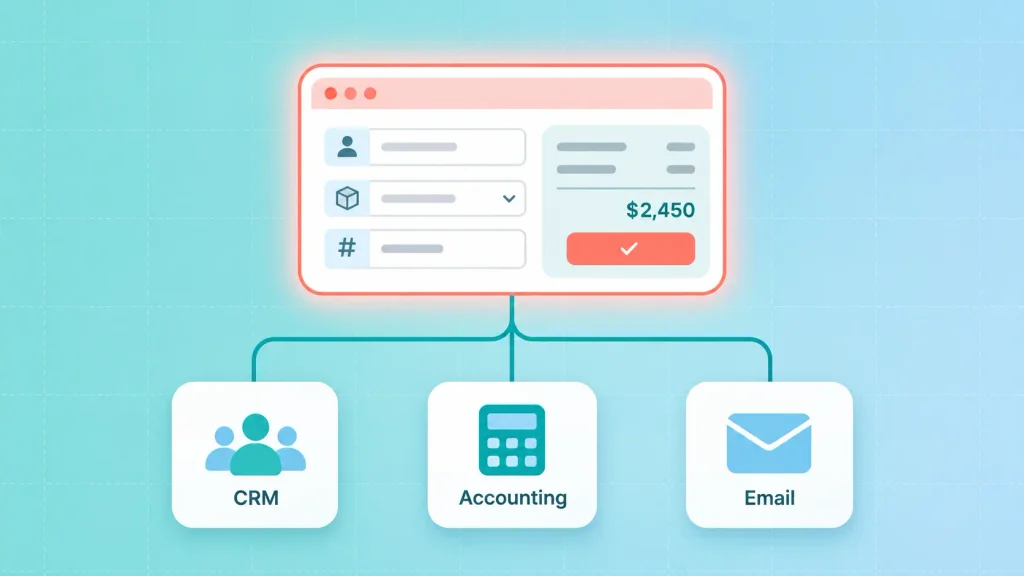
Here’s how the three paths compare:
| Approach | Best for | Main trade-off |
| Off-the-shelf only | Standard processes, early-stage teams | You adapt to the tool |
| Hybrid (SaaS plus custom layer) | One unique workflow on a standard stack | Integrations need upkeep |
| Fully custom | Core operations no product supports | Highest upfront cost |
The hybrid route is often the cheapest way to get the benefits of custom software for small businesses without rebuilding things that already work fine.
Signs Your Small Business Is Ready for Custom Software
You’re ready when the cost of working around your tools is higher than the cost of fixing them. That cost rarely shows up on an invoice. It shows up as staff time, errors, and customers who wait too long.
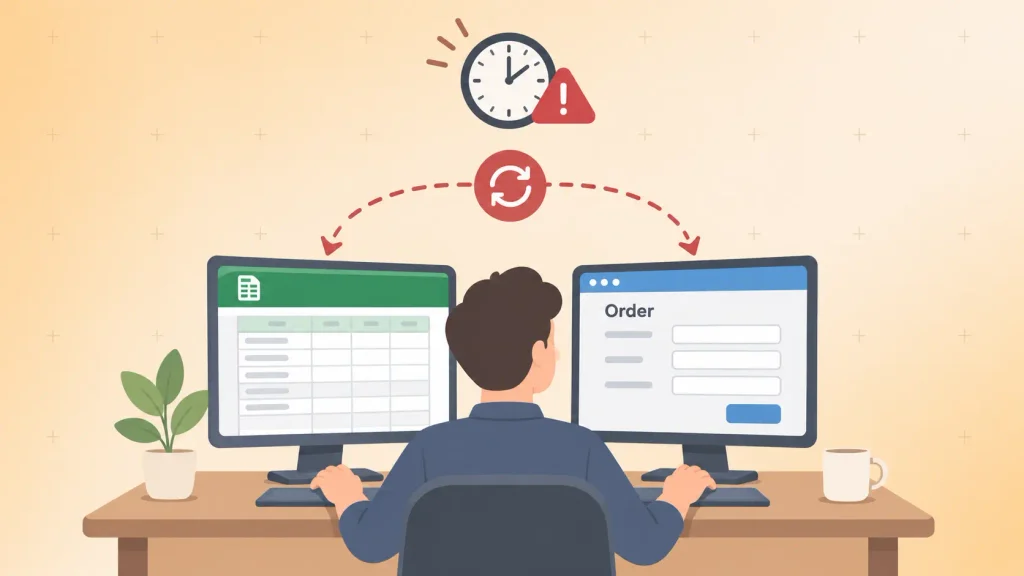
These are the six clearest signs you need custom software:
- Someone re-keys the same data every day. Orders go into one system, then get typed into another.
- A spreadsheet runs a critical process. If it breaks or its owner leaves, the process stops.
- You pay for tiers you barely use. You’re on a higher plan for two features out of 30.
- Your tools can’t handle your growth. What worked at 50 orders a week struggles at 500.
- Customers feel the friction. Slow quotes, double bookings, or billing mistakes are reaching them.
- Your edge lives in a process no product supports. The way you schedule, price, or deliver is why clients pick you.
If you spot two or more of these signs you need custom software, it’s usually time for a serious look. One on its own might be fixable with a better product or a simple integration.
What Custom Software Can a Small Business Build?
Almost any process you repeat can become software, but most custom software for small businesses falls into a handful of categories. The best candidate is whichever one touches the most hours or the most revenue.
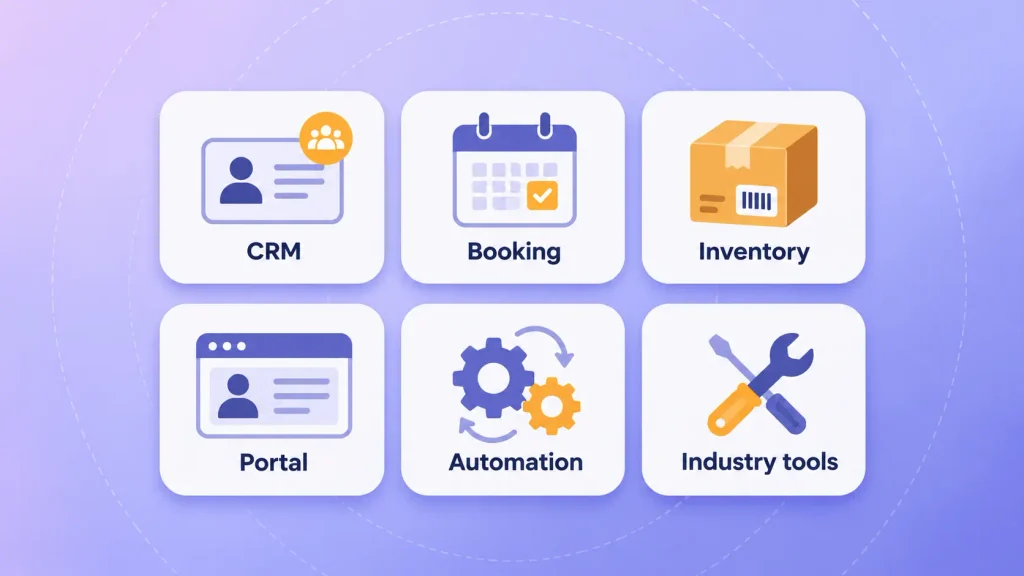
Common builds include:
- Custom CRM: tracks leads and follow-ups the way your sales cycle actually works, not a generic pipeline.
- Scheduling and booking: handles your service types, staff rules, buffers, and reminders in one flow.
- Inventory and order management: syncs stock across channels and triggers reorders based on your suppliers.
- Customer portals: let clients check orders, invoices, or project status without emailing your team.
- Workflow automation: replaces approval chains, report building, and data transfers between tools.
- Industry-specific tools: job costing for contractors, batch tracking for food producers, or intake for clinics.
Most of these are delivered as web applications, since your team and customers can reach them from any device. Our custom web app development team builds most small business tools this way for exactly that reason.
How Much Does Custom Software Cost a Small Business?
Custom software for small business typically costs under $30,000 for a focused MVP and $30,000 to $100,000 for a medium-sized application. Those are the planning bands from GoodFirms’ 2026 survey of more than 100 software companies. Your small business custom software cost depends on scope more than anything else.
Typical Budget and Timeline Ranges
The GoodFirms 2026 Custom Software Development Cost Survey ranges, as reported by PC Tech Magazine, break down like this:
| Project scope | Typical budget | Typical timeline |
| Small project or MVP | Under $30,000 | 1 to 3 months |
| Medium-sized application | $30,000 to $100,000 | 3 to 6 months |
| Large-scale software | $100,000 to $200,000 | 6 to 12 months |
| Enterprise platform | $200,000+ | 12 to 24 months |
Most small business builds sit in the first two rows. If a quote for a single-workflow tool lands in the bottom row, it’s worth asking what’s driving it. For a line-by-line view of what moves the price, see our breakdown of custom web app development cost.
The Costs That Start After Launch
The build quote is only part of your small business custom software cost. Software keeps costing money once it’s live, and owners who skip this line are the ones who get surprised in year two.
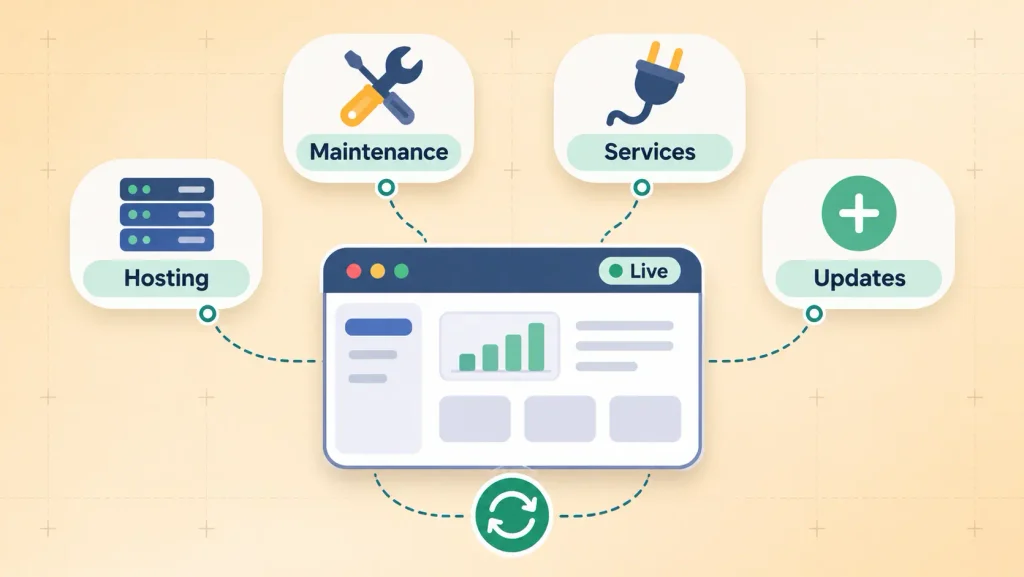
Plan for these ongoing items:
- Hosting and infrastructure: servers, databases, backups, and monitoring.
- Maintenance: bug fixes, security patches, and updates when connected tools change their APIs.
- Third-party services: payment gateways, SMS, maps, or email platforms that bill per use.
- Small improvements: the features your team asks for once they start using the tool daily.
It’s worth asking every partner to quote maintenance separately from the build. A low build price paired with a vague support plan is a warning sign, not a bargain.
How AI-Assisted Development Changed the Math in 2026
AI tools have made parts of custom software development for small business faster, and that has pulled some budgets down. In GoodFirms’ 2026 survey, 90.6% of development companies reported using AI tools across the development lifecycle. Testing, documentation, and code assistance were where firms saw the most impact.
That’s good news for you, with one caveat. AI speeds up the repeatable work. It doesn’t decide what to build, how your data should flow, or which edge cases will break your process. Those calls still take experienced people, and they’re where small projects most often go wrong.
A Quick Break-Even Check Before You Commit
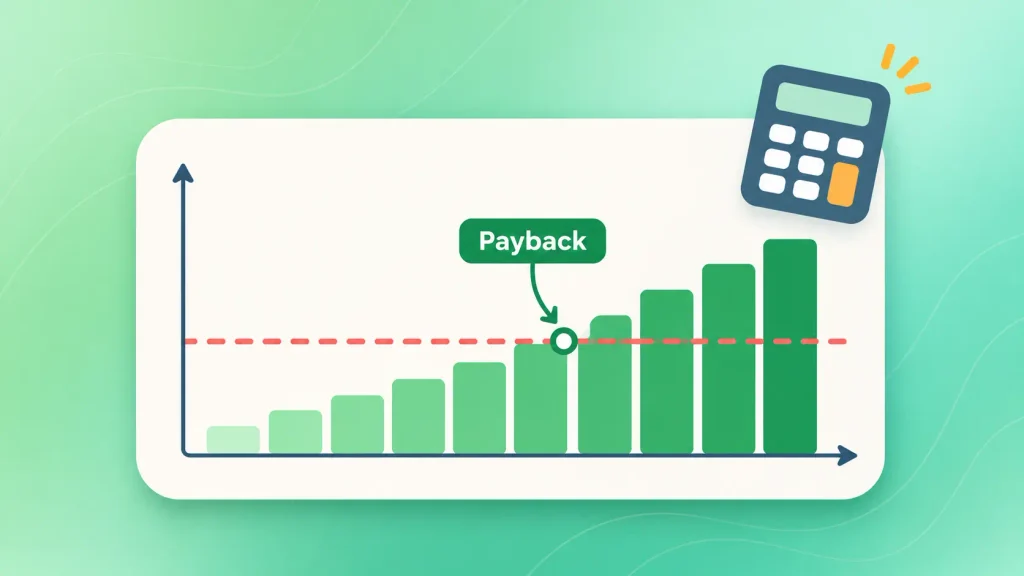
You can sanity-check any small business custom software cost quote in a few minutes. Compare what the tool costs against what it saves you each month, then see how long payback takes.
Here’s a worked example with illustrative numbers, not benchmarks:
| Item | Monthly value |
| Subscriptions the tool replaces | $600 |
| Staff time saved (50 hours at $30) | $1,500 |
| Ongoing hosting and support | -$400 |
| Net monthly benefit | $1,700 |
At a $40,000 build cost, payback comes in about 24 months. When you swap in your own figures, watch the payback period. If it stretches past three or four years, I’d suggest narrowing the scope before you go further.
Want a real number instead of a band? Boomdevs can scope your workflow and give you a free project estimate, including what it will cost to run after launch.
How to Build Custom Software for Your Small Business, Step by Step
The safest way to build custom software for small business is to start with one workflow and expand only after it proves itself. Each step below reduces the risk of paying for the wrong thing.
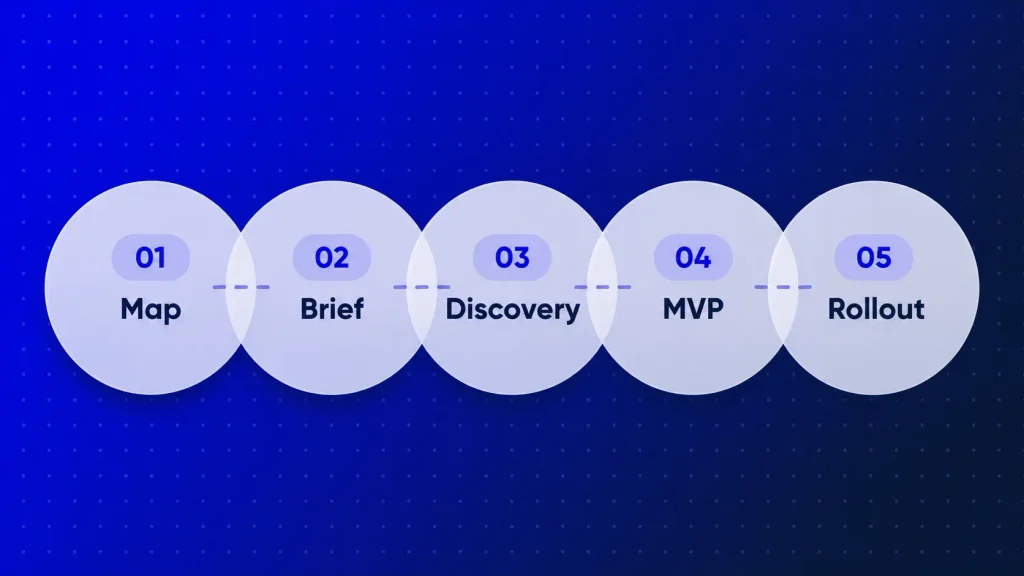
Step 1: Map the One Workflow Costing You the Most
Start with the process behind the clearest signs you need custom software: the one that eats the most hours or causes the most errors. It’s worth walking through it with the people who do it every day.
As you go, note each step, each tool, and each handoff. You’ll often find the real problem is one or two steps, not the whole process.
Step 2: Write a One-Page Brief
A short brief gets you better quotes and fewer surprises. It should cover:
- The problem in plain words, not a feature list
- Who uses the tool and how often
- Which systems it has to connect to
- Your rough budget range and deadline
That page alone separates partners who listen from those who quote on guesswork.
Step 3: Run a Short, Paid Discovery
In custom software development for small business, discovery is where a partner turns your brief into a buildable plan, with screens, data flows, and a firm estimate. It usually takes a few weeks.
Paying for it separately is worth it. You get a clear plan you own, and you see how the team thinks before committing your full budget.
Step 4: Ship an MVP of That One Workflow
An MVP is the first working version, with only what’s needed to solve the main problem. Not a demo. A tool your team can use on real work. If the concept is new to you, here’s a plain explanation of what an MVP is in software development.
Keeping the first release small protects your budget. It also gives you real feedback before you spend on features nobody turns out to need. Boomdevs’ MVP development work follows exactly this pattern.
Step 5: Roll Out to a Pilot Group, Then Expand
You’ll get the cleanest launch by giving the tool to a few team members first. Once you’ve fixed what confuses them, roll it out to everyone.
After that, you can add features one at a time, based on what people actually ask for. Our walkthrough of the custom web app development process goes deeper into each phase if you want the full picture.
How to Choose a Development Partner (and Protect Yourself)
You’ll want a partner who asks about your business before your features, and who puts ownership terms in writing. The price matters, but it’s rarely the factor that decides whether a small business project succeeds.
What to Look For
When you compare firms offering custom software development for small business, these qualities tend to separate good partners from risky ones:
- Small business experience: they’ve shipped tools at your scale and budget, not only enterprise systems.
- Discovery before quoting: they want to understand the workflow before naming a price.
- Clear communication: regular demos, a named point of contact, and plain language.
- Itemized proposals: design, development, testing, and maintenance priced separately.
- Honest pushback: they’ll give you a straight custom vs off-the-shelf software answer, even when buying would serve you better.
If you’d like a second opinion on a plan or quote, a short software consultation can help before you sign anything.
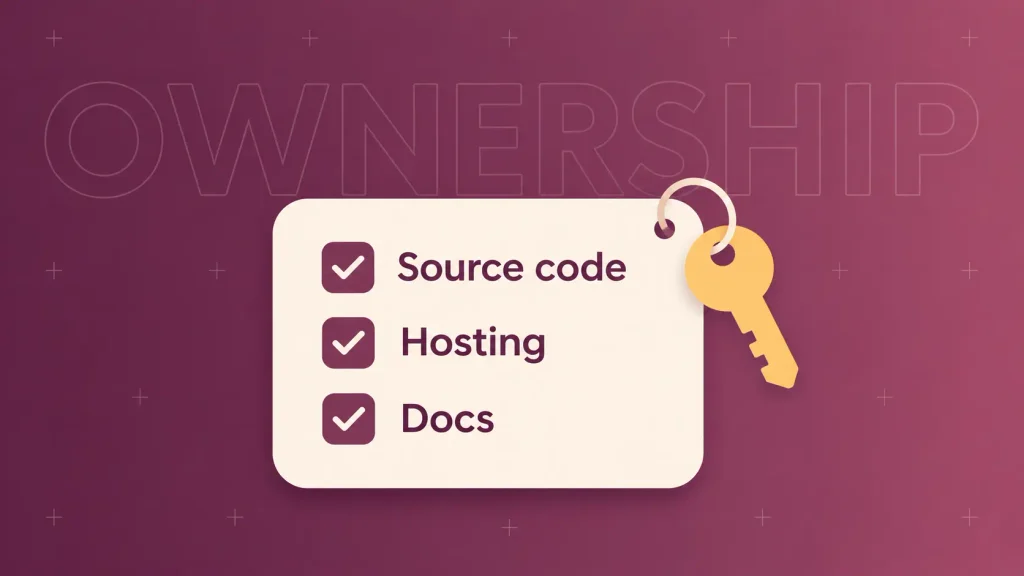
Questions to Ask About Code Ownership and Handover
This is the part most guides to custom software development for small business skip, and it’s where owners get locked in. Before you sign, you’ll want clear written answers to these:
- Who owns the source code and design files when the project ends? It should be you, stated plainly in the contract.
- Where is the code stored, and do you have access? Ideally it lives in a repository your business controls.
- Who controls hosting and domain accounts? Those should sit under your company’s name.
- What documentation comes with the handover? Another team should be able to pick it up without starting over.
- What happens if you end the relationship? Look for a defined exit process and no fees just to get your own code.
A good partner answers these without hesitation. If the answers are vague, treat that as useful information.
Common Mistakes That Sink Small Business Software Projects
Most failed small business builds don’t fail on code. They fail on decisions made before development starts.
The ones you’ll most want to avoid:
- Trying to replace every tool at once. Big scope means longer timelines, more risk, and a later payback.
- Skipping discovery to save money. The missed requirements show up later, as change requests.
- Choosing the cheapest quote. Low bids often mean fewer discovery hours and thinner testing.
- Adding features mid-build. Every “small” addition can ripple into design, testing, and the deadline.
- Forgetting about maintenance. Software without a support plan slowly drifts out of date.
Each of these is avoidable. Nearly all of them come down to keeping the first build small and the agreement clear.
How Boomdevs Solves the Small Business Software Fit Problem
Boomdevs starts with your workflow, not a feature list. A short discovery maps the one process worth building around, then the team scopes a first release you can launch and measure.
You get itemized pricing, regular demos, and full ownership of your code and accounts. With 3.5K+ projects delivered over 10+ years, the team has seen what small builds need and what they don’t. For example, a custom booking platform for Rooftop Saunas replaced 100% of their manual booking work.
If a workflow in your business keeps costing you hours, talk to Boomdevs about scoping your first custom build. You’ll get a straight answer on whether custom is the right move, even when the honest answer is “not yet.”
Frequently Asked Questions
Can a Small Business Afford Custom Software?
Often, yes, if the first build is focused. GoodFirms’ 2026 survey puts small projects and MVPs under $30,000. Starting with one workflow and adding features later keeps the upfront spend manageable.
How Long Does It Take to Build Custom Software for a Small Business?
A small MVP typically takes one to three months, and a medium-sized application three to six months. Clear requirements and fast feedback from your side are the two biggest factors in staying on schedule.
Who Owns the Code When I Hire a Development Company?
That depends entirely on your contract. Make sure it states that your business owns the source code, design files, and accounts at handover. Ask for the code to live in a repository you control from day one.
Can I Start Small and Add Features Later?
Yes, and it’s usually the smartest approach. Launch an MVP that solves one problem, learn how your team uses it, then add features based on real requests. Ask your partner to plan the structure with that growth in mind.
Should I Replace My Old System or Build Around It?
It depends on how stable the old system is. If it works but lacks one capability, building a custom layer around it is often cheaper. If it’s failing or unsupported, a planned legacy app modernization may be the better route.