- 1. Key Takeaways
- 2. How Much Does Custom Web App Development Cost?
- 3. Where Your Web App Budget Actually Goes
- 4. 7 Factors That Drive Custom Web App Development Cost
- 5. Custom Web App Cost by App Type
- 6. Hourly Rates and Team Models: Who Builds It Changes the Price
- 7. How to Estimate Your Own Web App Budget
- 8. The Hidden Costs After Launch
- 9. Does AI Make Custom Web App Development Cheaper in 2026?
- 10. How to Lower Custom Web App Development Cost Without Creating Technical Debt
- 11. Red Flags When Comparing Web App Quotes
- 12. How Boomdevs Keeps Your Web App Budget Predictable
- 13. Frequently Asked Questions
Summarize with
Custom web app development costs run from about $10,000 to well past $200,000, and that range alone won’t help you plan a budget.
Your number depends on your features, your user roles, your integrations, and where your team sits.
This guide breaks down each one using real project data, so you know roughly where you’ll land before you ask for a quote. It also covers the costs that show up after launch, which most quotes leave out.
Key Takeaways
- Typical spend: Most custom software projects reviewed on Clutch cost $10,000 to $49,999, a useful baseline for custom web app development cost. The average is about $132,000, pulled up by a long tail of big builds.
- What drives the price: Workflow complexity, user roles, integrations, and compliance move your price more than the number of screens.
- Team location: Rates on Clutch run $25 to $49 an hour in India and the Philippines, and $100 to $149 in Canada and Australia. The same scope can cost three times more.
- After launch: ISBSG benchmark data notes maintenance is commonly put at 65% to 85% of an application’s total ownership cost. Launch is the beginning of your spend, not the end.
- Protecting your budget: A real discovery phase, a tight MVP, and a contingency buffer work better than chasing the lowest quote.
How Much Does Custom Web App Development Cost?
Most custom software projects reviewed on Clutch cost $10,000 to $49,999, but the average lands at about $132,000. That gap tells you something. There are many small builds, and a long tail of large ones pulls the average up.
The same data puts the typical project at about 13 months, at roughly $10,200 a month. Clutch’s web development pricing data shows a lower average of about $66,500 over nine months.
That figure includes simpler websites, so treat it as the floor of the web app conversation, not the middle.
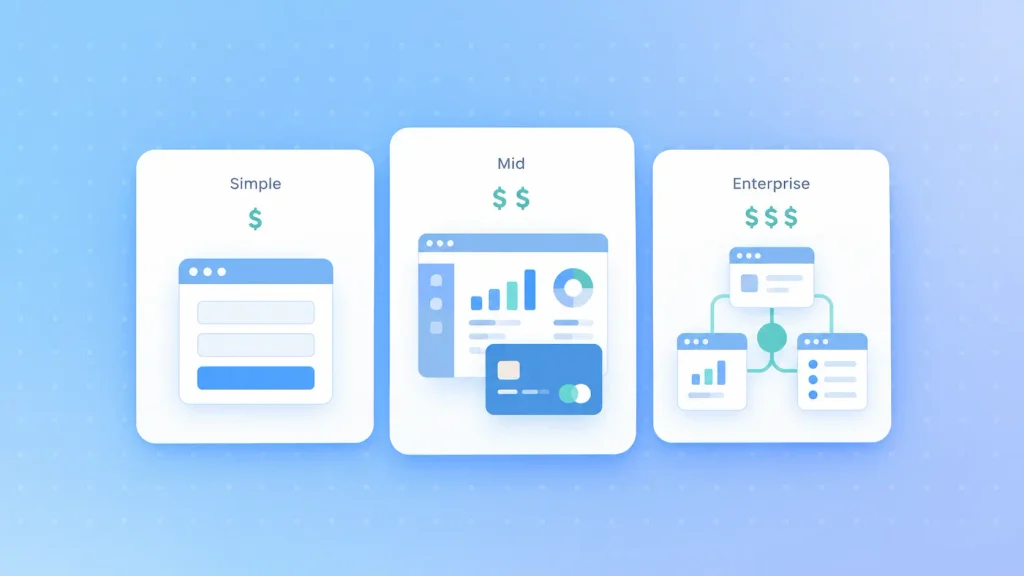
Clutch sorts reviewed projects into budget bands. Here’s how app complexity usually maps onto them:
| Tier | Typical scope | Budget band |
| Simple | One workflow, one or two roles, basic data entry | $10K-$49,999 |
| Mid-complexity | Multiple roles, payments, dashboards, integrations | $50K-$199,999 |
| Complex or enterprise | Multi-tenant, real-time, compliance, internal systems | $200K+ |
Treat the mapping as a rule of thumb for custom web app development cost, not a quote. The jump from simple to mid-complexity is where most budgets break, because a few “small” additions quietly push the project up a band.
Simple Web Apps and Internal Tools
A simple app automates one workflow for one or two types of users. Think of a time-tracking tool that replaces a spreadsheet, or a basic portal for sharing files with clients.
These builds usually sit in the most common band on Clutch, under $50,000. “Simple” stays simple only while you keep saying no to extra roles and integrations.
Mid-Complexity Business Apps
This is where you get a product real customers pay for. It usually means role-based access, payment processing, a reporting dashboard, and a few connected tools like a CRM or email service.
The money goes into reliability work: data consistency, error handling, and testing every role against every workflow. These are also the apps where shortcuts surface six months after launch.
At this tier, custom web app development needs a team that has shipped production systems before, not one learning on your budget.
Complex and Enterprise Platforms
At the top end, you’re building infrastructure as much as features. Multi-tenant architecture, real-time collaboration, audit logging, and deep integrations with ERP or identity systems all live here.
Multi-tenancy deserves a special warning. Keeping each customer’s data isolated and configurable touches every layer of the app, from the database to the admin panel. It’s one architecture decision that can reshape the whole budget before you add a single feature.
Where Your Web App Budget Actually Goes
Clutch lists five cost components for a typical software project: planning, architecture and design, coding, QA, and deployment. Coding is the biggest share of custom web app development cost, but it’s never the whole budget. The other four are the phases where cheap quotes tend to shrink.
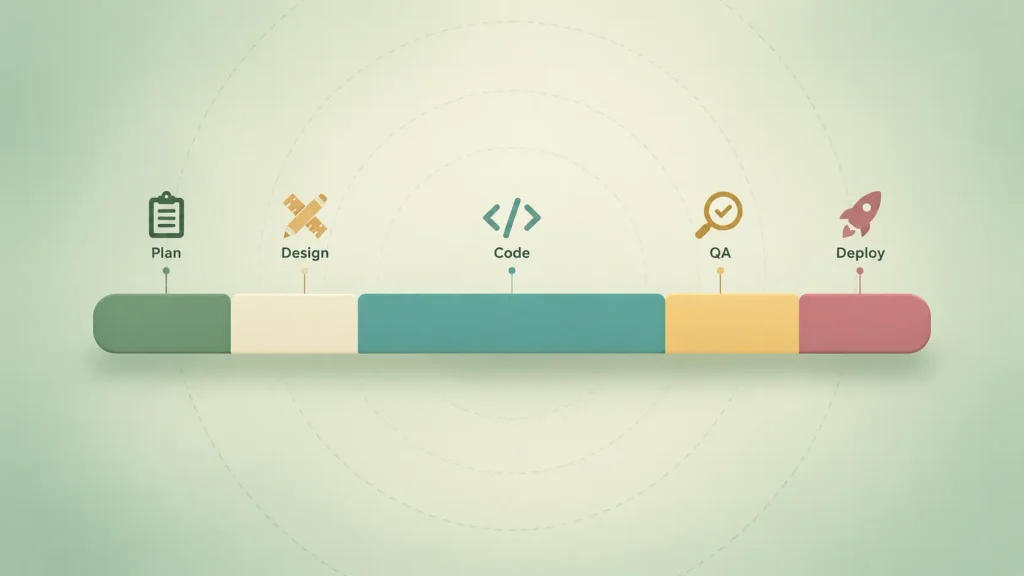
Discovery and design come first in any custom web app development process for a reason. Every requirement you clarify there is one your developers don’t have to guess at later.
Here’s what each phase buys you, and what happens when it’s underfunded:
| Phase | What it covers | If you underfund it |
| Planning and discovery | Requirements, workflows, risk mapping | Rework and scope creep mid-build |
| Architecture and design | Data model, user flows, prototypes | Developers guess, then rebuild |
| Coding | Frontend, backend, APIs, integrations | Missed features or fragile code |
| QA | Functional, load, and security testing | Users find the bugs for you |
| Deployment | Infrastructure, monitoring, release | Downtime and surprise cloud bills |
The QA line is the one to protect hardest. If a quote shows almost nothing for testing, the testing still happens, just in production, with your users. Dedicated software testing costs far less than fixing bugs your customers find first.
7 Factors That Drive Custom Web App Development Cost
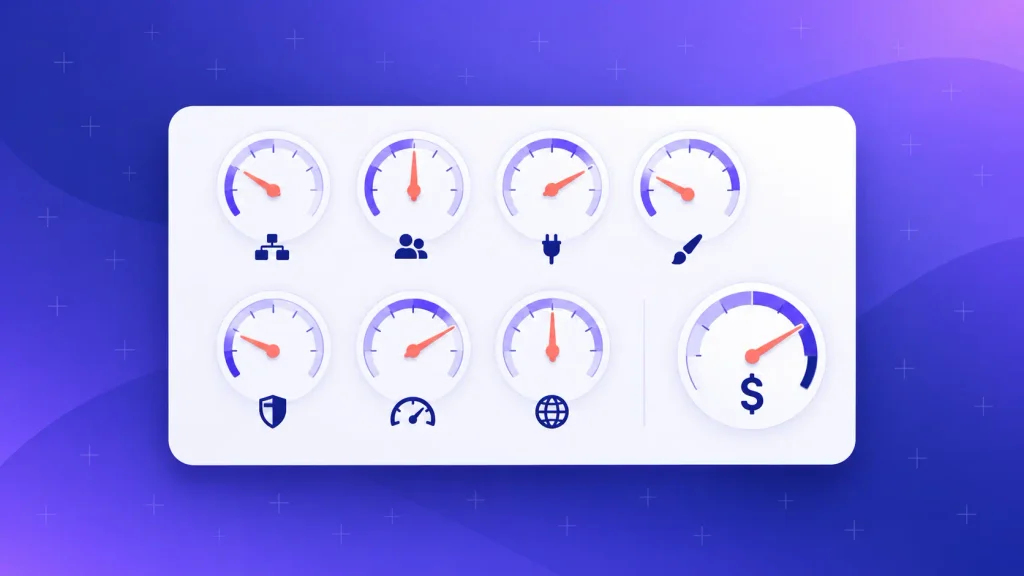
Seven factors decide most of your custom web app development cost. Two apps with the same feature list can land tens of thousands of dollars apart, because a feature list shows what users see, not what the system has to do.
1. Scope and Workflow Complexity
What matters isn’t how many features you have. It’s how many branches, exceptions, and background processes each one creates.
A straight-line form is cheap. A form with conditional approvals, reminders, and an audit trail is a small project on its own. When you review your scope, count the “what if” rules, not the screens.
2. User Roles, Permissions, and Admin Logic
Every user type you add multiplies the work. Each role needs its own permissions and screens, and every role-and-workflow combination needs its own tests.
Admin panels surprise people most. They often take more effort than the customer-facing side, because they need moderation tools, reporting, and controls that protect data from your own staff’s mistakes.
3. Integrations and Data Model
Each connected tool adds build time now and maintenance later, which is why software integration often shows up as its own line in a serious quote. Clutch’s data flags features like geolocation, mapping, payment options, and connected APIs as common reasons a project’s cost climbs.
Integrations that tend to show up in a mid-tier web app include:
- Payments: A card processor with subscriptions, refunds, and webhooks.
- CRM and sales tools: Syncing customer records with HubSpot or Salesforce.
- Email and SMS: Transactional messages and notifications.
- Authentication: Social login, single sign-on, or two-factor security.
- Internal systems: ERP, accounting, or a legacy database with no clean API.
That last item is the risky one. Old systems without documentation turn integration into detective work, and detective work is hard to quote. Sometimes modernizing the legacy application first costs less than wiring a new web app into something nobody fully understands anymore.
4. UI/UX Design Depth
How custom your interface is decides a big part of your design spend. Template-based layouts keep costs predictable. Custom interactions, animations, and complex multi-step flows take longer to design and to build.
This is money worth spending if your app is client-facing. A focused UI/UX design phase also cuts development costs, because developers stop guessing what a screen should do.
5. Security and Compliance
If your app touches health records, payments, or personal data, compliance shapes the whole architecture. It’s not a feature you bolt on at the end.
Depending on your industry, compliance work can add:
- Access controls and audit logging: Records of who saw or changed what, and when.
- Encryption: Protecting data in transit and at rest.
- Penetration testing: Outside experts trying to break in before attackers do.
- Formal audits: SOC 2, HIPAA, GDPR, or PCI DSS reviews, depending on your market.
Planning for these from day one is far cheaper than retrofitting them after an enterprise customer asks for your security report.
6. Performance and Scale Expectations
An internal tool for 20 people can run on simple infrastructure. A SaaS platform expecting thousands of concurrent users needs caching, load balancing, and monitoring designed in from the start.
Your tech stack choice locks in a lot of this early. A framework that suits 20 users can struggle at 20,000 and push you into a rebuild.
7. Team Location and Seniority
Where your team sits can change the hourly rate several times over. The next section shows the actual rates by country.
Seniority cuts the other way. Senior engineers charge more per hour, but they usually avoid the rework that makes cheaper teams expensive. In my experience, that’s where most “budget” projects lose their savings.
Custom Web App Cost by App Type
The type of app sets the baseline for your custom web app development cost before any feature decisions. A customer portal and a SaaS platform might share a login screen and almost nothing else in their budgets.
SaaS sits at the expensive end, because you’re running software for many customers at once. That’s why SaaS development has to plan subscription billing and tenant isolation before the first sprint.
In a well-run SaaS development process, that architecture work comes before any feature work, because retrofitting tenant isolation later means touching every table.
Here’s how the common app types compare on what drives their cost:
| App type | Relative cost | What pushes it higher |
| Internal tool | Lower | Approval chains, internal system links |
| Customer portal | Medium | Secure accounts, CRM or billing links |
| Ecommerce web app | Medium to high | Subscriptions, inventory, ERP or POS links |
| SaaS platform | High | Multi-tenancy, subscriptions, analytics |
| Marketplace | High | Messaging, reviews, disputes, split payments |
Where you land inside any type depends on the seven factors above, not the label itself.
These costs only make sense when off-the-shelf software can’t do the job. The benefits of custom web applications, mainly a tight fit with your workflow and full ownership of the code, are what you’re paying for at every tier.
Hourly Rates and Team Models: Who Builds It Changes the Price
Most quotes are estimated hours multiplied by an hourly rate. That holds whether you hire a full agency team or bring in engineers through web developer staff augmentation to work inside your own.
So who you hire, and how you contract them, can move your custom web app development cost as much as your feature list.
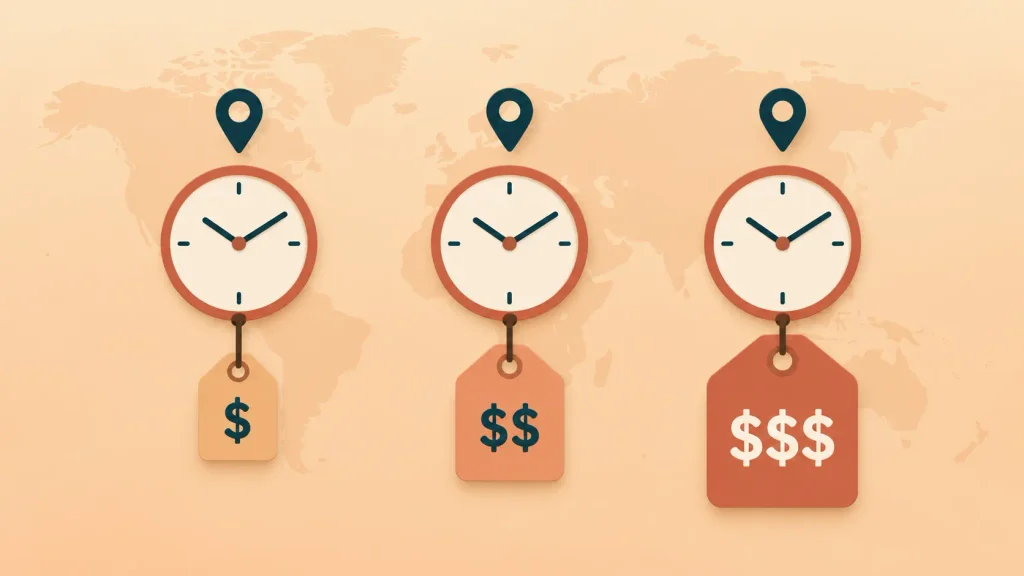
Developer Rates by Country
Rates vary sharply by geography. Here are average hourly rates for custom software development companies, from Clutch’s review data:
| Country | Average cost per hour |
| Canada | $100-$149 |
| Australia | $100-$149 |
| United States | $50-$99 |
| Poland | $50-$99 |
| India | $25-$49 |
| Philippines | $25-$49 |
Across all companies, Clutch puts the most common rate at $25 to $49 an hour. Its web development data shows US web development agencies are higher, at $100 to $149.
A lower rate doesn’t guarantee a lower bill, though. Slow communication, unclear requirements, and rework can eat the savings fast. What you want is senior people at a fair rate, not the cheapest hour on the market.
Agency vs Freelancer vs In-House vs No-Code
Your build path trades upfront cost against control, quality, and long-term support. Hiring in-house in the US is a real commitment.
The Bureau of Labor Statistics put the median web developer salary at $92,650 in May 2025, before benefits, recruiting, and management time.
Here’s how the main paths compare:
| Build path | Best for | Main limitation |
| Development agency | Funded, complex products | Highest upfront cost |
| Freelancers | Clear, smaller scopes | Coordination and continuity risk |
| In-house team | Long-term core products | Hiring time and fixed salaries |
| No-code or AI builder | Fast idea validation | Customization and ownership limits |
No-code and AI builders are great for testing whether anyone wants your idea. Once you have paying users, compliance needs, or complex logic, custom development usually becomes the cheaper option over time.
Fixed Price, Time and Materials, or Dedicated Team
Clutch’s data shows development firms pricing work in four main ways: hourly, fixed price, time and materials, and dedicated teams. Each fits a different stage:
- Fixed-price contract: You agree on the full scope and price upfront. It works when requirements are stable and well documented, but every change becomes a negotiation.
- Time and materials: You pay for actual hours. It’s less predictable upfront, but it tends to reflect real effort when your scope is still evolving.
- Phased estimate: You price discovery and design first, then estimate development once the picture is clear. For anything complex, this is the model I’d suggest.
- Dedicated team or staff augmentation: You embed engineers in your own team and pay monthly. It suits ongoing products more than one-off builds.
Be careful with a fixed price on a vague scope. Either the quote is padded to cover the unknowns, or you’ll pay for every change later.
How to Estimate Your Own Web App Budget
You can estimate your custom web app development cost yourself before talking to anyone. The math is simple: people × hours × weeks × rate, plus a buffer.
Work through it in this order:
- List your users and workflows. Write down every user type and the three to five things each must do. This is your real scope.
- Match yourself to a tier. Use the tier table above to find your rough budget band.
- Estimate the team and the weeks. A mid-tier app often needs a designer, two developers, and shared QA or project management.
- Multiply it out. People × 40 hours × weeks × hourly rate.
- Add a buffer for surprises. Every project hits some. I’d plan at least 10% on top.
- Add year-one running costs. Hosting, third-party services, and maintenance, covered in the next section.
Here’s an illustrative example. Say four people work full time for 16 weeks. That’s 4 × 40 × 16 = 2,560 hours.
At $40 an hour, within Clutch’s $25 to $49 band for India and the Philippines, the build costs $102,400. At $120 an hour, within the $100 to $149 band for Canada and Australia, the same hours cost $307,200. Add a 10% buffer, and you’re at roughly $112,600 versus $337,900.
Same scope, same hours, three times the price. That’s why location and seniority belong in your first budget conversation, not your last.
If you’d like a second pair of eyes on your numbers, you can book a free project estimate call with Boomdevs and pressure-test your scope before you commit.
The Hidden Costs After Launch
Your build cost is only part of what the app will cost you. ISBSG, which maintains software benchmarking datasets, notes that maintenance and support effort is generally believed to be 65% to 85% of an application’s total ownership cost.
That’s why web application maintenance cost is the line people forget most, because launch isn’t the end of custom software development. Security patches, dependency updates, bug fixes, and browser changes keep coming for as long as the app runs.
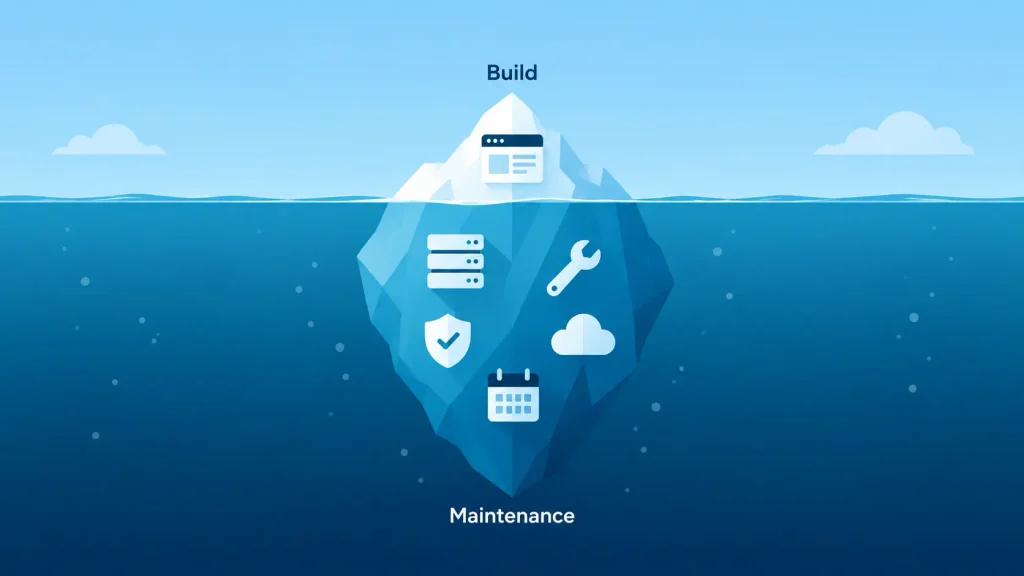
Here are the running costs to plan for:
| Cost item | What it covers | What makes it grow |
| Cloud hosting | Servers, database, backups | Traffic, data volume, uptime needs |
| Maintenance | Patches, updates, bug fixes | Integrations, release pace, code quality |
| Third-party services | Authentication, email, payments, maps | Usage volume and plan tier |
| Security and compliance | Audits, pen tests, monitoring | Regulations like HIPAA or PCI DSS |
| Data migration | Moving data from old systems | Messy or undocumented source data |
New features sit outside all of this. Maintenance keeps the existing product healthy. It doesn’t pay for the next version, so budget for that separately.
To see how fast these add up, here’s an illustrative three-year total. The running costs are planning assumptions, not benchmarks:
- Build: $80,000
- Maintenance, assumed at $16,000 a year: $16,000 × 3 = $48,000
- Hosting, assumed at $200 a month: $200 × 36 = $7,200
- Third-party services, assumed at $100 a month: $100 × 36 = $3,600
- Three-year total: $138,800
Even with modest assumptions, that’s about 1.7 times the build price, before any new features. When you compare quotes, compare three-year totals, not launch prices.
Does AI Make Custom Web App Development Cheaper in 2026?
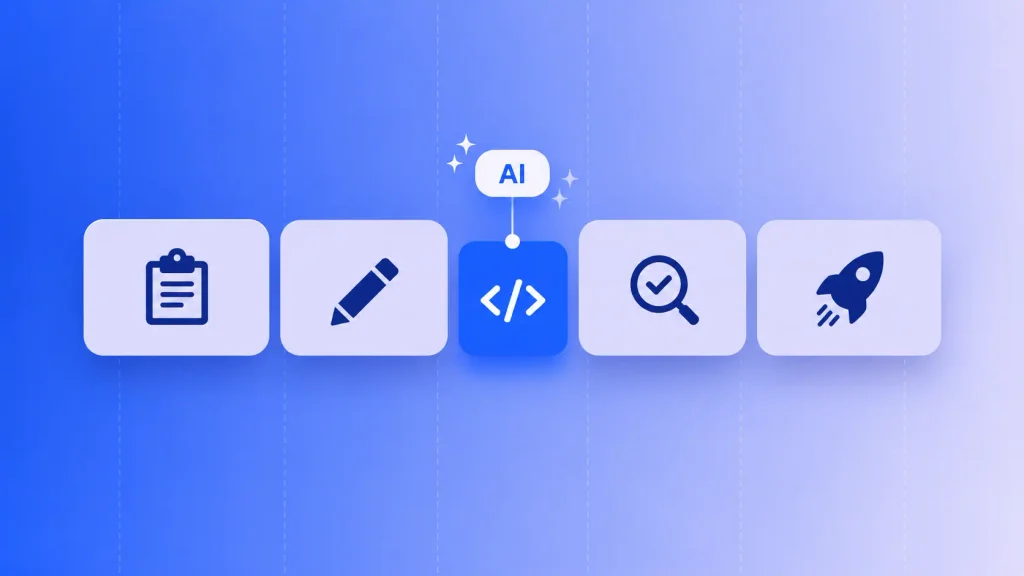
Yes, AI can lower custom web app development costs, but by less than the hype suggests. AI in software development mostly speeds up writing code. Writing code is only one of the five phases Clutch lists for a software project, next to planning, architecture and design, QA, and deployment.
Speed up one phase, and the other four still take their time. Discovery workshops, design reviews, testing, and release work don’t shrink just because code arrives faster.
Developers themselves are cautious. In Stack Overflow’s 2025 Developer Survey, 84% said they use or plan to use AI tools, but 46% said they don’t trust the accuracy of the output, up from 31% the year before.
That trust gap is a cost: every AI-written line still needs review and testing by someone senior.
A few things AI tools still can’t do for you:
- Watch your team work. Discovery means seeing how processes really run, not how they’re described.
- Predict edge cases. Knowing that a “simple” permission system will break at 50 users comes from experience.
- Own architecture decisions. Data models that won’t need a painful migration later still need senior judgment.
So expect AI to trim the coding line, not halve your quote. If a proposal claims AI cuts the whole project in half, ask which phases it’s skipping.
How to Lower Custom Web App Development Cost Without Creating Technical Debt
The goal isn’t the smallest first invoice. It’s the smallest total investment that gets you a product that works and keeps working.
Here are the moves that save the most, roughly in order of impact:
- Start with one workflow. Build the single most painful process first and prove it with real users before you fund the rest.
- Pay for discovery. A few weeks of workflow mapping is cheap insurance against building the wrong thing well.
- Use proven building blocks. Managed authentication, payment processors, and component libraries beat custom-built versions on both cost and security. The same logic runs through most web app design best practices: reuse familiar patterns instead of inventing new ones for every screen.
- Delay non-essential integrations. Add each connection when there’s a clear business case, not because it might be useful someday.
- Keep QA in the budget. Stripe’s Developer Coefficient report found developers spend about 42% of their time on maintenance and bad code. Testing early is how you avoid feeding that number.
- Give the project a realistic timeline. Rushed schedules need parallel workstreams and extra coordination, and you pay for both.
Cutting any of these to shrink the first quote usually costs more later.
Red Flags When Comparing Web App Quotes
A quote tells you as much about the firm as about your project. Watch for these warning signs:

- No discovery phase. If the proposal jumps straight to development, the firm is guessing at your requirements.
- One-line pricing. “Development: $60,000” with no breakdown by phase or feature leaves you nothing to compare.
- No mention of post-launch costs. Hosting, maintenance, and monitoring aren’t optional. A quote that ignores them isn’t being straight with you.
- Fixed price with no scope document. Either the number is padded, or every change will cost extra.
- A timeline that sounds too good. A multi-role SaaS platform in six weeks is a red flag, not a bargain.
- Unclear code ownership. If the contract doesn’t say you own the code and IP, walk away.
The cheapest quote often costs the most once you add the fixes, the scope creep, and a possible rebuild 18 months in.
How Boomdevs Keeps Your Web App Budget Predictable
Most overruns in custom web app development cost trace back to the first few weeks. That’s when assumptions get locked in without anyone pricing the risk.
Boomdevs has delivered 3.5K+ projects over 10+ years and was named a Clutch Champion in Fall 2024. That track record shows up early, in software development consulting and scoping: spotting which “simple” features will grow, which integrations are risky, and which tier your project really belongs in.
If you’re planning a custom web app, you’ll get the most from a conversation before you lock in a budget.
Get a free project estimate from Boomdevs and walk away with a clear scope, a realistic range, and a plan you can take to your board or investors.
Frequently Asked Questions
What Is the Minimum Budget for a Custom Web App?
Most custom software projects reviewed on Clutch fall between $10,000 and $49,999, so a focused single-workflow app can start in that band. Multi-role apps with payments and integrations usually land well above it. Below $10,000, a no-code tool is often the better fit.
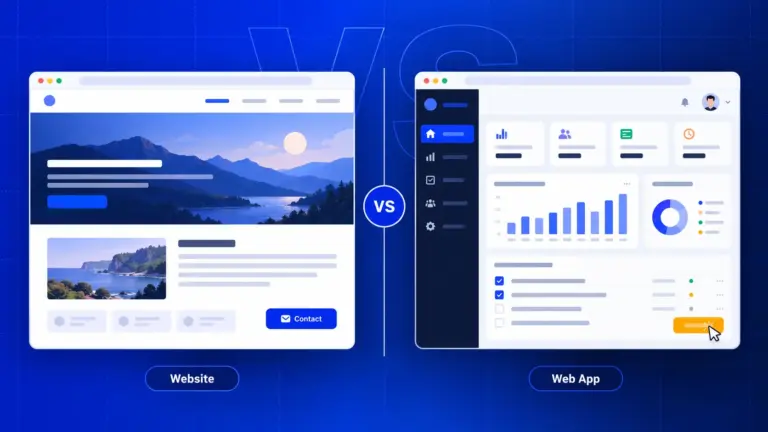
How Much More Does a Web App Cost Than a Website?
Usually a lot more. Clutch’s data shows most web development projects cost under $10,000, while custom software projects average about $132,000. The cost to build a web application is higher because it needs a backend, a database, user accounts, and integrations that a content website doesn’t.
How Long Does It Take to Build a Custom Web App?
The average custom software project reviewed on Clutch runs about 13 months. A focused single-workflow app can ship much faster, while integration-heavy platforms often take longer. Your scope and the size of your team decide where you land.
How Much Does Web App Maintenance Cost Per Year?
Your web application maintenance cost depends on your integrations, release pace, and code quality, but it’s never small. ISBSG notes that maintenance is generally believed to be 65% to 85% of an application’s total ownership cost. Ask any firm you’re considering to estimate your yearly maintenance before you sign.
Is a No-Code or AI App Builder Cheaper Than Custom Development?
Upfront, yes. The trade-off is control, code ownership, and flexibility, so these tools fit idea validation better than products with complex logic or compliance needs. Many teams validate with no-code first, then build custom once demand is proven.