- 1. Key Takeaways
- 2. How Much Does Android App Development Cost in 2026?
- 3. What Drives Your Android App Development Cost
- 4. Native Kotlin vs Cross-Platform: How Your Build Approach Changes the Bill
- 5. Who Builds It: Android Developer Rates and Team Models
- 6. Google Play Costs Most Estimates Leave Out
- 7. What Your Android App Costs After Launch
- 8. How to Estimate Your Own Android App Budget
- 9. How to Lower Your Android App Development Cost Without Cutting Corners
- 10. How Boomdevs Fixes Android Budget Surprises
- 11. Frequently Asked Questions
Summarize with
Android app development cost runs from under $10,000 to well past $200,000, and most projects reviewed on Clutch land between $10,000 and $49,999. That range alone won’t help you budget. Your number depends on your features, your backend, your build approach, and who you hire. This guide breaks down each of those, plus the Google Play costs most quotes leave out, so you know where you’ll land before you ask for a quote.
Key Takeaways
- Cubix’s 2026 tiers run from $15,000 to $60,000 for an MVP up to $200,000+ for enterprise builds, and the average app project on Clutch costs about $90,780 over roughly 11 months.
- Features, backend work, and the extra testing Android’s huge device range demands drive most of your Android app development cost.
- If you need iOS too, one Flutter or React Native codebase usually costs far less than two native apps.
- Google Play adds a $25 fee, a 14-day closed test for new personal accounts, and a reworked 2026 service fee on digital sales.
- Plan on roughly 15% to 25% of your build cost every year for upkeep, including a mandatory target API update.
How Much Does Android App Development Cost in 2026?
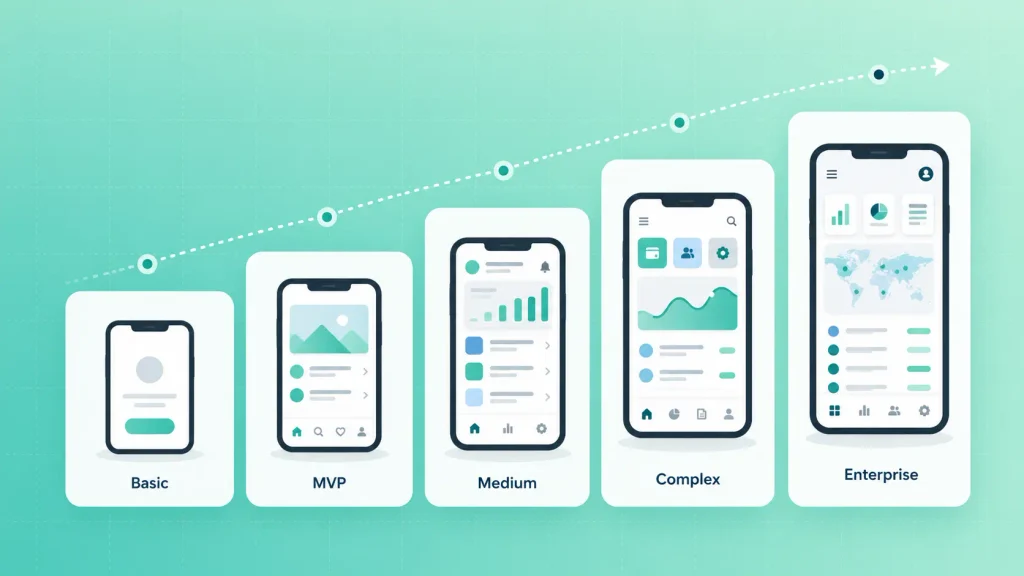
A focused Android MVP usually costs $15,000 to $60,000, a mid-complexity app $25,000 to $200,000, and an enterprise build $200,000 or more. Clutch’s verified reviews put the average app project at $90,780.11 over about 11 months. That average hides a wide spread, so the tier you fall into shapes your cost to build an Android app more than the mean does.
Here’s how Cubix’s 2026 Android pricing guide breaks the tiers down:
| Tier | What it includes | Typical cost | Typical timeline |
| Basic | Static or informational app, simple utility | $5,000 to $20,000 | 1 to 2 months |
| MVP | One core function, built to test demand | $15,000 to $60,000 | 2 to 3 months |
| Medium | Custom UI, API integrations, business logic | $25,000 to $80,000 | 3 to 5 months |
| Complex | Multiple user roles, custom architecture | $80,000 to $200,000 | 6 to 9 months |
| Enterprise | High availability, advanced security, full custom stack | $200,000 to $500,000+ | 9 to 18 months |
The tiers overlap on purpose. A “medium” app with payments and a heavy admin panel can cost more than a “complex” one with lean roles, which is why the drivers below matter more than the label. If you want a team to place your idea on this table for you, Boomdevs’ Android app development services start with exactly that scoping step.
What Drives Your Android App Development Cost
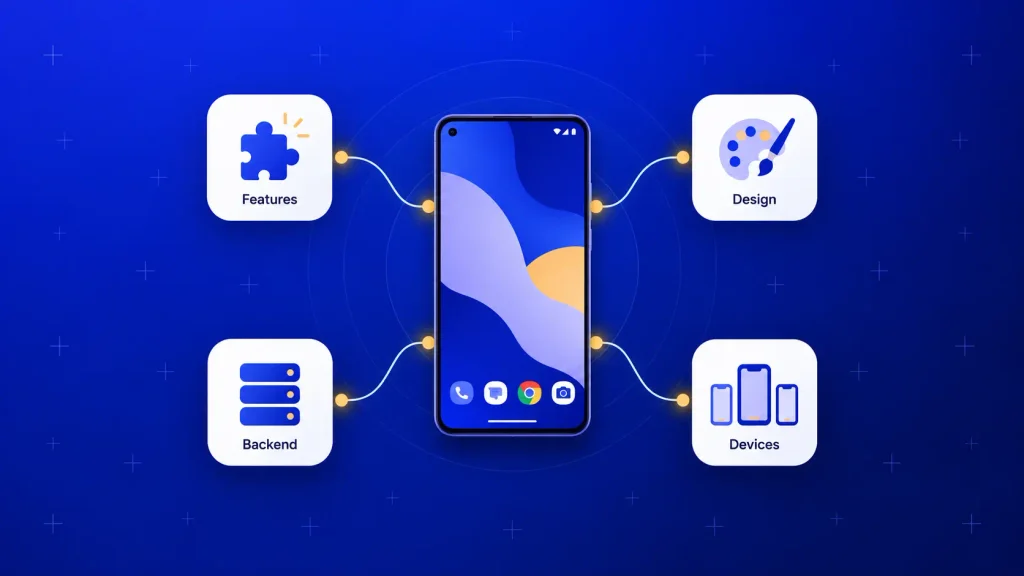
Labor is most of your bill, so anything that adds hours adds cost. Clutch names features, UX complexity, and backend work as the three biggest factors. On Android, you can add a fourth: the sheer range of devices your app has to run on.
The general cost logic is the same across platforms, and our mobile app development cost guide covers it in depth. The sections below stay on what changes for Android.
Features and Complexity
Every feature you add carries design, build, and testing hours. Some look small on a whiteboard and turn out to be the expensive ones, usually anything that touches money, real-time data, or messaging.
Riseup Labs prices common Android features like this:
| Feature | Estimated cost |
| Login (email, Google sign-in) | $1,500 to $4,000 |
| Push notifications | $1,500 to $4,000 |
| Search | $3,000 to $8,000 |
| Basic offline mode | $3,000 to $8,000 |
| In-app messaging | $4,000 to $10,000 |
| Payment processing | $5,000 to $15,000 |
By their estimate, the core features most apps need add up to $25,000 to $65,000 on their own. That’s why trimming your first release to its must-haves is the single fastest way to lower your Android app development cost.
UI/UX Design
Design’s share of your Android app development cost depends on how far you move from Google’s Material Design components. Stock components are quick to build on. A fully branded look with custom motion takes far more design and front-end time.
Cubix’s ranges show how wide that gap gets:
- Basic UI: $5,000 to $15,000, built mostly from standard components.
- Custom professional UI: $15,000 to $40,000, with your own visual language across every screen.
- Premium UX and motion design: $40,000 to $80,000 or more, for animation-heavy, brand-led products.
For a first release, the middle tier is usually the sweet spot. You can see how design budgets break down in more detail in our UI/UX design cost breakdown.
Backend, APIs, and Integrations
Your backend is the part users never see, and you pay for anyway. Accounts, databases, payments, notifications, and admin tools all live there, and on complex apps it’s often the biggest single line item in your Android app development cost.
A few numbers worth knowing before you read a quote:
- Backend share: Riseup Labs puts backend at 25% to 40% of a typical budget, and higher for real-time apps.
- Each integration: they see each third-party API adding $1,000 to $6,000, depending on how deep it goes.
- Backend-as-a-service: Cubix estimates setting up Firebase at $2,000 to $10,000, against $15,000 or more for a fully custom backend.
Firebase is a smart start for most MVPs. The trade-off is that it can cost more than a custom backend once your usage grows a lot, so it’s worth asking your team where that crossover sits for your app.
Security and Compliance
If your app handles health records, card payments, or identity data, compliance work isn’t optional. HIPAA, PCI DSS, and GDPR each add encryption, audit trails, and extra testing to the build.
Cubix puts dedicated security testing alone at $3,000 to $10,000, and more in fintech and healthcare. You’ll also carry that security work forward in every update, so it belongs in your maintenance budget too.
Device Fragmentation and Testing
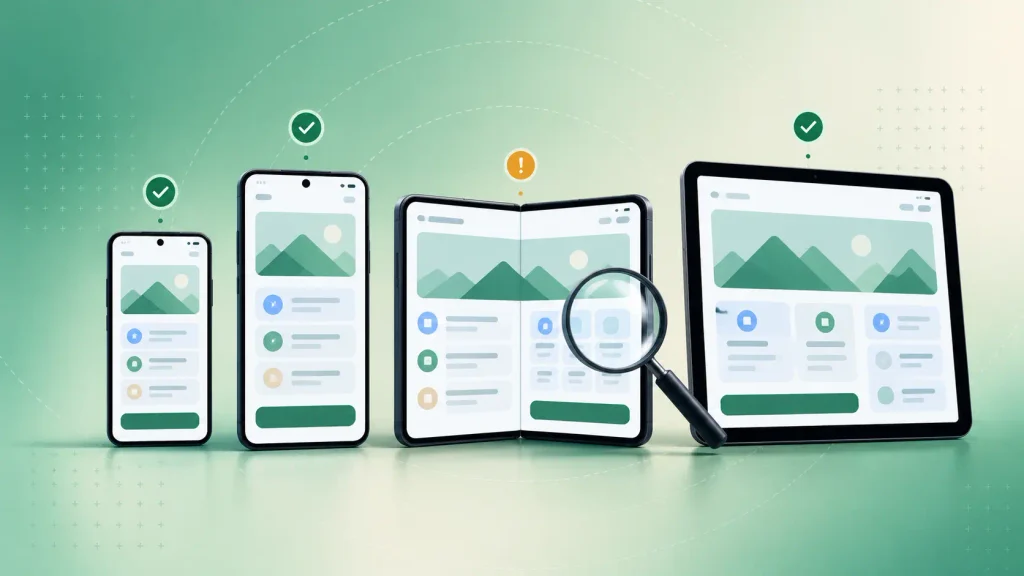
Android runs on phones, tablets, and foldables from dozens of manufacturers, across years of OS versions. Each combination can surface its own bugs, and that’s the part of Android app development cost that iOS budgets mostly don’t have.
Riseup Labs estimates Android QA takes 15% to 20% of a total budget, and 15% to 25% more testing time than a comparable iOS app. Three decisions set most of that cost:
- Your minimum Android version: every older version you support widens the test matrix.
- Your device list: tablets and foldables need their own layout checks.
- Manual vs automated testing: Cubix prices manual QA at $5,000 to $15,000 and automated suites at $8,000 to $20,000, with automation paying off across future updates.
I’d suggest setting your minimum version from your audience’s real device data, not from a wish to support everyone. It’s one of the few cost levers that costs you almost nothing in reach.
Native Kotlin vs Cross-Platform: How Your Build Approach Changes the Bill
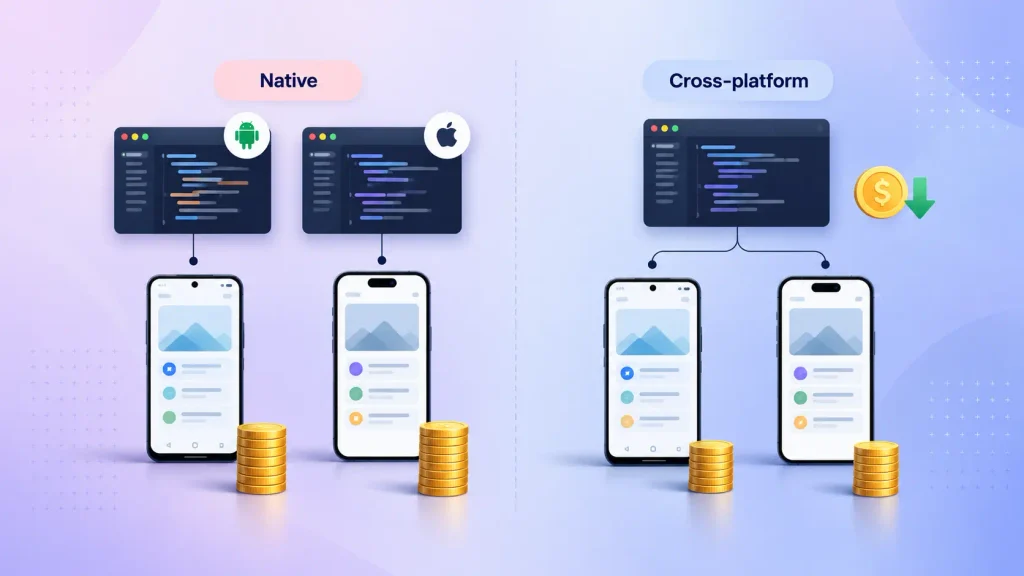
Your platform choice doesn’t change the hourly rate. Clutch’s data shows app developers charge the same $25 to $49 an hour whether you build for Android, iOS, or both. What changes your Android app development cost is how many codebases you pay for.
Here’s how the three common approaches compare, including Flutter vs native app cost:
| Approach | Best for | Cost effect | Trade-off |
| Native Kotlin, Android only | Android-first products, heavy hardware use | Baseline single-platform cost | iOS is a separate build later |
| Native Android plus native iOS | Top performance on both stores | Roughly double one native app (Clutch) | Two codebases to maintain |
| Flutter or React Native | Launching on both stores | 30% to 50% less than two native apps (Cubix) | Some limits on platform-specific features |
If you only need Android, native Kotlin and Jetpack Compose on Google’s Android SDK is the cleanest route. If you need both stores in year one, a shared codebase through Flutter app development is usually where the savings are.
Is Android Cheaper to Build Than iOS?
Per hour, no. The rates match, so a comparable Android and iOS app start from a similar build cost.
Android can end up slightly more expensive because of testing. The wider device range adds QA time that a smaller iPhone lineup doesn’t need.
The reason so many founders still start on Android is reach. Android held about 69% of the global mobile OS market in June 2026, per StatCounter. Your own market might differ, though, so it’s worth checking the split in the countries you’re selling to.
Who Builds It: Android Developer Rates and Team Models
Where your team sits changes your Android developer hourly rate more than anything else. Riseup Labs finds the same scope can cost two to three times as much depending on the region you hire from.
Here are their typical ranges:
| Region | Typical hourly rate |
| US and Canada | $100 to $200 |
| Western Europe | $80 to $150 |
| Eastern Europe | $40 to $80 |
| Latin America | $35 to $75 |
| South Asia | $20 to $50 |
A lower rate only saves you money if the team doesn’t need more hours to get there. Senior offshore teams often bring your total Android app development cost down. Weak ones bill fewer dollars per hour and far more hours.
The team model matters too:
- Freelancer: the cheapest per hour, and a good fit for small, well-defined work. Cubix puts offshore freelancers at $20 to $50 an hour, but you carry the project management and the risk.
- Agency: designers, developers, QA, and a project lead in one contract. You pay more per hour and get accountability for the whole build.
- In-house team: the most control and the highest fixed cost, since salaries, benefits, and hiring time all land on you.
- Staff augmentation: vetted developers embedded in your own team. It works well when you already have product leadership and need hands, not a full delivery team.
Google Play Costs Most Estimates Leave Out
Publishing on Google Play is cheap in dollars and expensive in rules. Most cost guides stop at the registration fee, but three Play policies shape your launch date and your revenue.
The $25 Fee, and Personal vs Organization Accounts
Google charges a one-time $25 registration fee for a Play Console developer account. There’s no yearly renewal.
The account type you pick matters more than the fee. If you’re a registered business, it’s worth setting up an organization account from day one, because the testing rule below applies to personal accounts.
The 14-Day Closed Testing Rule
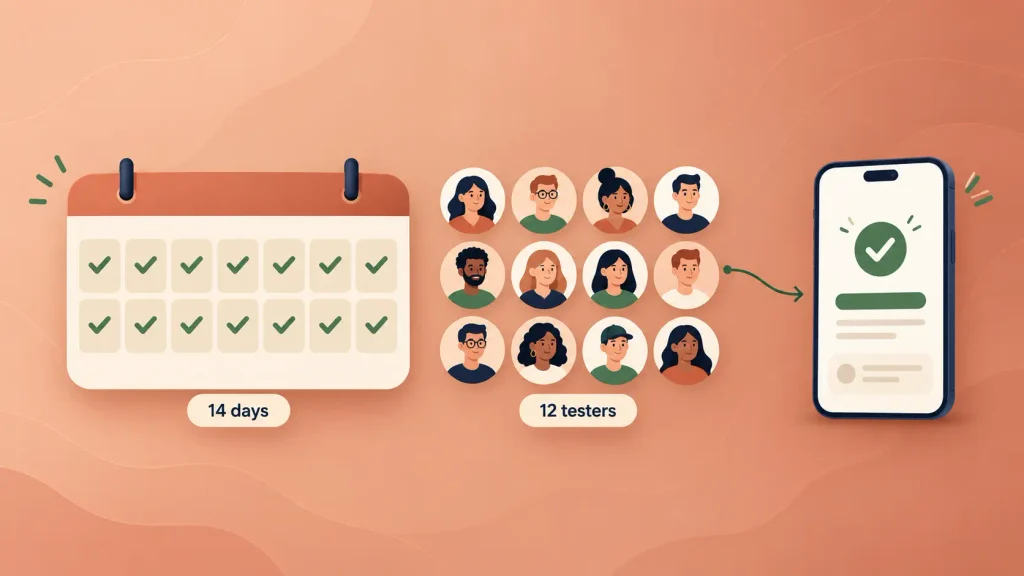
This one catches first-time founders off guard. Under Google’s testing requirement, personal developer accounts created after November 13, 2023 must run a closed test before publishing.
That test needs at least 12 testers who have stayed opted in for the last 14 days in a row. Only then can you apply for production access, and Google still has to review that application.
Here’s what that means for your plan:
- Your launch date moves: budget at least two weeks of closed testing, plus review time, after your build is ready.
- You need real testers: recruiting more than 12 protects you if someone drops out mid-test.
- Your account type matters: Google scopes the rule to personal accounts, so an organization account avoids it.
Google Play’s 2026 Service Fee Changes
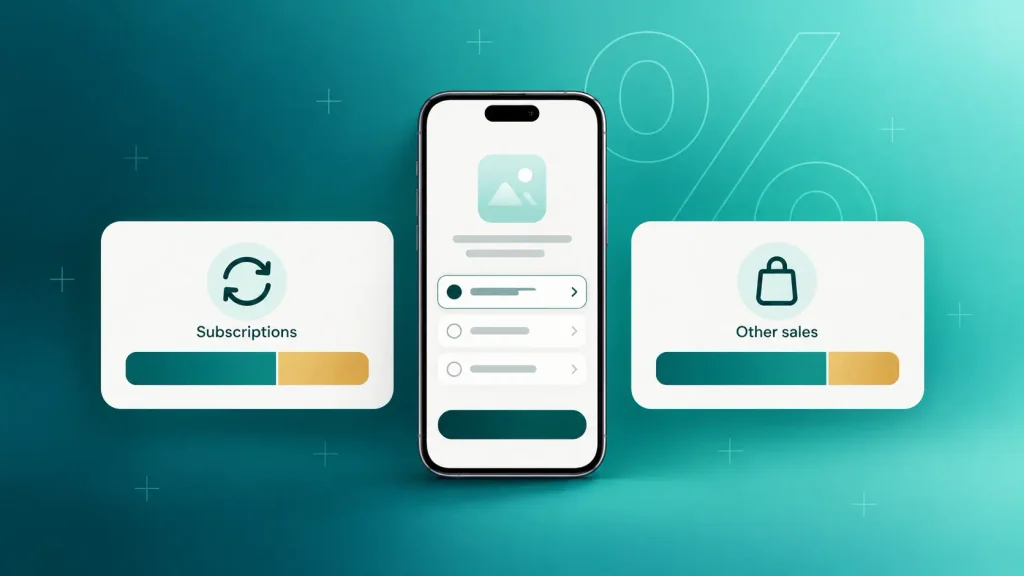
If your app sells digital goods or subscriptions through Google Play’s billing, Google takes a service fee. Most guides still quote a flat 15% and 30% split, but Google changed that this year.
For users in the US, the EEA, and the UK, the new fees took effect on June 30, 2026, and Australia and Japan followed on September 30, 2026. Your rate now depends on the type of sale and on whether the buyer installed your app before or after that date:
| Transaction | Service fee (US, EEA, UK) |
| Auto-renewing subscriptions | 10% plus a 5% billing fee |
| Other sales, new installs | 20% plus a 5% billing fee |
| Other sales, existing installs | 25% plus a 5% billing fee |
| Other sales, new installs, in Apps Experience or Games Level Up | 15% plus a 5% billing fee |
In every other market, the older model still applies until Google rolls the new fees out globally: 15% on your first $1 million a year and 30% above it. If your app sells physical products or real-world services, these fees generally don’t touch you. Google notes that 97% of developers distribute their apps at no charge.
What Your Android App Costs After Launch
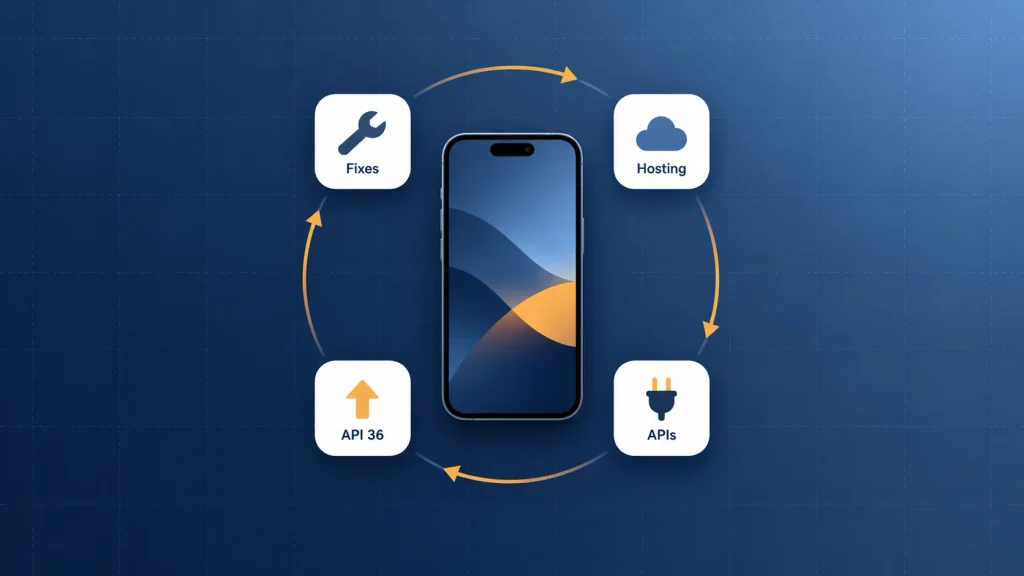
Your build invoice isn’t the last part of your Android app development cost. Agency guides from Riseup Labs and Cubix put yearly maintenance at 15% to 25% of the original build cost.
Here’s where that running cost comes from:
| Cost | One-time or recurring | What drives it |
| Maintenance and bug fixes | Recurring, yearly | 15% to 25% of build cost |
| Cloud hosting | Recurring, monthly | Users and data volume |
| Third-party APIs | Recurring, usage-based | Maps, SMS, payments, AI calls |
| Play Console registration | One-time | $25 |
| Marketing and app store optimization | Recurring | Your growth targets |
Riseup Labs puts hosting at roughly $200 to $2,500 or more a month, and marketing at 20% to 30% of your development budget. Neither shows up in a build quote, so you’ll want them in your year-one plan. A dedicated mobile app maintenance and support plan is how most teams keep this predictable.
The Yearly Target API Update
Google raises the minimum target API level every year, and your app has to keep up. Today, new apps and updates must target Android 16 (API level 36) to be accepted on Google Play.
Fall behind, and the cost isn’t a fine, it’s reach. Existing apps that don’t target at least Android 15 (API level 35) stop being available to new users on devices running newer Android versions.
Each update means engineering time to migrate, adjust for behavior changes, and retest. It’s a recurring, mandatory line item, so it belongs inside your maintenance budget, not on top of it.
How to Estimate Your Own Android App Budget
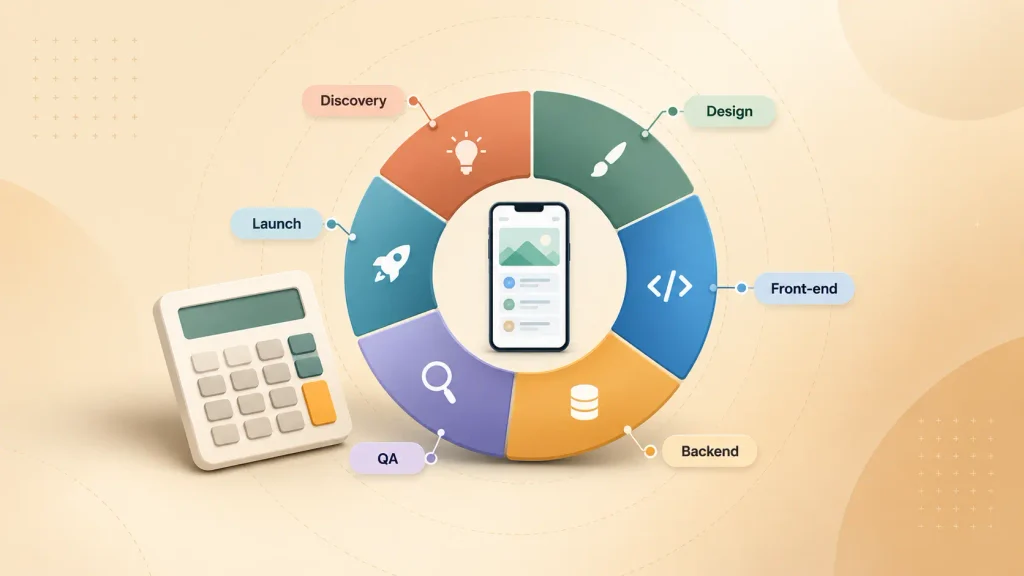
You can get to a solid Android app development cost estimate before you talk to anyone. The formula most firms use is simple: design hours, plus build hours, plus backend hours, multiplied by the hourly rate, as Webandcrafts lays out.
Here’s how to put it together:
- List your features, then mark each one as must-have or later. Your first release only gets the must-haves.
- Pick your platforms. Android-only points to native Kotlin; both stores in year one points to a shared codebase.
- Price the features using the ranges above, then add design and backend on top.
- Add testing and management, roughly 15% to 20% for Android QA plus coordination time.
- Add launch time and fees: the $25 account, and two weeks or more of closed testing if you’re on a personal account.
- Add year one of running costs: maintenance, hosting, APIs, and marketing.
When quotes come in, it helps to know how healthy Android app development pricing splits by phase. Cubix’s phase breakdown is a useful benchmark:
| Phase | Share of budget |
| Planning and discovery | 5% to 10% |
| UI/UX design | 10% to 20% |
| Front-end development | 25% to 35% |
| Backend development | 20% to 35% |
| Testing and QA | 10% to 15% |
| Launch and deployment | 3% to 5% |
A quote that’s far off this split in one phase isn’t wrong by default. It is worth a question.
What a Good Quote Should Break Out
Two quotes for the same app can look wildly apart and both be honest. You can only compare them when each one shows its working.
A solid Android quote should spell out:
- Cost by phase, so you can see design, build, backend, and QA separately.
- Your device and OS support range, which tells you what the QA line actually covers.
- Play Console setup, including who owns the account and how the closed test will run.
- Billing assumptions, if you sell digital goods, since the 2026 fee changes affect your revenue model.
- Post-launch terms, including how target API updates and bug fixes get handled.
- How scope changes are priced, because Cubix notes that features added mid-build are one of the most common reasons Android projects overrun.
If a firm can’t answer the last one clearly, treat its fixed price as a starting price. A mobile app consultant can help you read quotes like these if you’d rather have a second opinion before you sign.
How to Lower Your Android App Development Cost Without Cutting Corners
The cheapest app isn’t the goal. The goal is spending only on what your first users need, then letting real usage tell you what to build next.
These moves cut the most without hurting quality:
- Start with an MVP. A tight mobile MVP tests demand before you fund every feature, and it guards against the reasons mobile apps fail after launch.
- Go cross-platform if you need both stores. One codebase is cheaper to build and to maintain.
- Use proven services. Firebase, Stripe, and Google Maps cost far less to integrate than to rebuild.
- Set your minimum Android version from data. Every old version you drop shrinks your test matrix.
- Lock scope before design starts. Late feature requests cause rework, and rework is where budgets break.
- Register as an organization if you’re a business. You skip the 14-day closed test and protect your launch date.
One thing you shouldn’t cut is testing. On Android, skipping QA is how you ship an app that works on your phone and crashes on your customer’s.
How Boomdevs Fixes Android Budget Surprises
Most Android budget surprises come from what the first quote left out: device coverage, Play setup, fee assumptions, and year-one upkeep. Boomdevs scopes those up front, so the number you approve is the number you plan around.
Boomdevs runs discovery first, then prices your build by phase, including the device matrix, Play Console setup, closed-test plan, and maintenance. That process comes from 3.5K+ delivered projects for 350+ startup founders, including World Wide Mobility‘s white-label mobility platform, which now serves 100K+ daily users.
You can build native in Kotlin or cross-platform in Flutter, and the estimate shows you both when that choice is still open. Get a scoped estimate for your Android app and see where your idea lands before you commit a dollar.
Frequently Asked Questions
How long does it take to build an Android app?
Cubix puts a focused MVP at two to four months, a mid-level app at four to eight, and a complex or enterprise app at nine to 18. Clutch’s average across app projects is about 11 months. If you’re on a new personal Play account, add at least 14 days of closed testing before launch.
Is it cheaper to build an Android app or an iOS app?
Hourly rates are the same on both, according to Clutch. Android can cost a little more overall because its wider device range needs more testing. Building both natively roughly doubles your cost, while Flutter or React Native can cut that by 30% to 50%.
Do I have to pay Google every year to keep my app on Google Play?
No. Google charges a one-time $25 registration fee with no renewal. You may still pay a service fee on digital sales, and you’ll need to update your app each year to meet Google’s target API level.
How much does Android app maintenance cost per year?
Most agency estimates put it at 15% to 25% of your original build cost each year. On a $60,000 app, that’s roughly $9,000 to $15,000 a year. Hosting, third-party APIs, and marketing usually sit on top of that.
Can I build an Android app for under $10,000?
It’s possible for a very narrow app with standard design and little or no backend. Clutch does track a sub-$10,000 band, but most projects reviewed there cost $10,000 to $49,999. Anything with logins, payments, or real-time data will almost always cost more.