


- 1. Key Takeaways
- 2. What an AI Receptionist for Small Business Actually Does
- 3. Why Small Businesses Are Moving Their Phones to AI
- 4. AI Receptionist vs Voicemail, Answering Service, and a Human Receptionist
- 5. How Much Does an AI Receptionist Cost?
- 6. Is an AI Receptionist Worth It? A Simple Break-Even Check
- 7. What to Look for Before You Choose One
- 8. Off-the-Shelf Tool or Custom-Built AI Receptionist?
- 9. How to Set Up an AI Receptionist Without Frustrating Your Callers
- 10. Limits and Legal Points You Should Know
- 11. How Boomdevs Builds AI Receptionists Around Your Business
- 12. Frequently Asked Questions
Summarize with
You’re halfway through a job when your phone rings. You can’t pick up. By the time you call back, that caller has booked with someone else.
It happens a few times a week, and you never see the bill. Each missed call is a customer you already paid to attract.
An AI receptionist for small business picks up every one of those calls. Here’s what it does, what it costs, and when it pays off.
Key Takeaways
- An AI receptionist for small business answers your line in a natural voice, handles common questions, books appointments, and passes tricky calls to a person.
- Most plans charge by the minute, by the call, or as a flat monthly tier. Your true AI receptionist cost also includes setup, integrations, and the time you spend tuning it.
- It pays off when your missed calls are worth more than the plan, which a quick break-even check below can tell you.
- Off-the-shelf tools suit simple call flows. A custom build makes sense once you need deep integrations, strict data rules, or your own call logic.
- It won’t replace judgment. Plan your handoff rules and disclosure before you go live.
What an AI Receptionist for Small Business Actually Does
Think of an AI receptionist for small business as a front desk that never steps away from the phone. It answers in a natural voice, works out why someone is calling, and either solves the request or routes it to the right person.
Under the hood, every AI phone receptionist has three pieces working together. Speech recognition turns the caller’s words into text. A language model decides what to say or do. Then text-to-speech replies out loud, ideally fast enough that the pause never feels awkward.
That speed matters more than most people expect. A long silence reads as “the line dropped,” and callers hang up.
How a Call Moves Through It
Every call follows roughly the same path, whatever tool you pick:
- Answer: it picks up on the first ring and greets the caller with your business name.
- Understand: it listens for intent, such as booking, pricing, directions, or a complaint.
- Act: it answers from your approved information, checks your calendar, or takes details.
- Hand off: if the request falls outside its rules, it transfers the call or takes a message.
- Log: it saves a transcript and summary, and pushes the details to your CRM or inbox.
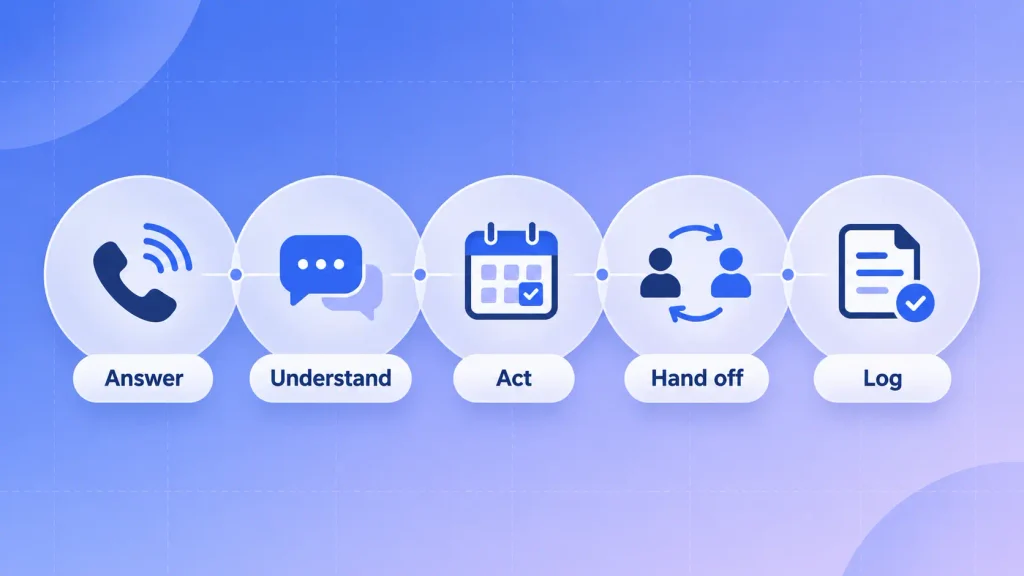
Step four is where weak setups break. If the AI doesn’t know when to stop and pass the call on, you get confident wrong answers, which do more harm than a missed call.
Calls It Handles Well
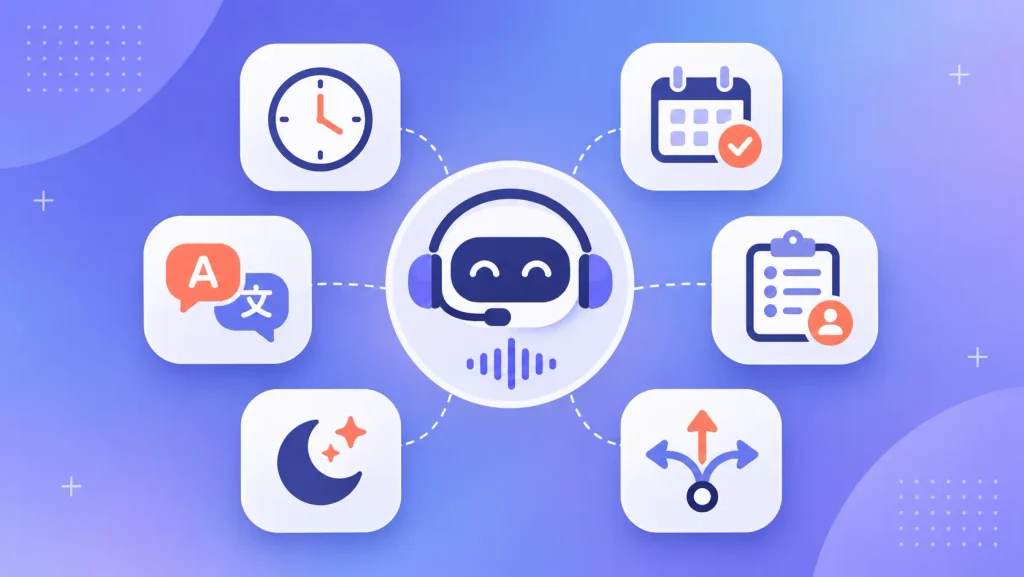
An AI phone receptionist shines on repetitive calls that follow a pattern. In most small businesses, those make up the bulk of the day:
- Hours, location, and pricing questions: the same handful of questions, asked all week long.
- Appointment booking and rescheduling: it reads your live calendar and confirms by text.
- Lead capture: name, need, budget, and timeline, written up before you call back.
- Call routing: urgent jobs to your mobile, billing questions to your bookkeeper.
- After-hours coverage: evenings and weekends, when voicemail usually loses the caller.
- Multilingual callers: many systems switch language on the fly.
The same logic carries over to text. If your customers also message you on your site or WhatsApp, an AI chatbot built for your website can sit on the same knowledge base, so your phone and chat answers never contradict each other.
Why Small Businesses Are Moving Their Phones to AI
The simple answer: hiring someone just to answer the phone is expensive, and leaving it to voicemail costs you customers.
The Bureau of Labor Statistics puts the median receptionist wage at $38,010 a year as of May 2025. That’s before payroll taxes, paid leave, or cover for lunch breaks and sick days. And one person still only covers one shift, which is where the AI vs human receptionist math starts to tilt.
For a five-person plumbing firm or a solo dental practice, that math rarely works. So you end up answering calls between jobs, or not at all. That’s exactly the gap an AI receptionist for small business is built to fill.
Small businesses have also stopped treating AI as an experiment. The U.S. Chamber of Commerce’s 2026 small business report found that two-thirds of small businesses now use AI, nearly triple the 2023 share. Phone answering is one of the most obvious places to put it to work, because the payoff shows up in your calendar within weeks.
There’s a bigger pattern here too. The same benefits that make AI chatbots worth it for businesses, such as instant replies, round-the-clock coverage, and consistent answers, apply even more strongly to voice. A caller can’t scroll through your FAQ page while they wait.
AI Receptionist vs Voicemail, Answering Service, and a Human Receptionist
Each option solves a different problem, so it helps to see them side by side. Here’s how they compare on what usually decides it for a small business:
| Option | Availability | Cost model | Books appointments | Best for |
| Voicemail | 24/7, but passive | Free | No | Very low call volume |
| Answering service | Often 24/7 | Per call or per minute | Sometimes, by script | Message-taking, overflow |
| Human receptionist | Business hours | Salary plus benefits | Yes | Complex, high-touch calls |
| AI receptionist | 24/7 | Per minute, per call, or flat tier | Yes, from your calendar | Repetitive calls, after-hours |
The takeaway: voicemail is cheap but loses people, and a human is great but limited to one shift. A virtual receptionist AI fills the gap between them.
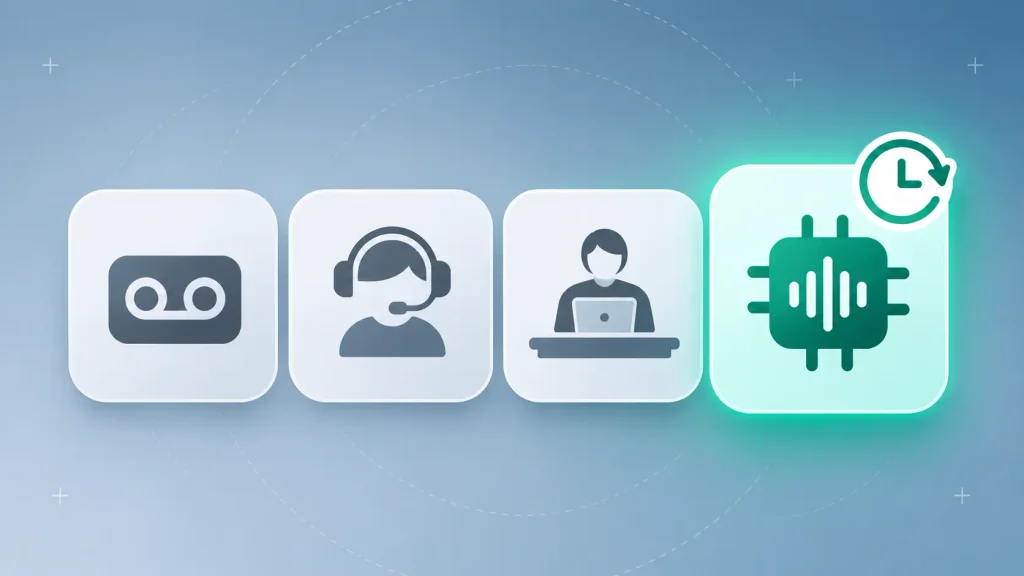
Many businesses don’t treat it as an AI vs human receptionist choice at all. A common setup is AI first, with transfers to a human for anything sensitive. You get coverage without giving up the personal touch on the calls that need it.
How Much Does an AI Receptionist Cost?
Your real AI receptionist cost depends far more on your call volume and integrations than on the tool’s sticker price. Two businesses on the same plan can pay very different amounts once overages and setup are counted.
Pricing Models You’ll See
Almost every provider uses one of these structures, or a mix:
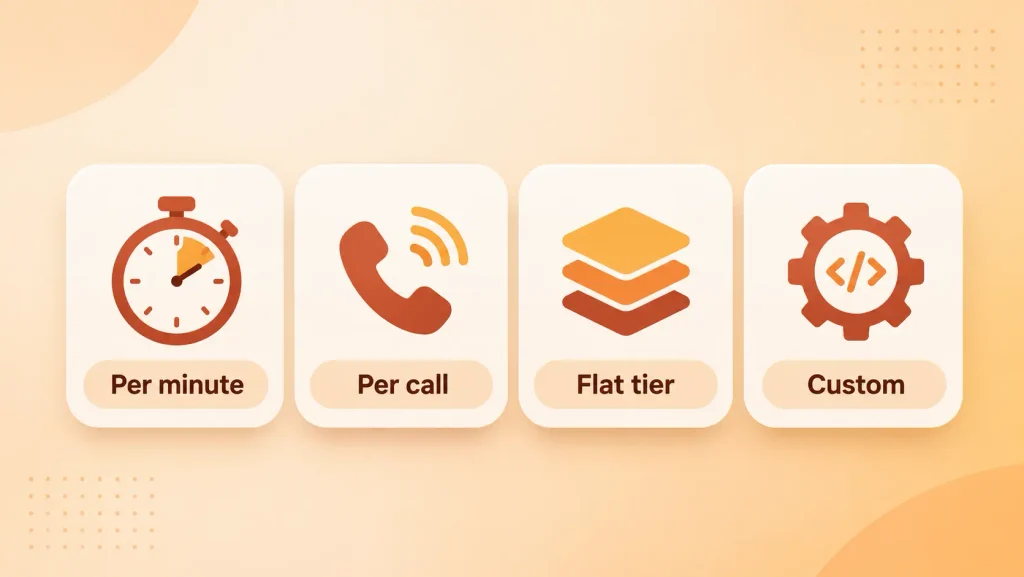
- Per minute: you pay for talk time. Fair for short calls, but it punishes long ones.
- Per call or per caller: predictable if your calls vary in length.
- Flat monthly tier: a bundle of minutes or calls, with overage fees once you go past it.
- Custom build: an upfront project cost, then hosting and usage fees for speech and language models.
I’d suggest pulling your last three months of call logs before comparing plans. Your average call length and monthly volume will tell you which model is cheapest for you, and it’s rarely the one with the lowest headline price.
Costs That Don’t Show on the Pricing Page
This is where your AI receptionist cost tends to slip past budget. The subscription is only part of what you’ll spend:
- Setup time: someone has to write your FAQs, call rules, and greeting. Budget a few days, not an hour.
- Integrations: connecting your booking system, CRM, or practice software can need paid add-ons or developer time.
- Overages: a busy season can push you past your tier fast.
- Number porting or forwarding: usually simple, but some phone systems charge for it.
- Ongoing review: transcripts need reading, and answers need tweaking, every week at first.
Integrations are the biggest unknown. If your calendar or job-management tool doesn’t have a ready-made connector, you’ll need AI integration work that ties the receptionist into your existing systems. Price that in before you sign anything, not after.
Is an AI Receptionist Worth It? A Simple Break-Even Check
An AI receptionist for small business is worth it when the calls it saves bring in more revenue than it costs you. You can test that in about 10 minutes with your own numbers.
Here’s the check I’d run:
- Count missed calls. Use your phone system’s report for the last 30 days, including after-hours calls.
- Estimate your conversion rate. Out of 10 callers who reach you, how many become paying customers?
- Know your customer value. Use the average first job or first-year value, whichever you track.
- Multiply. Missed calls × conversion rate × customer value = revenue you’re leaving on the table each month.
- Compare. Set that against the plan price plus your setup and integration costs.
Here’s a worked example with made-up numbers. Say you miss 40 calls a month, three in 10 callers usually book, and a new customer is worth $250 to you. That’s 12 lost bookings, or $3,000 a month in revenue walking away.
If even a third of those calls turn into bookings once someone always picks up, the AI only has to cost less than $1,000 a month to pay for itself.
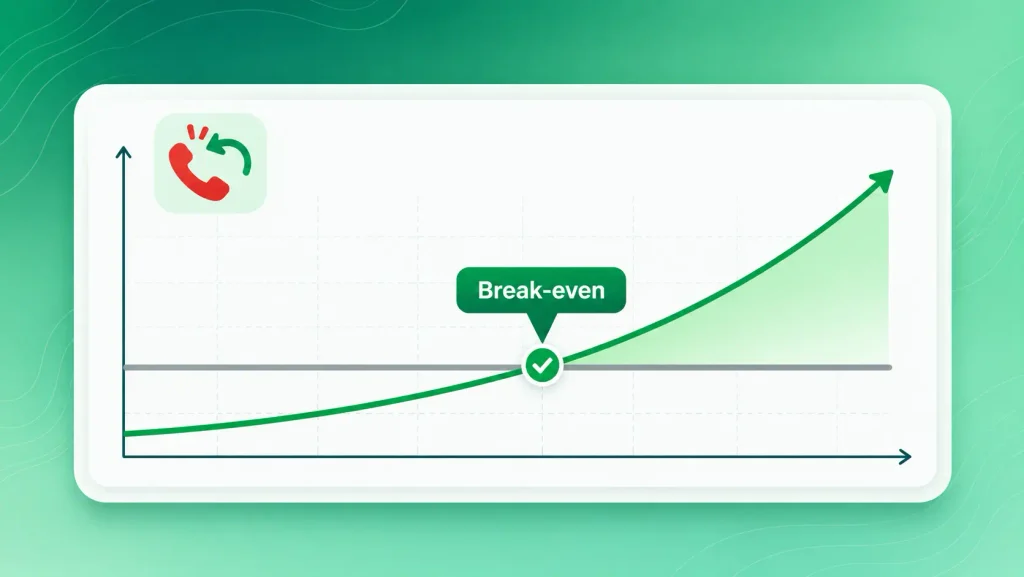
Swap in your own figures and the answer tends to be clear. If your numbers come out close, the deciding factor is usually after-hours volume, because that’s where the AI does work no one else is doing.
What to Look for Before You Choose One
When comparing any virtual receptionist AI, focus on how it behaves on a real call, not on the feature list. A long spec sheet means nothing if the voice lags or makes up answers.
Before you commit, check these:
- Response speed: call the demo line. If you notice the pause, so will your customers.
- Grounded answers: it should answer only from your approved information and say “let me pass you to someone” when it doesn’t know.
- Calendar and CRM connections: native links to the tools you already use, not just a webhook.
- Handoff options: live transfer, text alerts, and a clean summary for whoever takes over.
- Languages and accents: test it with the accents your real callers have.
- Call analytics: transcripts, call reasons, and missed-intent reports you’ll actually read.
- Data handling: where recordings live, who can access them, and how long they’re kept.
Grounded answers deserve the most attention. A receptionist that invents a price or a policy creates a problem you’ll spend days fixing. That risk shows up in nearly every list of common generative AI challenges, and voice makes it worse because there’s no written trail for the caller to check.
Off-the-Shelf Tool or Custom-Built AI Receptionist?
Start with an off-the-shelf tool if your calls are simple and your systems are standard. Consider a custom build once you need the AI to work inside your own processes rather than around them.
The difference shows up in a few places:
| Factor | Off-the-shelf tool | Custom-built |
| Best for | Standard FAQs and booking | Unique workflows, regulated data |
| Setup | Days | Weeks |
| Integrations | Prebuilt connectors only | Any system, including legacy software |
| Call logic | Template-based | Built around your business rules |
| Data ownership | Stays with the provider | Stays with you |
Most small businesses should start simple.
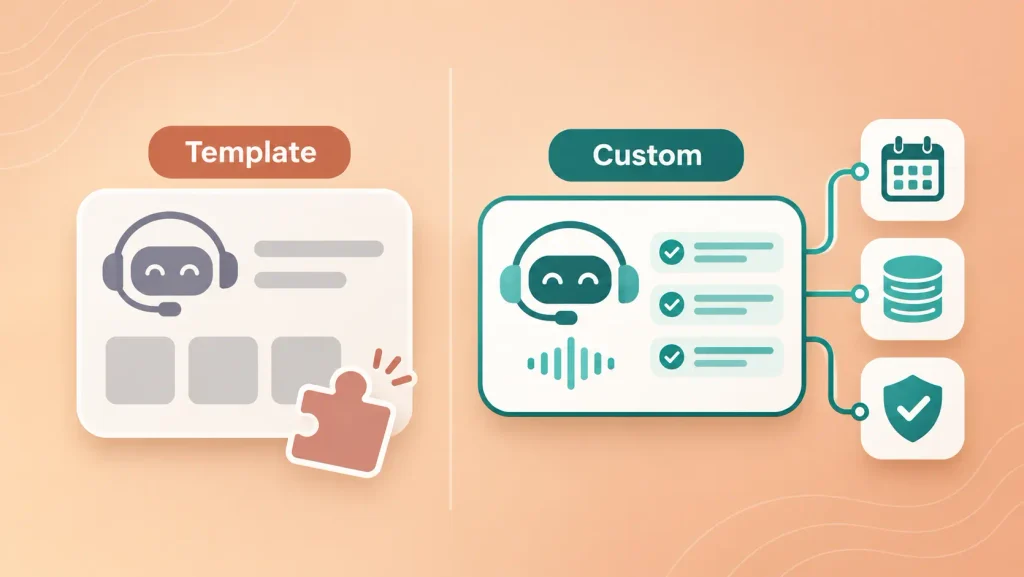
The same trade-off shows up in no-code chatbot builders versus custom bots: templates get you live fast, then hit a ceiling.
You’ll feel that ceiling when you need things like checking a customer’s job status in your own database, quoting from a pricing matrix, or meeting healthcare privacy rules. At that point, custom AI voice agent development usually costs less over time than stacking add-ons onto a tool that was never designed for your setup.
If you’re unsure which side you’re on, an outside view can save you a costly wrong turn. The benefits of hiring an AI consultant are clearest at exactly this kind of build-or-buy decision.
How to Set Up an AI Receptionist Without Frustrating Your Callers
A good rollout of an AI receptionist for small business takes a few weeks of steady tuning. Callers forgive a slightly robotic voice. They don’t forgive being stuck in a loop.
Map Your Top Call Reasons First
Pull up your call history and list the 10 reasons people call most often. That list becomes the AI’s first training set, and it tells you which calls it should never try to handle.
Write the answers the way you’d say them on the phone, not the way they read on your website. Short, spoken sentences work better than paragraphs. The same principles behind good conversation design for AI chatbots apply here: plan the greeting, the follow-up questions, and the dead ends before you write a single script.
Write Clear Handoff Rules
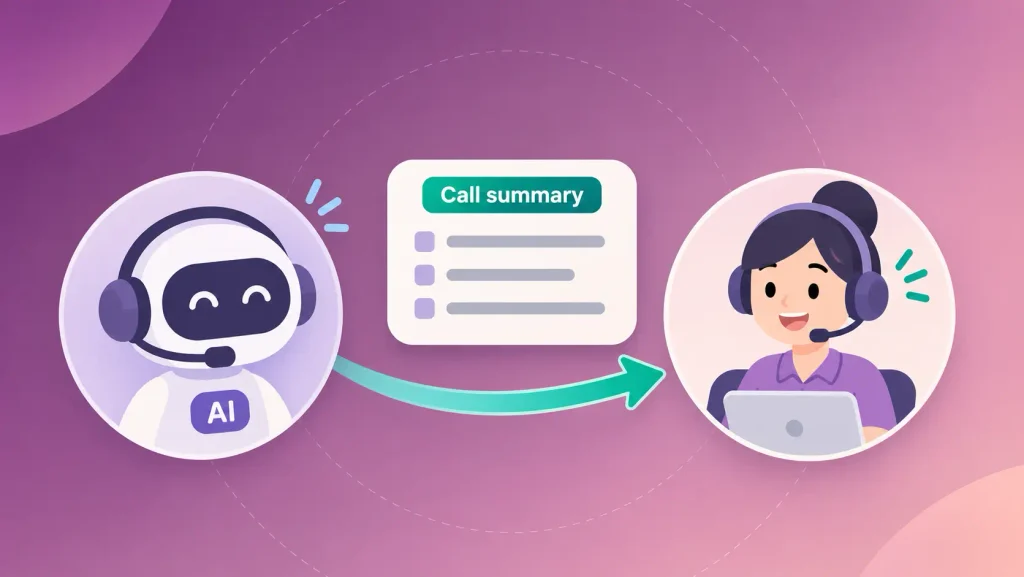
Decide upfront which calls go straight to a human. A simple rule set covers most of it:
- Complaints and angry callers
- Emergencies or urgent jobs
- Anything involving payment disputes
- Requests the AI fails to understand twice in a row
Make the handoff smooth. The person who picks up should see a summary, so the caller never has to repeat themselves.
Test With Real Calls Before You Go Live
Call it yourself, then ask staff and a couple of friendly customers to try. Use background noise, strong accents, and odd questions. You’ll find gaps in an afternoon that would otherwise surface with real customers.
Review Transcripts Every Week
For the first month, read a sample of transcripts every week. Look for questions it fumbled, calls it should have passed on, and answers that sound off.
Each fix is small, usually a new FAQ or a tighter rule. After a few weeks, the weekly review drops to a quick skim.
Limits and Legal Points You Should Know
An AI receptionist for small business handles routine calls well, but it isn’t a substitute for judgment. It can struggle with heavy crosstalk, emotional callers, and requests that need real-world context it wasn’t given.
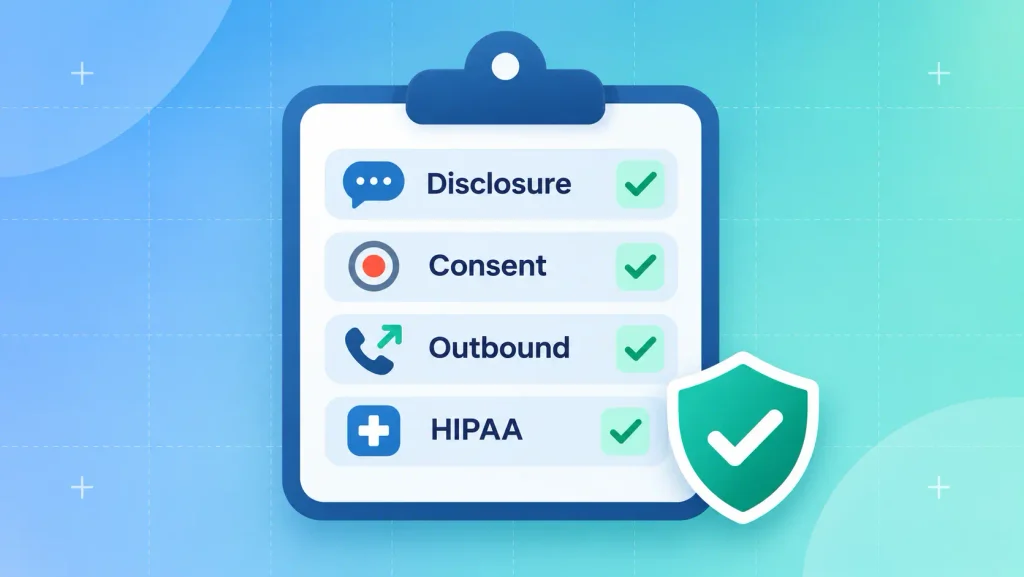
The legal side matters as much as the technical one. These are the points to check before launch:
- Disclosure: telling callers they’re speaking with an AI assistant is good practice, and some places now expect it.
- Call recording consent: some U.S. states require every party on a call to agree to recording, so build a consent line into the greeting.
- Outbound calls: in February 2024, the FCC ruled that AI-generated voices count as “artificial” under the Telephone Consumer Protection Act. If your AI makes reminder or follow-up calls, you need the right consent first.
- Health information: if you run a clinic or practice, the system and your provider must meet HIPAA requirements, including a signed business associate agreement.
None of this is a reason to avoid AI. It’s a reason to set it up properly. If you’re building something custom, it helps to know the usual AI product development challenges before you scope it, because compliance and data quality cause more delays than the model itself. And since this is general information rather than legal advice, have someone qualified review your setup if you’re in a regulated field.
How Boomdevs Builds AI Receptionists Around Your Business
If an off-the-shelf tool can’t fit your workflow, Boomdevs builds voice agents around how you already work. That means your calendar, your CRM, your pricing rules, and your compliance needs from day one.
The process stays practical:
- Discovery: map your call reasons, systems, and handoff rules.
- Conversation design: script the flows, edge cases, and escalation paths.
- Build and integrate: connect speech, the language model, and your back-end tools.
- Test and tune: load testing, accent testing, and real-call trials.
- Launch and monitor: weekly tuning based on transcripts and missed intents.
A focused voice agent typically takes four to eight weeks to build, and more complex ones take longer. Boomdevs has delivered 3.5K+ projects, and the same team handles strategy and engineering, so you aren’t juggling separate companies for each piece.
Want to know what it would take for your business? Talk to Boomdevs about an AI receptionist built for your calls and get a scoped estimate after a free discovery call.
Frequently Asked Questions
Will Callers Know They’re Talking to an AI Receptionist?
Some will, especially if the voice pauses or misunderstands them. A modern virtual receptionist AI sounds natural, but it’s still good practice to say upfront that callers are speaking with an AI assistant. Being open about it builds more trust than trying to pass as human.
Can an AI Receptionist Book Appointments?
Yes. When it’s connected to your calendar or booking software, it can check open slots, book or reschedule, and send a confirmation by text or email. If your booking tool has no integration, you’ll need a connector or custom work first.
Can I Keep My Existing Business Phone Number?
Usually, yes. Most AI phone receptionist setups either forward calls from your current number or port it over. Forwarding is the quicker option and lets you switch back easily if you need to.
Can an AI Receptionist Replace My Human Receptionist?
In most AI vs human receptionist setups, the AI takes over repetitive calls and after-hours coverage, while a person handles complex or sensitive calls. The strongest setup is AI first, with a fast handoff to a human. That frees your staff for work that actually needs them.
Is an AI Receptionist Worth It for a One-Person Business?
Often, yes. An AI receptionist for small business helps solo owners most, because they miss the most calls. If you’re on job sites or with clients all day, even a few saved bookings a month can cover the cost. Run the break-even check above with your own numbers to be sure.
Is an AI Receptionist HIPAA Compliant?
Only if the system and provider are set up for it. That includes encrypted storage, access controls, and a signed business associate agreement. Never assume compliance from a feature list; ask for it in writing.