- 1. Key takeaways
- 2. The Custom Web App Development Process: 7 Stages From Idea to Launch
- 3. How Long Does Custom Web App Development Take?
- 4. What Does Custom Web App Development Cost?
- 5. How AI Is Changing the Custom Web App Development Process in 2026
- 6. Common Mistakes That Blow Up Timelines and Budgets
- 7. How to Choose the Right Development Partner
- 8. How Boomdevs Solves the Custom Web App Development Process
Summarize with
You’ve got three quotes for your web app, and they don’t agree on anything. One says eight weeks. Another says six months.
That kind of gap means nobody walks you through the custom web app development process itself, just the final number. Without the stages behind it, you can’t tell a fair estimate from a guess.
Here’s the process broken into seven stages that decide your timeline and cost.
Key takeaways
- The custom web app development process runs through seven stages: discovery, planning, design, architecture, development, QA, and launch.
- A focused MVP typically takes six to twelve weeks. A complex enterprise platform runs for six to twelve months or longer.
- Most projects land between $15,000 for a lean MVP and $300,000 or more for a complex multi-integration platform.
- AI coding tools speed up routine, well-scoped work, but they don’t shorten discovery, design, or QA the way marketing decks suggest.
- Projects that blow their budget almost always skip or rush discovery. It’s rarely the code that fails first.
The Custom Web App Development Process: 7 Stages From Idea to Launch
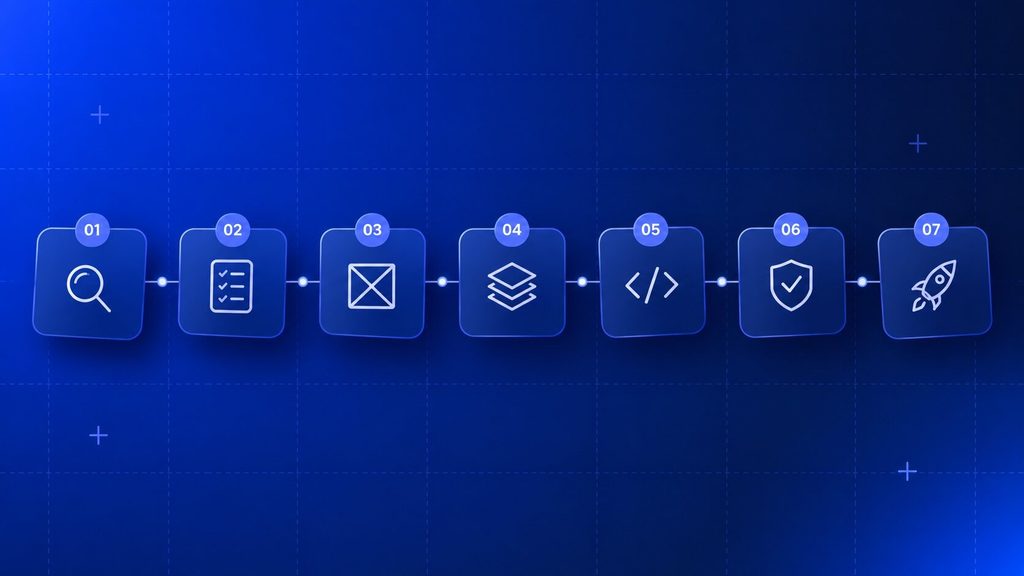
Every custom build looks different from the outside, but a patient scheduling tool for a healthcare group and a marketplace for a logistics company move through the same custom web app development process. Only the depth of each stage changes.
Here’s what each one actually involves.
Stage 1: Discovery & Requirements Gathering
Discovery is where the custom web app development process starts, turning a vague idea into a problem statement your team can build on.
Here’s where you name the problem, not the feature you think will solve it.
According to a 2024 study of software engineers across the UK and US, having clear requirements before kickoff was the single biggest predictor of success, leading to a 97 percent improvement in success rate over teams who didn’t have them. It’s more important than team size, methodology, or even how often the team caught problems.
A solid discovery phase produces:
- A written problem statement: what the app replaces or fixes, in plain language everyone signs off on.
- User roles and permissions: who uses the app (customers, staff, admins, partners) and what each group needs to do.
- A prioritized feature list: must-haves versus features that can wait for version two.
- Success metrics: what “working” actually means in numbers, not just “it should feel fast.”
- A rough budget and timeline range, tightened up during planning next.
It doesn’t save you time to skip this step. After money has already been spent building the wrong thing, it just pushes it to week eight.
Stage 2: Planning, Scoping & MVP Definition
Planning takes discovery’s raw notes and turns them into a roadmap with real dates attached. Nothing is built yet. This is where scope gets locked down enough to quote against.
Most custom builds fall into a handful of recognizable shapes, whether it’s a customer portal, an internal operations dashboard, a business software system for a specific department, or a full marketplace platform. When you name what shape you’re building early, all your later decisions will be easier, since an internal tool looks nothing like a public-facing one.
A scoping document should nail down:
| What It Defines | Why It Matters |
| MVP feature set | What actually ships in version one, no more |
| Out-of-scope list | What’s deliberately deferred, so it doesn’t sneak back in mid-build |
| Budget range | Based on the feature set, not a guess pulled from a competitor’s site |
| Timeline range | Tied to team size and complexity, not wishful thinking |
| Compliance or security constraints | HIPAA, PCI, SOC 2, whatever applies to your data |
Starting with an MVP isn’t a shortcut for teams that can’t afford the full vision. It’s how you validate the core assumption before spending the rest of the budget on features nobody uses yet.
Stage 3: UX/UI Design & Prototyping
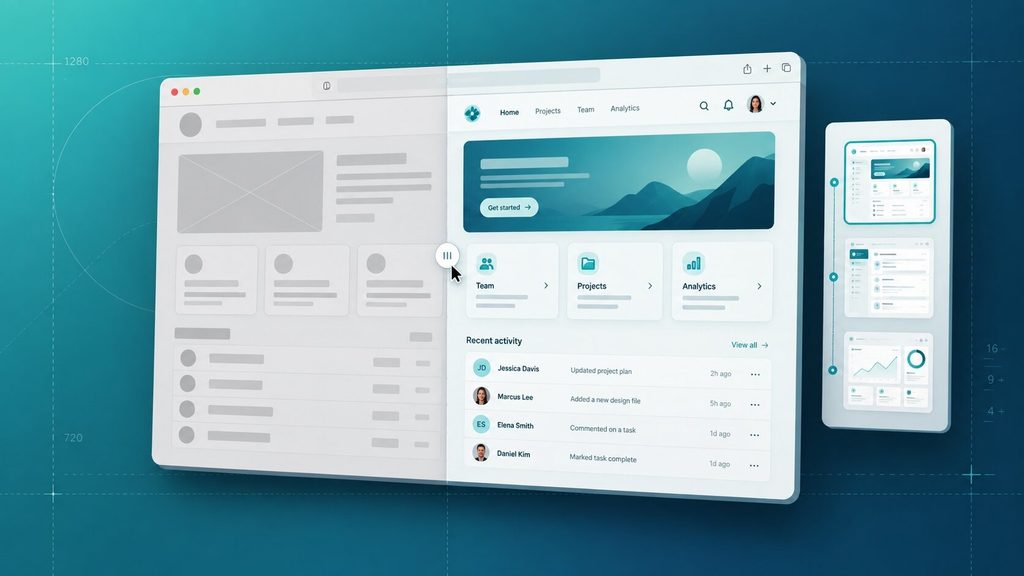
The design process transforms the approved scope into something people can click through before a single line of production code has been written. There is no better place in the whole process to catch a confusing workflow than here.
Three passes are usually involved: a low-fidelity wireframe that maps the layout and flow, a clickable prototype that looks close to final, and usability testing where real users do real things. Boomdevs’ own custom web design process follows this same arc, just scoped out to the visual and front-end layer rather than the full application.
What comes out of this stage:
- Wireframes covering every core screen and user flow
- A clickable, high-fidelity prototype for stakeholder sign-off
- A style guide or design system so new screens stay consistent later
Getting real users to click through a prototype before development starts is better than another round of internal opinions. This is the fastest way to find out that your “obvious” navigation isn’t obvious to everyone.
Stage 4: Architecture & Technology Stack Selection
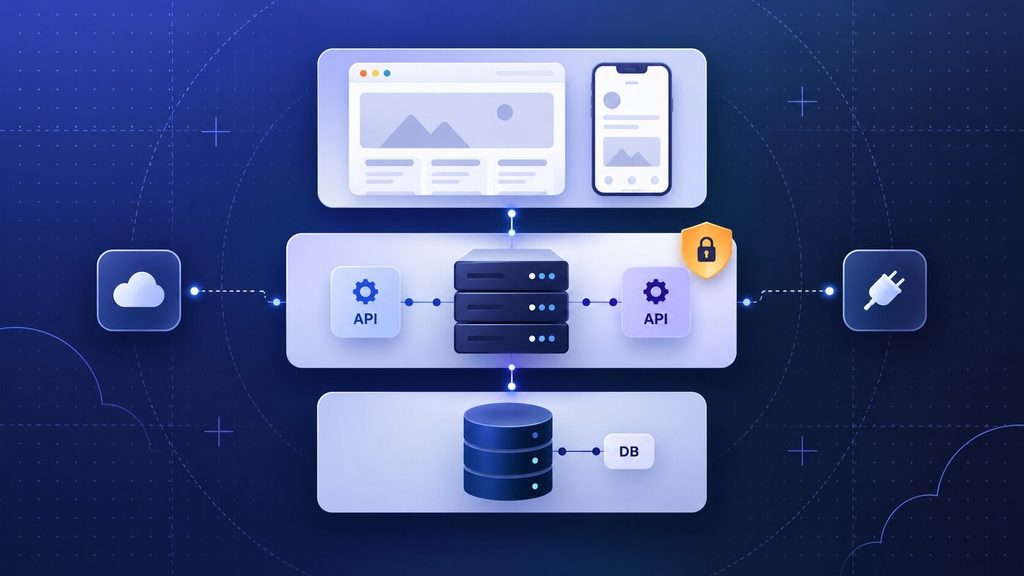
App architecture determines what runs underneath the screens, and it’s the hardest thing to change once development starts. If you get it wrong, you can’t tweak it later. It’s like rebuilding a house.
During this stage, you’ll learn about the front-end framework, the back-end language and framework, the database, hosting and cloud infrastructure, and how the app talks to third parties like payment processors. Researching frameworks often leads to .NET Core versus Node.js or Python stacks, and the right decision depends on your team’s skills and what you need.
Security should be here too, not bolted on after launch. The 2026 Verizon Data Breach Investigations Report found that exploited vulnerabilities have overtaken stolen credentials as the top initial access vector in breaches, showing up in 31 percent of incidents. Architecture-level decisions about authentication, access control, and encryption are way cheaper than after-the-fact ones.
If your project touches custom software development at any real depth, this is the stage where an experienced architect earns their fee. This isn’t a bug because the framework isn’t good. 18 months from now, it’ll be a rebuild.
Stage 5: Development (Front-End & Back-End)
Development is the longest stage of the custom web app development process, where architecture and design finally become working software.
In most cases, front-end and back-end teams work in parallel, connected by API contracts.
The most common way to do this is with Agile sprints, since they make it much easier to change course when something doesn’t work:
- Break the MVP feature list into two-week sprints.
- Build and code-review each feature before moving to the next.
- Integrate third-party services (payments, email, analytics) as each dependent feature is ready.
- Demo working software to stakeholders at the end of each sprint, not just at the end of the project.
You need to do that last step more than you think. A team that only shows you the app once, right before launch, has given you no chance to catch a wrong turn early. A team that demos every two weeks has given you dozens of chances.
Stage 6: Quality Assurance & Testing
Testing confirms the app does what it’s supposed to, holds up under real load, and doesn’t leak data. It shouldn’t wait until the end as a single gate before launch, but run alongside development.
A thorough QA pass typically covers:
- Functional testing: every form, calculation, workflow, and permission actually works as specified.
- Performance testing: how the app behaves under real traffic, not just a developer’s laptop.
- Security testing: authentication, access controls, and known vulnerability classes.
- Compatibility testing: across the browsers, devices, and screen sizes your actual users have.
- User acceptance testing (UAT): real people from the target audience complete real tasks before sign-off.
Bugs caught here cost a fraction of what the same bugs cost after launch, once real users and real data are involved.
Stage 7: Deployment, Launch & Ongoing Support
Launch puts the app in front of real users, in production. I don’t think of it as a finish line, I think of it as a milestone. The custom web app development process doesn’t end when you ship.
You’ll set up the server and domain, run a final security review, migrate the database if you’re replacing an existing system, and plan the rollout (full launch or a phased release to a smaller group first). Once that’s done, it’s time to monitor error rates, page speed, uptime, and how real users behave.
If you’re weighing whether to build this in-house or bring in outside help for any part of it, Boomdevs’ custom web app development services cover the full stack from discovery through post-launch support, which is worth knowing before you start piecing together separate teams for each stage.
Here’s the whole process at a glance:
| Stage | What Happens | Typical Deliverable |
| 1. Discovery | Define the problem, users, and goals | Problem statement, feature list |
| 2. Planning | Lock scope, budget, and timeline | Scoping document, MVP definition |
| 3. Design | Map flows and design the interface | Wireframes, clickable prototype |
| 4. Architecture | Choose the tech stack and security model | Architecture diagram, tech stack decision |
| 5. Development | Build front-end and back-end in sprints | Working software, sprint demos |
| 6. QA & Testing | Verify functionality, performance, and security | Test reports, bug fixes |
| 7. Deployment | Launch and monitor in production | Live application, monitoring dashboard |
No stage in the custom web app development process is optional, even on a small build.
What changes with project size is how much time and formality each one gets, not whether it happens at all.
How Long Does Custom Web App Development Take?
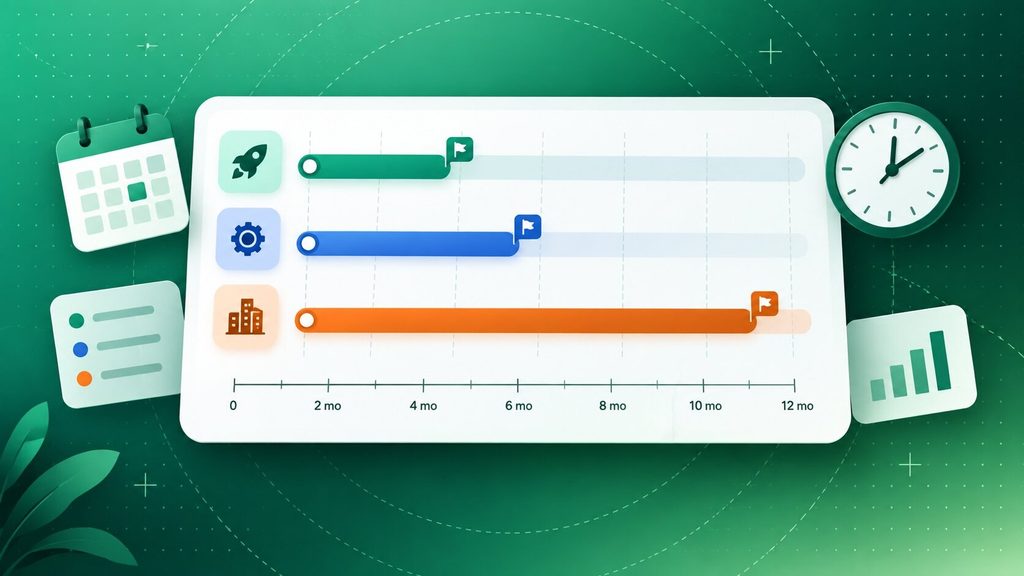
The custom web app development process typically runs six weeks to twelve months end-to-end, depending almost entirely on complexity and how ready your requirements are on day one.
| Project Size | Typical Timeline | What’s Included |
| Simple/focused MVP | 6 to 12 weeks | One core workflow, basic auth, limited integrations |
| Mid-complexity | 3 to 6 months | Multiple user roles, several integrations, a real dashboard |
| Complex / enterprise | 6 to 12+ months | Heavy business logic, many integrations, compliance requirements |
These ranges hold up across most agency estimates, including Bitcot’s breakdown of small, departmental, and enterprise builds, and a phased rollout guide putting a typical kickoff-to-launch window at twelve to twenty weeks for a mid-size project.
The single biggest lever on your actual timeline isn’t team size. It’s how many decisions are still unmade when development starts. A team that walks in with locked scope moves fast. A team still debating features mid-sprint pays for it in weeks, not days.
What Does Custom Web App Development Cost?
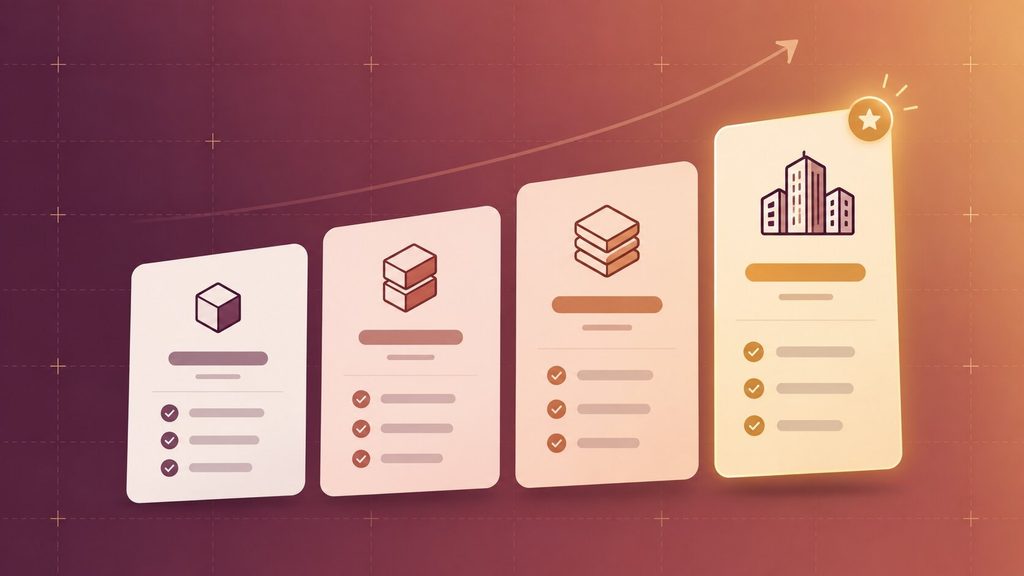
Custom web app development usually costs between $15,000 for a lean MVP and $300,000 or more for a complex, heavily integrated platform, and the range genuinely reflects different projects rather than pricing games.
| Tier | Cost Range | What’s Included |
| Starter / MVP | $15,000 to $40,000 | One core workflow, basic auth, minimal integrations |
| Standard | $40,000 to $100,000 | Multiple user roles, real integrations, custom UI |
| Premium | $100,000 to $200,000 | Complex logic, several integrations, advanced security |
| Enterprise | $200,000 to $300,000+ | Multi-tenant architecture, heavy compliance, large-scale testing |
Utsubo’s 2026 budget breakdown uses nearly identical tiers, and it’s worth noting that Clutch’s own 2026 verified review data puts the average software development project cost at just over $132,000, which lands squarely in the standard-to-premium range rather than at either extreme.
What actually pushes your number up or down inside the custom web app development process: the number of unique user roles, how many third-party integrations you need, your compliance requirements, and where your development team is based.
Feature count matters less than most people assume. Integration complexity and compliance load matter more.
How AI Is Changing the Custom Web App Development Process in 2026
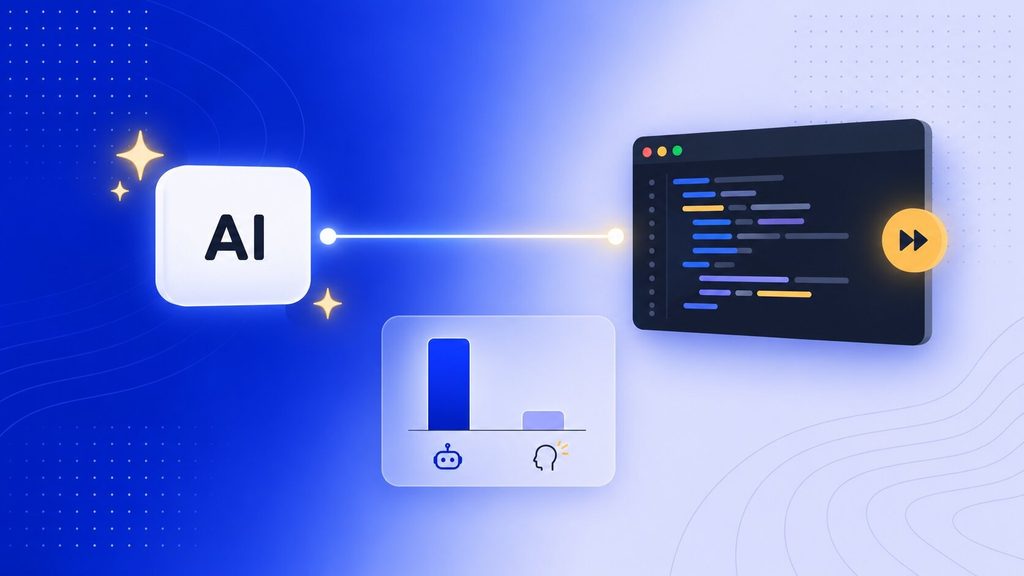
Automated tools speed up specific, well-defined parts of web app development, like boilerplate code, tests, and documentation. They haven’t shortened discovery, design, or architecture decisions, or the judgment calls that make a project successful.
There’s more mixed data here than most agency marketing admits. METR’s original 2025 study of experienced developers working in their own mature codebases found AI tools actually produced a 19 percent slowdown, not a speedup, because reviewing and correcting AI output added more overhead than it saved on familiar, complex work. By early 2026, a larger follow-up study showed a modest speedup, but only for simpler, more bounded tasks. McKinsey’s separate research reached a similar split: roughly 46 percent time savings on routine coding tasks, under 10 percent on complex work.
What that means in practice for your project:
- Boilerplate and repetitive code ships faster, freeing developer time for the logic that actually matters.
- Test generation and documentation are genuinely quicker with AI assistance, with fewer arguments about it.
- Architecture decisions, security design, and requirements gathering still depend on human judgment. No tool shortens the conversation about what your app should actually do.
- AI-generated code needs the same review discipline as human-written code, sometimes more, since a plausible-looking mistake is easy to miss on a quick skim.
Boomdevs sees this play out the same way in AI product development: the coding gets faster, but the thinking still takes the time it takes.
Common Mistakes That Blow Up Timelines and Budgets
Most custom web app development problems can be traced back to a handful of repeatable mistakes, not bad engineering. The Standish Group’s long-running CHAOS research has found that only around 30 percent of software projects hit all three success criteria, meaning on time, on budget, and fully featured, with poor requirements gathering as the single largest cause of the rest falling short.
- Skipping or rushing discovery: Teams that start building before the problem is clearly defined end up rebuilding the same features once real requirements surface. This alone accounts for a disproportionate share of failed projects.
- Treat the feature list as fixed and the timeline as flexible: it should be the other way around. Cut the scope before you blow the deadline, not after.
- Picking a technology stack for resume-building instead of the actual job: the new framework isn’t automatically the right one for your team’s skills or your app’s real requirements.
- Choosing a development partner on price alone: the cheapest quote usually means the least discovery, the thinnest testing, or a team that disappears once the invoice clears.
- No plan for what happens after launch: an app with no maintenance budget starts decaying the day it ships, as browsers, dependencies, and integrations move on without it.
- Communication that happens only at milestones: Projects with real, frequent stakeholder contact catch problems in days instead of months.
There’s nothing exotic about any of these mistakes. The same handful of things show up on failed project post-mortems across industries, which is why they’re worth naming before yours does.
How to Choose the Right Development Partner
Choosing the right partner means seeing a clear, structured process before you sign anything, not settling for a vague promise to “figure it out as we go.” If a partner can’t walk you through their custom web app development process stage by stage, that’s your answer.
Concrete things worth checking before you commit:
- Ask to see their discovery deliverables from a past project. A real problem statement and feature-prioritization doc, not just a proposal deck.
- Ask who owns the code and IP. You should own what you pay for, in writing, before development starts.
- Ask how often you’ll see working software, not mockups. Every two weeks is a reasonable standard; “at the end” is a red flag.
- Check references beyond the ones they hand you. A quick search on Clutch or G2 tends to surface a more honest picture than a curated reference list.
- Ask what they’d tell you not to build. A partner focused on your outcome will push back on scope that doesn’t serve it. One focused on the invoice usually won’t.
Having a vague proposal that promises best practices without naming a process, a partner who can’t explain their phases, or pushback on code ownership are all dealbreakers, not quirks.
Who You’ll Actually Be Working With
A custom build typically involves more roles than most people expect going in, even on a modest project.
| Role | What They Do |
| Project manager | Keeps scope, budget, and timeline on track |
| Business analyst | Translates your goals into documented requirements |
| UX/UI designer | Builds wireframes, prototypes, and the visual system |
| Front-end developer | Builds what users see and interact with |
| Back-end developer | Builds the logic, database, and integrations |
| QA engineer | Tests the app before and after each release |
Smaller firms sometimes combine two or three of these into one person. That’s not automatically a problem, but it’s worth knowing going in so you can ask how one person covers both design judgment and technical architecture without either one suffering.
How Boomdevs Solves the Custom Web App Development Process
In custom web app development, most mistakes happen before a single screen gets designed, in the gap between an idea and a clear, documented plan. Boomdevs runs every project through the same seven-stage process above, with a senior architect involved from the beginning instead of at the end.
That structure comes from experience, not theory. Boomdevs has shipped 3.5K+ projects across fintech, healthcare, and e-commerce, including platforms like Flash.trade, a Solana perpetuals exchange now handling over a million daily active users. The custom web app development team scopes discovery and architecture before quoting a fixed timeline, so the number you get isn’t a guess dressed up as a plan.
If your team needs to move faster without handing over the whole build, staff augmentation can slot pre-vetted developers or designers directly into your existing process instead. Either way, you can book a free project consultation and walk away with a real scope and timeline, not just a sales pitch.
Frequently Asked Questions
How Long Does Custom Web App Development Take?
It depends on complexity, but a focused MVP typically takes six to twelve weeks, while a complex, multi-integration platform can run six to twelve months or longer. The biggest factor is how settled your requirements are before development starts.
Should I Start With an MVP or Build the Full Vision First?
Starting with an MVP is almost always the better call, since it lets you validate the core assumption with real users before spending the rest of the budget. Most teams add the remaining features in version two once they know which ones actually get used.
What Information Do I Need Before Development Can Start?
You’ll need a clear problem statement, your target users and their roles, a prioritized feature list, any compliance requirements, and a rough budget range. A good partner runs a formal discovery phase to pull all of this out of you if you don’t already have it documented.
Does a Custom Web App Need Ongoing Maintenance After Launch?
Yes. Browsers update, dependencies age, and integrations change on their own schedules, so an app with no maintenance plan starts falling behind the day it launches. Budgeting for ongoing support up front avoids a scramble later.
If you’re mid-scoping and want a second opinion on where you are in the custom web app development process, Boomdevs runs discovery calls that end with a real scope and estimate, not a vague follow-up promise.