Summarize with
You’re three weeks from launch, and the cloud bill estimate just doubled. Nobody on your team can say why.
That’s what happens when a provider gets picked on brand name alone. Many guides hand you a long checklist. You’ll get a shorter path.
Here is how to choose the right cloud service provider for your product, your budget, and your team, using a process you can finish in a few days.
Key Takeaways
- Start with your workload, not the provider. What you run and where your users are decides more than any feature list.
- Shortlist two or three providers. Comparing ten gives you noise, not clarity.
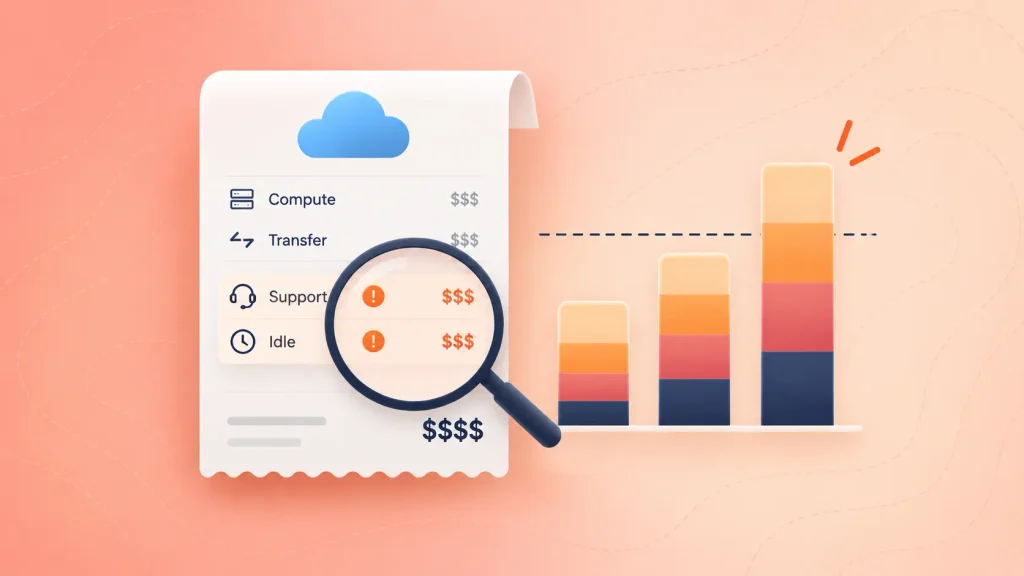
- Model the full bill. Compute is the easy part. Data transfer, support plans, and idle resources are where estimates break.
- Test before you commit. A small pilot tells you more than any sales call.
- Plan your exit on day one. Lock-in is cheapest to avoid at the start.
What You Need Before You Start
You can compare providers in an afternoon, but knowing how to choose the right cloud service provider starts with the right inputs. Gather these first:
- A workload list: the apps, databases, and background jobs you plan to run.
- Your compliance obligations: any rules about where data lives or who can access it.
- A monthly budget ceiling: a number you can hold each option against.
- Your team’s skills: which platforms your engineers already know well.
- Growth expectations: a rough view of how traffic and data might change over the next year or two.
Without these, every provider looks like a good fit. With them, your cloud provider selection criteria become clear, and the wrong options drop out quickly.
How to Choose the Right Cloud Service Provider: A Step-by-Step Process
The right provider is the one that fits your workload, cost model, and team, not the one with the longest service catalog. These six steps take you from a blank page to a defensible decision.
Step 1: Define Your Workloads and Constraints
Write down what you’re actually going to run before you look at a single pricing page. A customer-facing web app, a data pipeline, and an AI training job all stress a cloud platform differently.
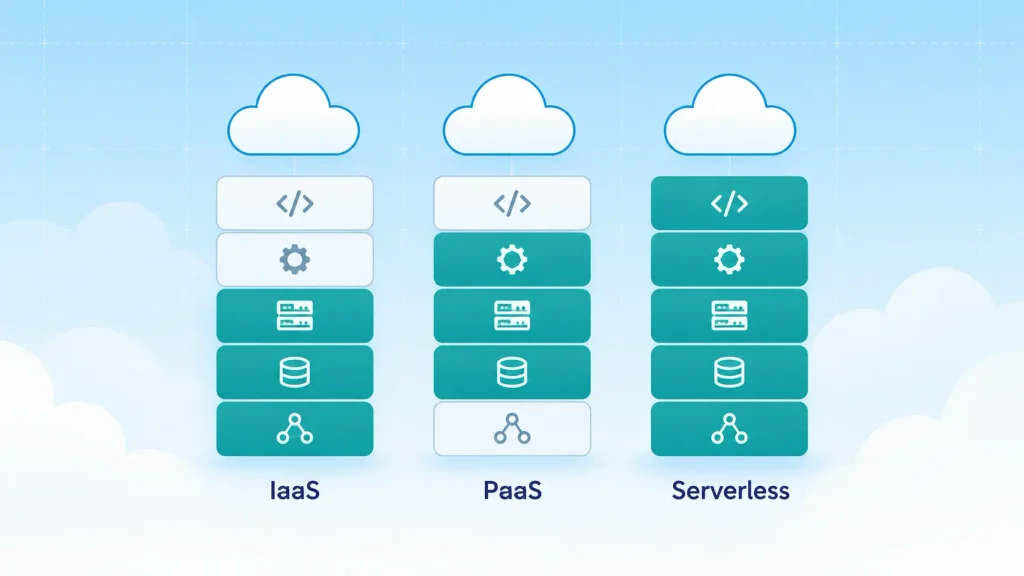
For each workload, note how much traffic it handles, how sensitive its data is, and how much downtime you can tolerate. You’ll also want to decide whether you need raw infrastructure, a managed platform, or serverless.
- Infrastructure as a service (IaaS): you rent virtual machines and manage the rest yourself.
- Platform as a service (PaaS): the provider runs the runtime, and you deploy code.
- Serverless: you ship functions and pay per execution.
Most products end up mixing all three. What matters is knowing which mix you’re signing up for.
Step 2: Shortlist Providers by Fit, Not Fame
Two or three providers is the right shortlist size. The big three hold most of the market, which is a good reason to start there but not a reason to stop there.
According to Synergy Research Group, Amazon held 29% of enterprise cloud infrastructure spending in Q3 2025, Microsoft 20%, and Google 13%. Together, that is 63%.
Popularity tells you a provider is stable. It doesn’t tell you the provider suits you. Here’s a quick AWS vs Azure vs Google Cloud view of how each tends to fit different teams:
| Provider | Often a good fit for |
| AWS | Teams with experienced cloud architects who want a hands-on approach |
| Microsoft Azure | Companies already running Microsoft tools and identity |
| Google Cloud | Large-scale data processing and analytics workloads |
Treat the table as a starting point, not a verdict. Keyhole Software draws a similar split between the three. Smaller providers can also win when you want simpler pricing or a narrower product set.

Step 3: Model the Real Cost
Your cost estimate needs to cover more than compute. For a fair cloud cost comparison, ask each provider’s calculator to price the same workload, then add the lines calculators tend to leave out.
- Data transfer out: moving data out of a provider is often charged, and it adds up for media and analytics products.
- Support plans: production-grade support is usually a paid tier.
- Storage and backups: replicas and snapshots multiply what you store.
- Idle resources: anything you forget to switch off keeps billing.
- Discount commitments: reserved capacity lowers unit prices but locks you in for a term.
Cost control is a common pain point. In its 2026 State of the Cloud report, Flexera found that 85% of respondents cite managing cloud spend as a top challenge. Building a realistic model now saves you from being one of them later.
Step 4: Check Security, Compliance, and Data Location
Security is a shared job. The provider secures the underlying platform, and you secure what you build on it. Your task is to confirm the provider gives you the controls you need.
I’d suggest asking each shortlisted provider for the following, in writing:
- Compliance certifications relevant to your industry, such as SOC 2, ISO 27001, HIPAA, or GDPR support.
- Data residency options that let you keep data in a specific country or region.
- Identity and access controls that fit how your team already works.
- Encryption defaults for data at rest and in transit.
If a provider can’t put its compliance position in writing, that’s a dealbreaker for regulated data.

Step 5: Test Support, Reliability, and Lock-in Risk
Uptime promises live in the service level agreement (SLA), so it’s worth reading it rather than trusting a headline number. Look at what the SLA actually covers and what you receive if the provider misses it.
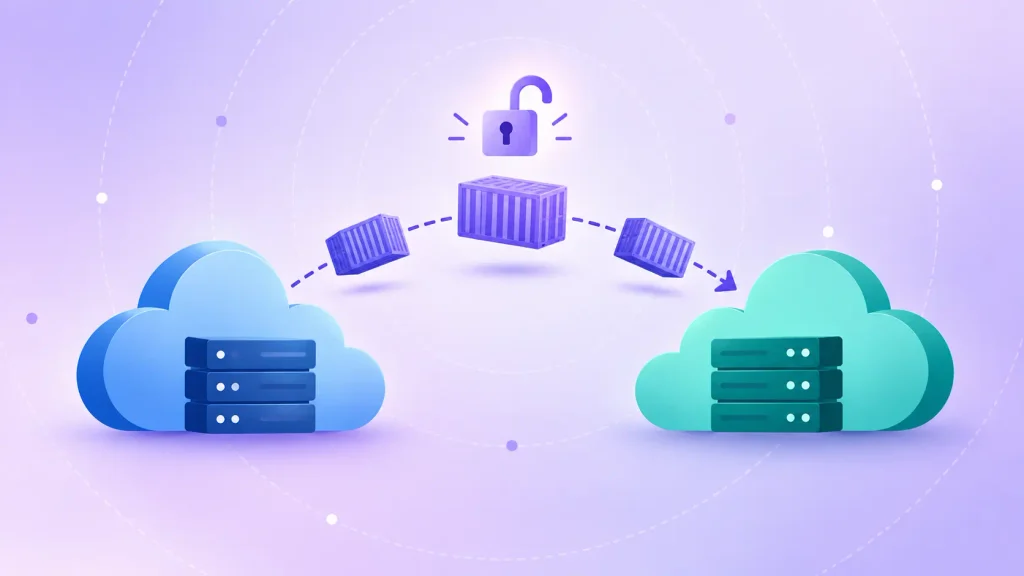
Lock-in deserves the same attention. The more you build on proprietary services, the harder a later move becomes. You can reduce that risk with:
- Containers and Kubernetes for portable application packaging.
- Open-source databases instead of provider-specific ones where the trade-off is fair.
- Infrastructure as code so your setup is documented and repeatable.
Full multi-cloud is rarely worth the added complexity for an early-stage product. Portable design gets you most of the protection at a fraction of the effort.
Step 6: Run a Pilot and Score Your Options
Deploy one real, low-risk workload on each finalist. A pilot shows you how the console feels, how quickly support responds, and how the first bill compares with your model.
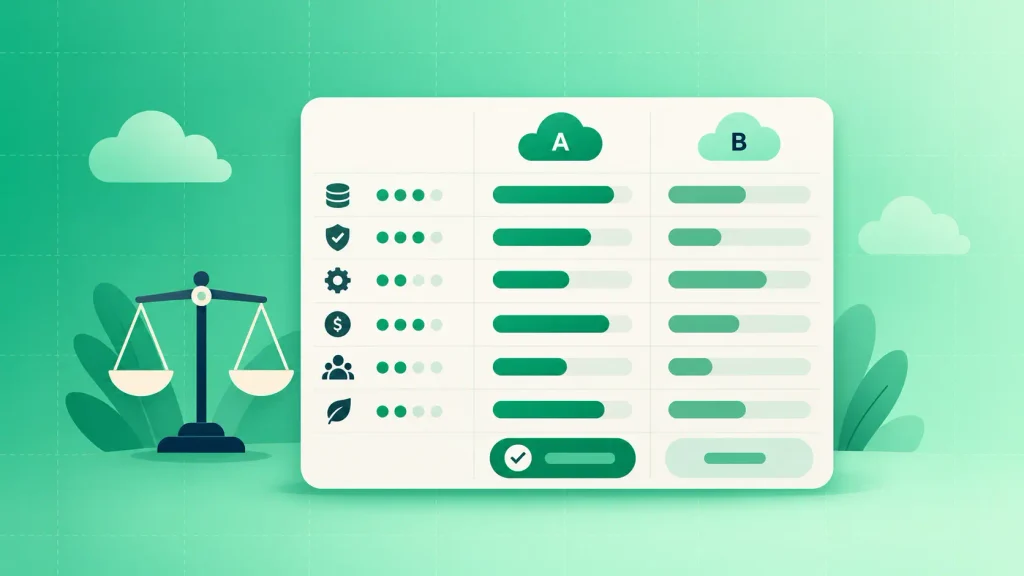
Then score each option against cloud provider selection criteria you’ve weighted in advance. Weighting matters because it stops one impressive demo from outvoting your actual priorities. A simple version looks like this:
| Criterion | Your weight | Provider A score | Provider B score |
| Total cost | Set by you | Score from pilot | Score from pilot |
| Security and compliance | Set by you | Score from review | Score from review |
| Team familiarity | Set by you | Score from pilot | Score from pilot |
| Support quality | Set by you | Score from pilot | Score from pilot |
| Lock-in risk | Set by you | Score from review | Score from review |
Multiply each score by its weight, add them up, and let the numbers start the conversation. If two options land close, pick the one your team is more comfortable operating.
Common Mistakes When Choosing a Cloud Provider
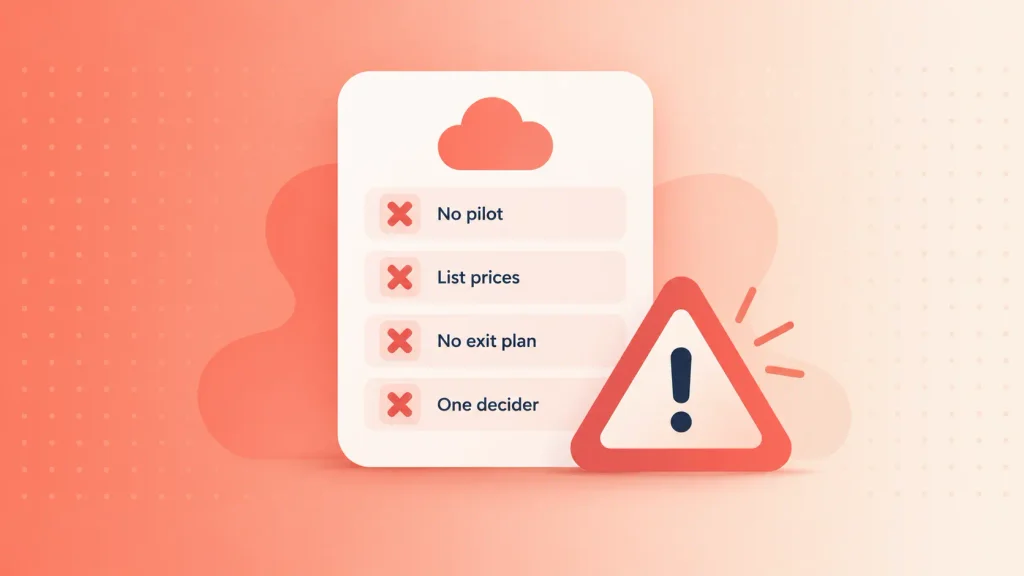
When teams get stuck on how to choose the right cloud service provider, it’s usually because they skipped a step, not because they picked the wrong logo. These are the patterns that show up most often:
- Choosing by familiarity alone: a provider your last employer used isn’t automatically right for this product.
- Comparing list prices, not workloads: a fair cloud cost comparison prices the same workload, because two providers can price the same VM alike and still produce very different bills.
- Ignoring the exit: nobody plans to leave until pricing or requirements change.
- Skipping the pilot: a decision made from documentation alone is a guess.
- Letting one person decide: finance, security, and engineering each see risks the others miss.
Catching even two of these early usually pays for the time you spent on the process.
How Boomdevs Helps You Choose and Build on the Cloud
Picking a provider is the first decision. Designing the architecture, migrating workloads, and keeping the bill under control come next, and that’s where teams tend to want a second pair of hands.
Boomdevs offers cloud development services that cover cloud strategy and architecture, cloud-native application development, migration, DevOps, security, and cost optimization. If you’d like an outside view on your shortlist before you commit, that’s a good place to start.
Frequently Asked Questions
Which Cloud Service Provider Is Best for a Startup?
Every day brings an opportunity to refine skills and adapt to new challenges. This week, I explored improving API performance by optimizing response payloads and implementing caching strategies. Understanding these techniques has enhanced my approach to building scalable and efficient applications.
Should I Use More Than One Cloud Provider?
Most early-stage products are better off with one primary provider and a portable design. Running several clouds adds cost, tooling, and skills requirements. Consider multi-cloud when regulation, resilience needs, or a specific service justifies the extra effort.
What Is the Difference Between IaaS, PaaS, and SaaS?
IaaS gives you rented infrastructure to manage yourself. PaaS gives you a managed platform where you deploy code. SaaS is finished software you use directly. Your choice decides how much you build, and how much you hand to the provider.
How Do I Avoid Cloud Lock-In?
You can’t remove lock-in entirely, but you can limit it. Use containers, prefer open standards where the trade-off is fair, and keep your infrastructure defined as code. Also check how easy it is to export your data before you sign.
Ready to Shortlist Your Cloud Provider?
You now have a process: define workloads, shortlist, model the real cost, verify security, test support and lock-in, then pilot and score. Run it once, and you’ll have a decision you can defend to your team and your finance lead.
If you want help pressure-testing the shortlist or planning the migration, talk to Boomdevs about your cloud architecture and get a clear plan before you commit.