- 1. Key Takeaways
- 2. What Counts as Custom Business Software (and How We Picked These 15)
- 3. 1. Custom CRM
- 4. 2. Client and Partner Portal
- 5. 3. Operations Hub (an ERP-Lite Business Management Suite)
- 6. 4. Inventory and Warehouse Management System
- 7. 5. Order Management and B2B Ordering Portal
- 8. 6. Field Service and Dispatch System
- 9. 7. Workflow and Approval Automation Tool
- 10. 8. Operations and KPI Dashboard
- 11. 9. Internal Admin Panel
- 12. 10. HR and Employee Onboarding Platform
- 13. 11. Booking and Scheduling System
- 14. 12. Finance Reconciliation and Billing Tool
- 15. 13. AI Copilot or Agent Built Into Your Workflows
- 16. 14. Customer-Facing Mobile App
- 17. 15. Legacy System Replacement
- 18. Which Example Fits Your Business? Match the Pain to the Software
- 19. Custom vs Off-the-Shelf Software vs Low-Code: When Each One Wins
- 20. What Custom Business Software Costs and How Long It Takes
- 21. How to Start Your First Custom Build Without Overbuilding
- 22. How Boomdevs Solves the Spreadsheet Patchwork Problem
- 23. Quick Comparison: All 15 Custom Business Software Examples at a Glance
- 24. Frequently Asked Questions
Summarize with
Your sales team tracks deals in one tool. Ops runs on a shared spreadsheet. Finance rebuilds the same report every Monday by hand.
These 15 custom business software examples are the systems that come up again and again when that patchwork stops scaling. Each one shows the signal that you need it, what to build first, and where it falls short. If two or three sound like your week, start there.
Key Takeaways
- Custom business software is built around your own workflows, data, and rules, instead of a product made for every company at once.
- The most common custom business software examples are custom CRMs, client portals, operations hubs, inventory systems, dispatch tools, workflow automation, and dashboards. AI copilots and legacy replacements are the fastest-growing additions.
- The clearest signal is workarounds: side spreadsheets, re-typed data, and approvals buried in email.
- Buy off-the-shelf for standard work. Build custom where the workflow is how you compete.
- Never build the whole system first. Ship one painful workflow, measure it, then expand.
What Counts as Custom Business Software (and How We Picked These 15)
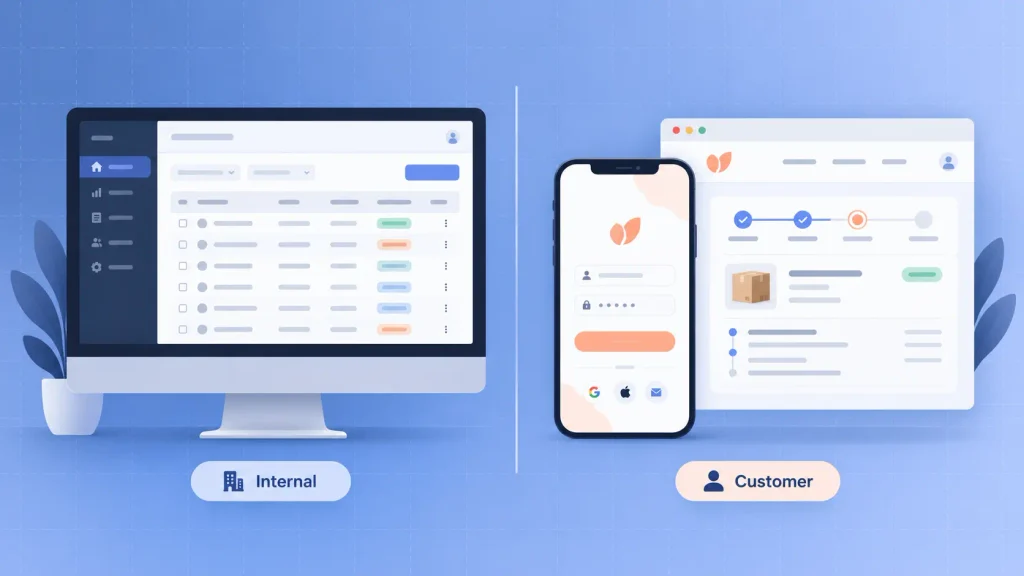
Custom business software is software built around one company’s own workflows, data, and rules, rather than a product designed for every company at once. It can live inside your team as an internal tool, or face your customers as a portal or app.
Planning one well is the core of business software development, where the workflow gets mapped before a single feature is designed. Demand is climbing fast.
Grand View Research values the custom software market at $45.4 billion in 2025, growing to a projected $178.9 billion by 2033.
Every one of these custom business software examples had to pass four tests:
- Common: it shows up across many industries, not one niche.
- Painful to fake: off-the-shelf tools need heavy workarounds to cover it.
- Scopable: a useful first version can ship without building everything.
- Measurable: you can tell within a few months whether it worked.
Most of the list is internal tooling. Items 2, 5, 11, and 14 are customer-facing custom business applications, so their bar for design and reliability is higher.
1. Custom CRM
A custom CRM tracks leads, deals, and customer history the way your sales process actually runs. Standard CRMs assume a clean, linear pipeline. Yours might involve partner approvals, multi-site accounts, or pricing that changes per contract.
- Signal you need it: reps keep deal notes in a side spreadsheet because the CRM has no place for what matters.
- Build first: the pipeline view, account records, and the one approval step your current tool can’t handle.
- Honest limitation: if your sales motion is standard, a well-configured off-the-shelf CRM is cheaper and faster.
You rarely need to replace the whole CRM. A custom layer over the part that breaks is often enough.
2. Client and Partner Portal
A client portal gives customers or partners a secure login to check status, download documents, pay invoices, or raise requests. Each user sees only what belongs to them, and your team stops answering the same emails.
Under the hood, most portals are custom web app development projects: a secure login, a database of client records, and pages styled to match your brand.
- Signal you need it: account managers lose hours each week to “where is my order?” emails.
- Build first: login, a live status page, and document downloads.
- Honest limitation: a portal only helps if the data behind it is accurate. Bad back-office data just becomes visible faster.
That last point decides most portal projects. I’d suggest cleaning the data source before anyone designs a screen.
3. Operations Hub (an ERP-Lite Business Management Suite)
An operations hub connects the functions a full ERP would cover, like orders, purchasing, inventory, and invoicing, but only the ones your company actually uses. It borrows the single-source-of-truth idea behind enterprise software development while staying small enough for a growing team.
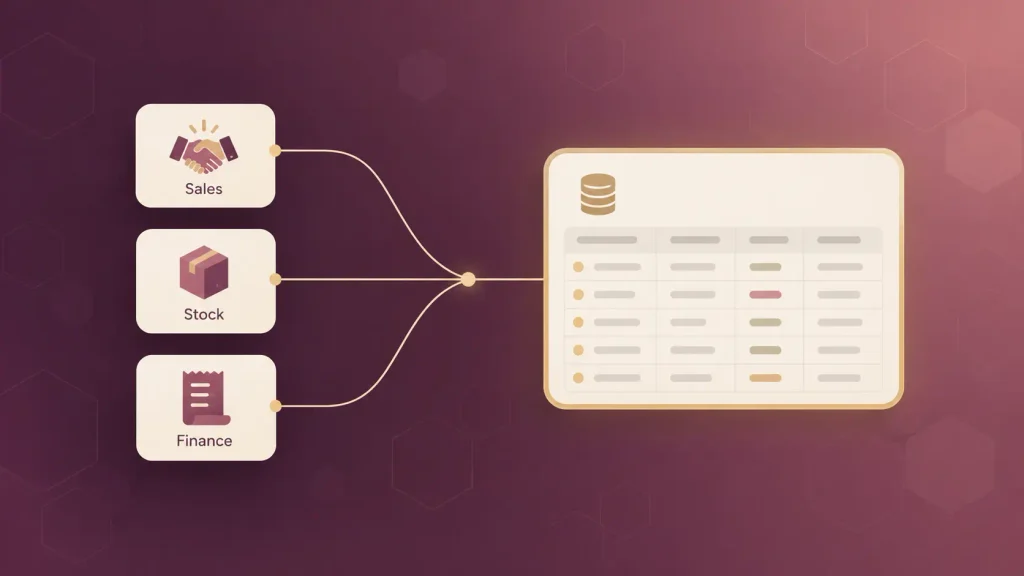
- Signal you need it: three departments each keep their own version of the same customer or order data.
- Build first: one shared data model and the single cross-team handoff that fails most often.
- Honest limitation: scope creep. An “ERP-lite” can quietly grow into a full ERP rebuild.
Keep a written list of what the hub will not do. It protects your budget better than any estimate.
4. Inventory and Warehouse Management System
Custom inventory software tracks stock levels, bin locations, and reorder points based on your real storage layout and supplier timelines. Generic tools rarely model odd layouts, kitted products, or seasonal buying patterns well.
- Signal you need it: you only discover stock discrepancies at the month-end count.
- Build first: real-time stock levels, location tracking, and low-stock alerts.
- Honest limitation: barcode scanners and other hardware add cost and testing time that software-only quotes often leave out.
You’ll want hardware scoped in from day one, not discovered in week eight.
5. Order Management and B2B Ordering Portal
An order management system decides what happens after someone orders: which warehouse ships it, which rules apply, and how stock updates. A B2B ordering portal adds contract pricing, quick reorders, and account-level catalogs for wholesale buyers.
- Signal you need it: sales staff re-type repeat orders from emails into your system.
- Build first: reorder from history, contract pricing, and order status.
- Honest limitation: if you sell through one storefront with simple shipping, your e-commerce platform’s plugins will cover it.
The payoff grows with every extra warehouse, sales channel, or pricing rule you add.
6. Field Service and Dispatch System
A dispatch system assigns jobs to technicians or drivers, routes them, and captures photos, signatures, and parts used on site. It usually pairs a web dashboard for the office with a mobile app for the field.
- Signal you need it: the office spends the day calling technicians to ask where they are.
- Build first: a live job board, a mobile job card, and status updates.
- Honest limitation: field apps must work offline, and that adds real engineering effort.
Test it in a basement or a rural site before launch. That’s exactly where field apps fail.
7. Workflow and Approval Automation Tool
A workflow tool routes requests like purchases, refunds, discounts, or system access through the right reviewers, with a full audit trail. It also moves data between the tools you already pay for, so nobody copies fields from one screen to another.
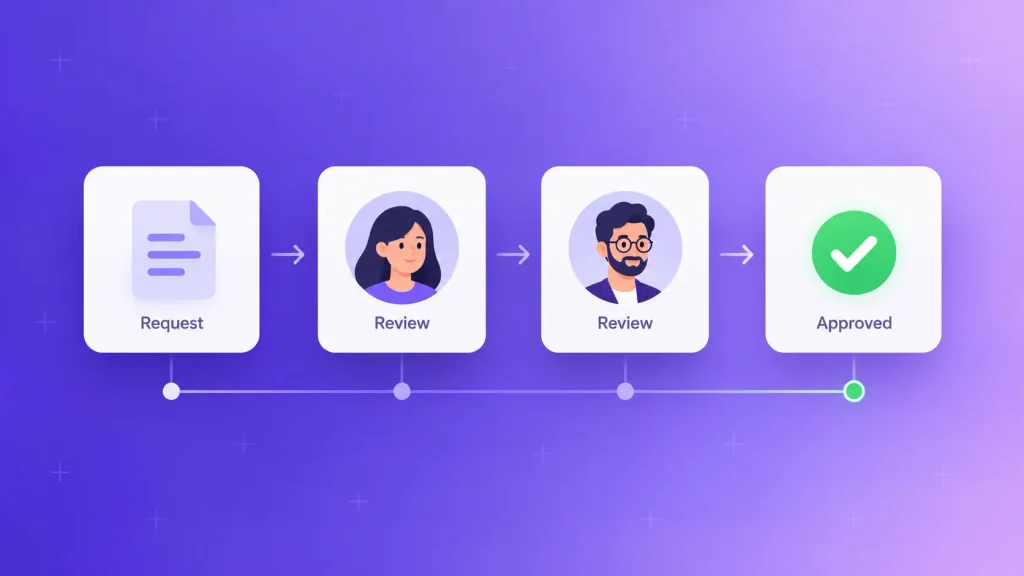
That copying is more common than most leaders realize. MuleSoft’s research found the average organization now runs 897 applications, and Salesforce reports that only 29% of those apps are integrated.
- Signal you need it: approvals live in email threads, and nobody knows who is holding them.
- Build first: one approval flow with clear rules, notifications, and an audit log.
- Honest limitation: automate a messy process, and you get a faster messy process.
So map and simplify the steps on paper first. Then build.
8. Operations and KPI Dashboard
A custom dashboard pulls live data from your CRM, accounting, and operations tools into the few metrics your leadership actually decides on. Unlike a standard BI template, it can carry your own margin logic, exceptions, and targets.
When you layer AI analytics on top, the dashboard can flag unusual dips or spikes before anyone spots them in a chart.
- Signal you need it: the Monday report takes someone half a day to assemble.
- Build first: five to seven metrics leadership already asks about, refreshed daily.
- Honest limitation: a dashboard can’t fix bad source data. It only exposes it.
Start with the questions you need answered, not the charts you’d like to see.
9. Internal Admin Panel
An admin panel lets your staff create, edit, approve, or deactivate records safely, without touching the database or pinging a developer. Almost every product company ends up needing one.
- Signal you need it: engineers lose hours each week to manual data fixes for support or ops.
- Build first: search, role-based editing, and a change history.
- Honest limitation: it’s never glamorous, so it tends to get underfunded and patched for years.
An admin panel is cheap to build well early and expensive to retrofit later.
10. HR and Employee Onboarding Platform
An onboarding platform walks new hires through documents, training, equipment requests, and first-week tasks in one place. Custom versions earn their cost when roles, locations, or compliance steps vary widely.
- Signal you need it: every manager onboards differently, and steps get missed.
- Build first: role-based checklists, document signing, and a progress view for HR.
- Honest limitation: payroll and core HR records belong in specialist systems.
Connect the platform to your HR system rather than trying to replace it.
11. Booking and Scheduling System
A booking system lets customers reserve appointments, rooms, classes, or equipment based on your real availability rules. Custom builds handle what standard schedulers struggle with: multi-resource bookings, deposits, or matching staff skills to jobs.
- Signal you need it: staff manually fix double bookings or juggle several calendars.
- Build first: an availability engine, the booking flow, and automated reminders.
- Honest limitation: if you only need one-to-one meetings, a standard scheduling tool will do.
The rules are the hard part. Write them all down before design starts.
12. Finance Reconciliation and Billing Tool
A reconciliation tool matches payments, invoices, refunds, and payouts across your bank, payment processor, and accounting software, then flags anything that doesn’t line up. Custom billing logic can add usage-based pricing, contract terms, or split payments.
- Signal you need it: month-end close depends on exports and long spreadsheet formulas.
- Build first: automatic matching plus an exceptions queue for your finance team.
- Honest limitation: keep the general ledger in your accounting software. Build around it, not instead of it.
Finance will only trust it after it runs alongside the old process for a cycle or two.
13. AI Copilot or Agent Built Into Your Workflows
An AI copilot sits inside the tools you already use and drafts replies, summarizes records, or answers questions from your own data. An AI agent goes a step further and completes multi-step tasks, like triaging tickets or preparing quotes, with a person approving the result.
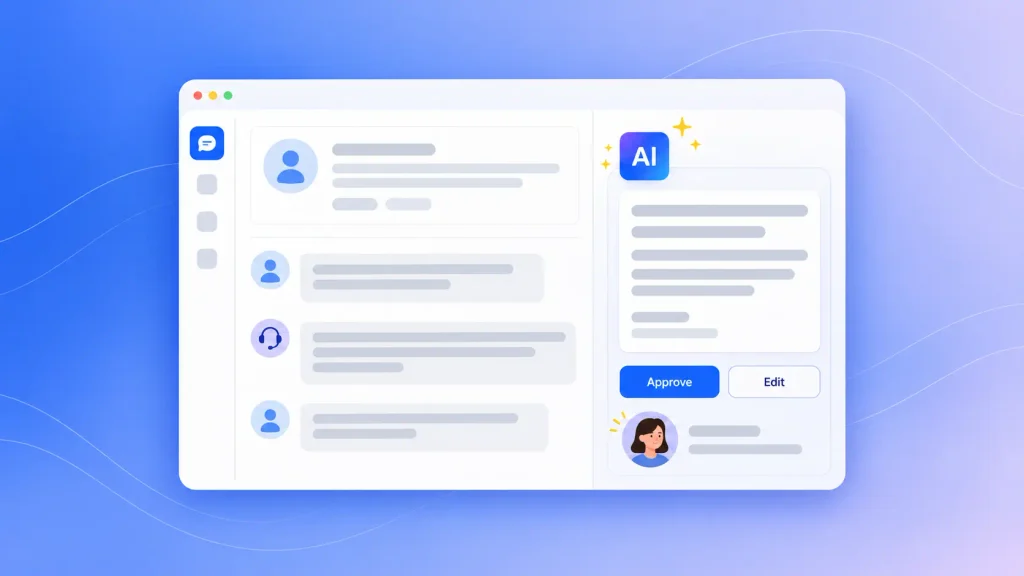
Good AI agent development connects the agent to your existing systems, so it reads your data and follows the same permission rules your staff do.
- Signal you need it: skilled people spend hours on repetitive reading, sorting, or drafting.
- Build first: one narrow task with clear right and wrong answers, plus a human review step.
- Honest limitation: AI output still needs checking, and messy data produces confident wrong answers.
Pick a first task where a mistake is cheap to catch.
14. Customer-Facing Mobile App
A business mobile app puts ordering, loyalty, booking, or account tools in your customers’ pockets, built around your brand and your back office. The real work in mobile app development for a business app is the back end: connecting it to the same order, booking, and account systems your staff already use.
- Signal you need it: your best customers repeat the same action every week.
- Build first: that single most frequent action, plus push notifications.
- Honest limitation: app store reviews, two platforms, and ongoing updates add costs a web portal doesn’t carry.
If customers would open it monthly rather than weekly, a mobile-friendly web portal may serve them better.
15. Legacy System Replacement
Sometimes the best custom software is a rebuild of a system you already depend on. An old desktop app, an aging Access database, or a 15-year-old line-of-business tool can hold your core workflow while getting harder to secure and change.
Legacy application modernization moves that logic onto a modern stack, usually in stages so the business keeps running throughout.
- Signal you need it: only one person understands the old system, and every change feels risky.
- Build first: document the current rules, then rebuild the most-used module.
- Honest limitation: a full rewrite in one go is the riskiest path you can choose.
Replace it piece by piece, and run old and new side by side until the numbers match.
Which Example Fits Your Business? Match the Pain to the Software
The fastest way to choose between these custom software examples is to start from the pain, not the product. Find the row below that sounds like last week:
| The pain you feel | Example that fixes it | First thing to build |
| Deal notes live outside the CRM | Custom CRM (#1) | Pipeline plus the missing approval step |
| Customers email for status updates | Client portal (#2) | Login and live status page |
| Departments disagree on the numbers | Operations hub (#3) | One shared data model |
| Stock surprises at month-end | Inventory system (#4) | Real-time stock levels |
| Repeat orders get re-typed | B2B ordering portal (#5) | Reorder from history |
| Approvals stall in inboxes | Workflow tool (#7) | One rule-based approval flow |
| Reports take half a day | KPI dashboard (#8) | Five to seven core metrics |
| Only one person can change the old system | Legacy replacement (#15) | Documented rules, first module |
If two rows fit, choose the one that touches revenue or customers first. It’s the easiest to justify and the quickest to measure.
Want a second opinion on which one to build first? You can book a free scoping call and talk it through with a senior team.
Custom vs Off-the-Shelf Software vs Low-Code: When Each One Wins
Off-the-shelf software wins for standard workflows, low-code wins for simple internal tools that are still changing, and custom software wins when the workflow is how you compete. Most companies end up using all three.
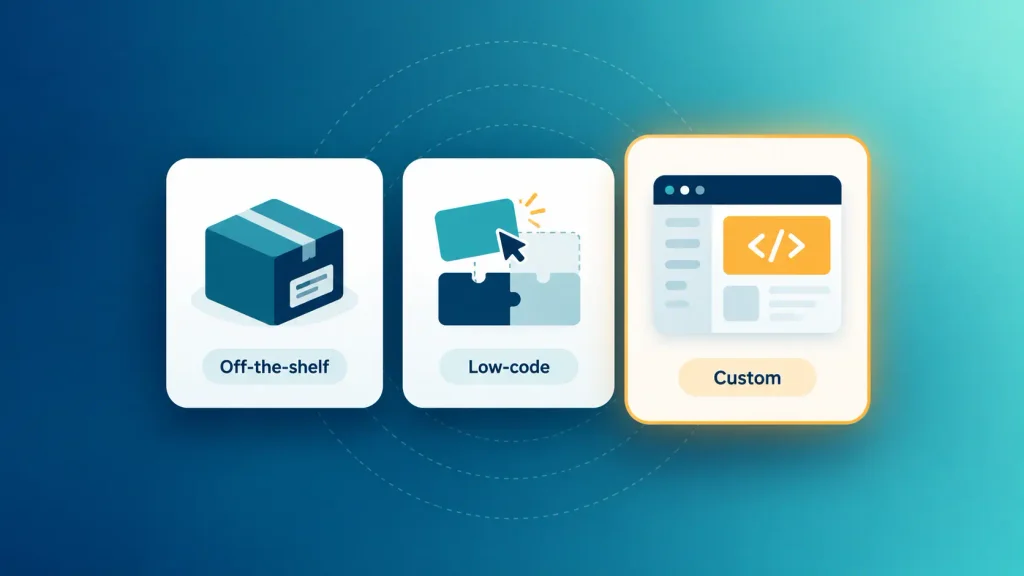
Owning the code is what unlocks the benefits of custom web applications: no per-seat fees, a roadmap you control, and features that match how you work. Here’s how the three options compare:
| Factor | Off-the-Shelf | Low-Code | Custom |
| Fit to your process | You adapt to it | Partial, within platform limits | Built around you |
| Upfront cost | Low | Low to medium | Highest |
| Time to first version | Days | Weeks | Weeks to months |
| Ownership and control | The provider’s roadmap | Platform lock-in | You own the roadmap |
| Best for | Standard work | Prototypes, simple internal tools | Core, differentiating workflows |
The pattern is simple. The closer a workflow sits to how you make money, the more owning it pays off.
When Off-the-Shelf Is the Smarter Call
Payroll, email, basic accounting, and standard HR records are solved problems. Building them yourself burns money you could spend on what actually sets you apart.
Buying more tools isn’t free either, though. Zylo’s 2025 SaaS Management Index found that companies with up to 500 employees run 152 apps on average, and organizations waste around $21 million a year on unused licenses. Sometimes the custom tool is the one that lets you cancel three others.
Where Low-Code Fits, and Where It Breaks
Low-code platforms are great for prototypes, internal forms, and simple approval flows. You can test an idea in weeks and learn what users actually need before committing to a build.
They start to struggle in a few predictable places:
- Complex permissions across many roles, teams, or client accounts.
- Heavy integrations where data accuracy and failure handling matter.
- Per-user pricing that climbs fast as your team grows.
- Customer-facing products where design, speed, and scale shape revenue.
A common, sensible path is to prototype in low-code, then rebuild the version that proves its value as custom software.
What Custom Business Software Costs and How Long It Takes
There’s no honest single price for custom business software, because cost follows scope. A focused tool that fixes one workflow is a far smaller project than a platform that spans every department.
These are the factors that move the number most:
- Number of workflows the first version covers.
- Integrations with your CRM, accounting, ERP, or payment tools.
- User roles and permissions, especially for customer-facing access.
- Data migration from spreadsheets or legacy systems.
- Compliance needs like healthcare or financial data rules.
- Ongoing maintenance, which continues long after launch.
Timelines follow the same logic. The more integrations and migration your project carries, the longer it runs. That’s the strongest argument for shipping a narrow first version, because it gets you real results while the bigger picture is still being planned.
How to Start Your First Custom Build Without Overbuilding
The safest custom business applications start small, prove one result, and grow from there. Here’s the sequence I’d suggest:
- Map the workflow as it really runs today. Include the workarounds, because they show you where the software has to do the most work.
- Pick one painful workflow for version one. Everything else goes on a written “later” list.
- Plan data migration early. Cleaning and moving data is where many projects lose weeks.
- Choose a stack your team can maintain. Choosing the right tech stack for web apps comes down to hiring pool, expected scale, and how easily another team could take over the code.
- Name an owner and one success metric. Hours saved, errors cut, or orders processed, measured before and after.
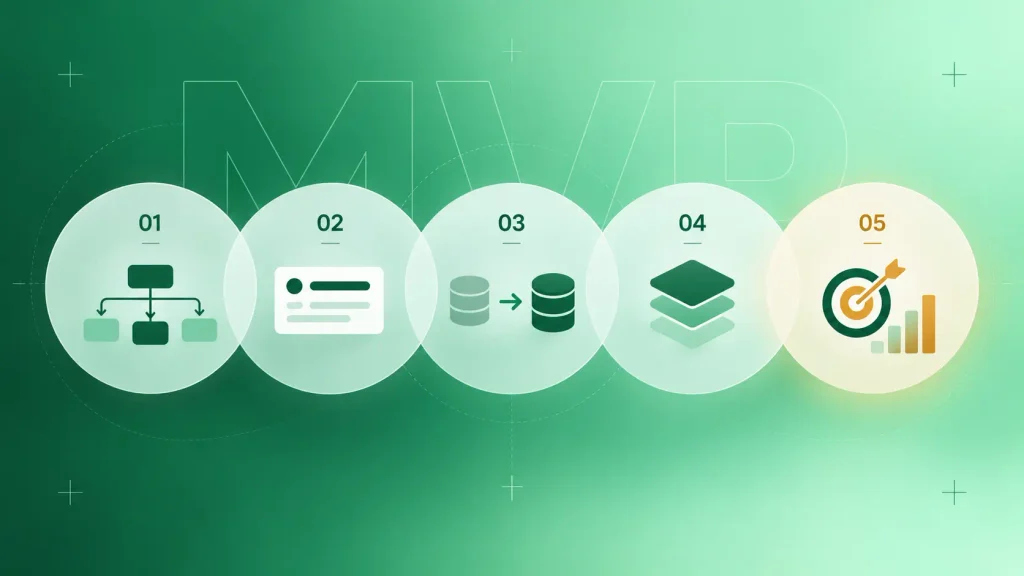
Once those five are settled, the build moves through discovery, design, development, and testing, the same step-by-step web app build process most custom tools follow.
How Boomdevs Solves the Spreadsheet Patchwork Problem
Most teams don’t come to Boomdevs asking for “custom software.” They come with a spreadsheet nobody wants to own, or a process that breaks every time the company grows.
Our custom software development services start with that workflow, not a feature list. With 10+ years and 3.5K+ projects behind us, we scope the smallest version that proves value, build it, and expand only once the numbers back it up.
If one of the 15 custom business software examples above sounds like your week, get a free project estimate, and we’ll help you scope the right first build.
Quick Comparison: All 15 Custom Business Software Examples at a Glance
Use this table as a quick reference to these examples of custom software for business once you’ve read the full list:
| Example | Best For | Key Signal |
| 1. Custom CRM | Non-standard sales processes | Deal notes in side spreadsheets |
| 2. Client and partner portal | Service and B2B companies | Constant status emails |
| 3. Operations hub | Multi-department operations | Conflicting data across teams |
| 4. Inventory system | Physical product businesses | Month-end stock surprises |
| 5. Order management / B2B portal | Wholesale and multi-warehouse sellers | Re-typed repeat orders |
| 6. Field service and dispatch | Field teams and drivers | Calls asking “where are you?” |
| 7. Workflow automation | Approval-heavy teams | Approvals stuck in email |
| 8. KPI dashboard | Leadership teams | Half-day manual reports |
| 9. Internal admin panel | Product and SaaS companies | Engineers fixing data by hand |
| 10. Onboarding platform | Fast-hiring teams | Missed onboarding steps |
| 11. Booking system | Appointment-based businesses | Double bookings |
| 12. Reconciliation tool | Finance teams | Spreadsheet-driven close |
| 13. AI copilot or agent | Repetitive knowledge work | Hours of reading and drafting |
| 14. Customer mobile app | High-frequency customers | Weekly repeat actions |
| 15. Legacy replacement | Companies on aging core systems | One person understands the system |
Notice how many signals across these custom business software examples involve a spreadsheet or an inbox. That’s usually where your first custom build is hiding.
Frequently Asked Questions
What are some examples of custom software for business?
Common custom business software examples include custom CRMs, client portals, operations hubs, inventory and order management systems, dispatch tools, workflow automation, KPI dashboards, and internal admin panels. Newer examples include AI copilots built into business workflows and modern replacements for legacy systems.
What is the difference between custom and off-the-shelf software?
Off-the-shelf software is built for a broad market, so you adapt your process to it. Custom software is built around your specific workflows, data, and rules. In the custom vs off-the-shelf software choice, off-the-shelf is faster and cheaper to start, while custom gives you a better fit and full control over the roadmap.
When should a small business build custom software?
Build custom software when your team relies on workarounds, like side spreadsheets, re-typed data, or email approvals, for a workflow that matters to revenue or customers. If the workflow is standard, an existing tool is usually the smarter choice. Start with one narrow workflow rather than a full system.
Can custom software integrate with the tools I already use?
Yes, in most cases. Custom software usually connects to your CRM, accounting, payment, and communication tools through their APIs. The main limit is whether a tool exposes the data you need, so it’s worth checking integration options during scoping.
Is custom software worth it compared to SaaS subscriptions?
It’s worth it when the workflow is specific to how you compete, or when you’re paying for several tools that still don’t fit. Compare the total cost over several years, including license fees, workaround time, and errors, not just the upfront build price. For standard functions, SaaS usually wins.